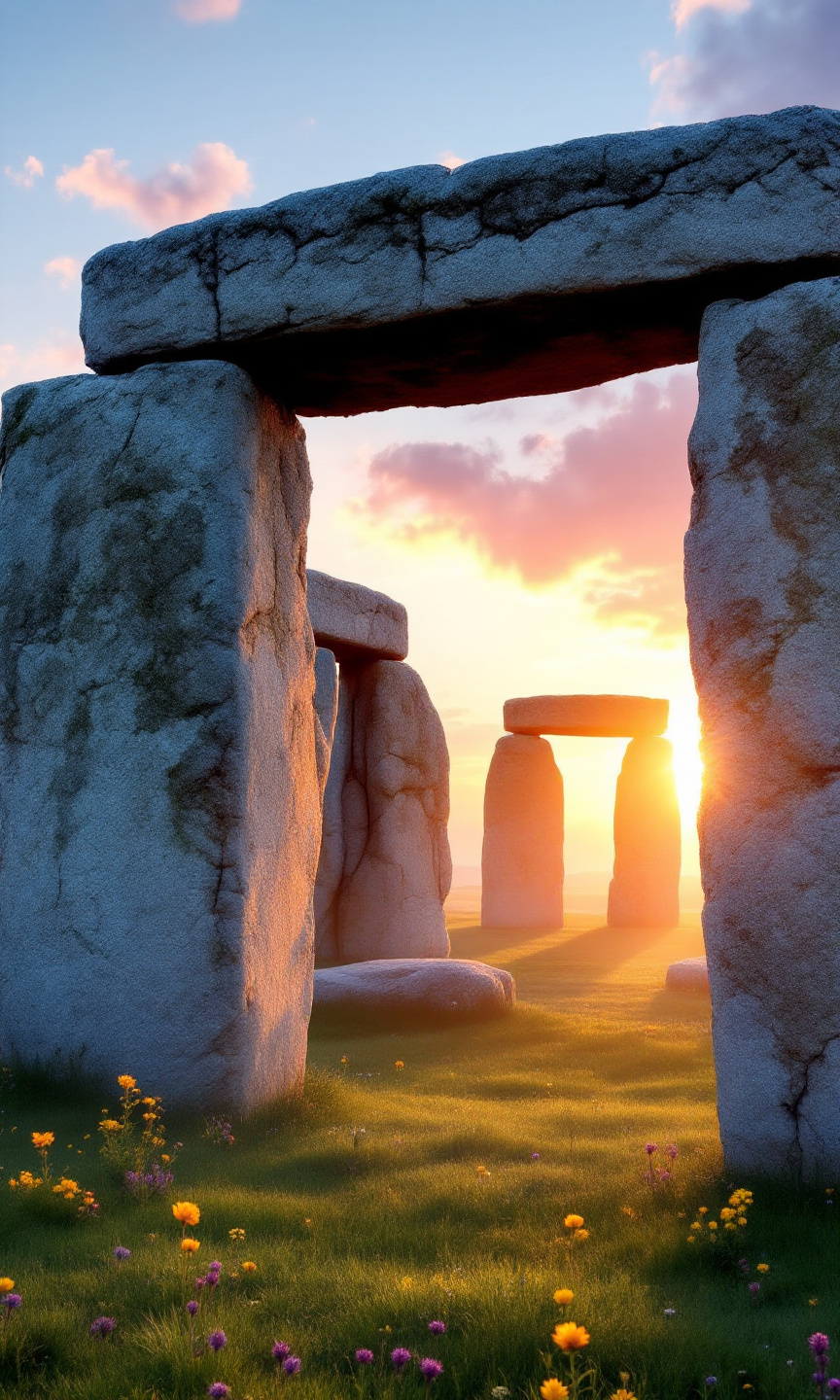
Stonehenge - Flux.1.1 pro
prompt
Create an image of Stonehenge at dawn, with the first light of day illuminating the ancient stones. Capture the massive, weathered sarsen stones and the smaller bluestones, showcasing their rough textures and cool gray hues. The scene should emphasize the iconic circular arrangement, with shadows stretching across the dewy grass. Surrounding the monument, depict the gentle rolling hills of Salisbury Plain, dotted with wildflowers in soft yellows and purples, enhancing the serene atmosphere. A light mist lingers, adding a mystical quality. Incorporate the vibrant colors of the sunrise—pinks, oranges, and soft blues—reflecting off the stones. Highlight the historical significance of this Neolithic structure, evoking a sense of wonder and reverence. Use a wide-angle lens to capture the grandeur of the site, with a soft-focus effect to create a dreamlike ambiance, reminiscent of ancient rituals and the passage of time.
Analisi Dettagliata del Prompt Immagine Flux AI
Analizza il prompt dettagliato utilizzato per generare l'immagine con il Generatore Immagini Flux AI.
Esplora i Prompt Flux per il Generatore Immagini Flux AI
Come generare immagini con Flux.1.1 pro
Segui questi quattro semplici passaggi per creare l'immagine desiderata.
Passaggio 1: Inserisci il Tuo Testo (Sentiti libero di perfezionare il prompt per risultati migliori)
Passaggio 2: Scegli le Proporzioni dell'Immagine
Passaggio 3: Seleziona il Tuo Modello Flux:
Passaggio 4: Clicca il Pulsante Genera e Attendi Alcuni Secondi per la Tua Immagine
Strumenti Flux AI correlati per prompt su Flux.1.1 pro
Scopri strumenti avanzati di Flux AI per potenziare il tuo flusso di lavoro creativo.