Stonehenge - Flux.1.1 pro
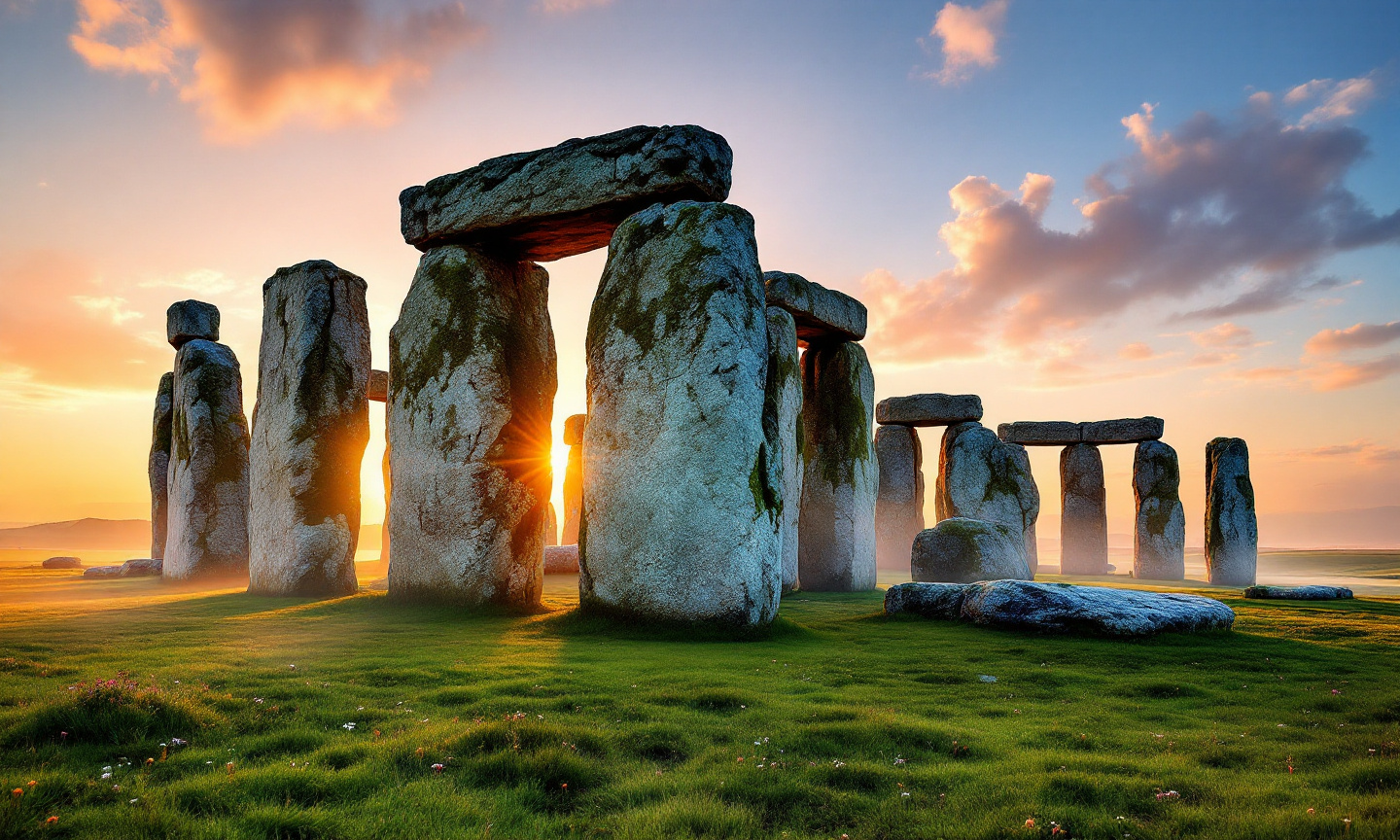
prompt
Create a stunning image of Stonehenge at dawn, with the first light of day illuminating the ancient stone circle. Capture the massive, weathered sarsen stones, their gray hues contrasting with the warm oranges and pinks of the early morning sky. Highlight the intricate textures of the stones, marked by centuries of wind and rain, and the subtle moss clinging to their surfaces. Surrounding the monument, depict the lush green grass of the Salisbury Plain, dotted with wildflowers, and distant rolling hills that fade into the horizon. Include a soft mist rising from the ground, adding an ethereal quality to the scene. Emphasize the cultural significance of Stonehenge as a prehistoric astronomical observatory, with the alignment of stones hinting at celestial events. Use a wide-angle lens to capture the grandeur of the landscape, and opt for a high dynamic range (HDR) style to enhance the details in both the shadows and highlights, evoking a sense of mystery and reverence.
Analisi Dettagliata del Prompt Immagine Flux AI
Analizza il prompt dettagliato utilizzato per generare l'immagine con il Generatore Immagini Flux AI.
Esplora i Prompt Flux per il Generatore Immagini Flux AI
Come generare immagini con Flux.1.1 pro
Segui questi quattro semplici passaggi per creare l'immagine desiderata.
Passaggio 1: Inserisci il Tuo Testo (Sentiti libero di perfezionare il prompt per risultati migliori)
Passaggio 2: Scegli le Proporzioni dell'Immagine
Passaggio 3: Seleziona il Tuo Modello Flux:
Passaggio 4: Clicca il Pulsante Genera e Attendi Alcuni Secondi per la Tua Immagine
Strumenti Flux AI correlati per prompt su Flux.1.1 pro
Scopri strumenti avanzati di Flux AI per potenziare il tuo flusso di lavoro creativo.