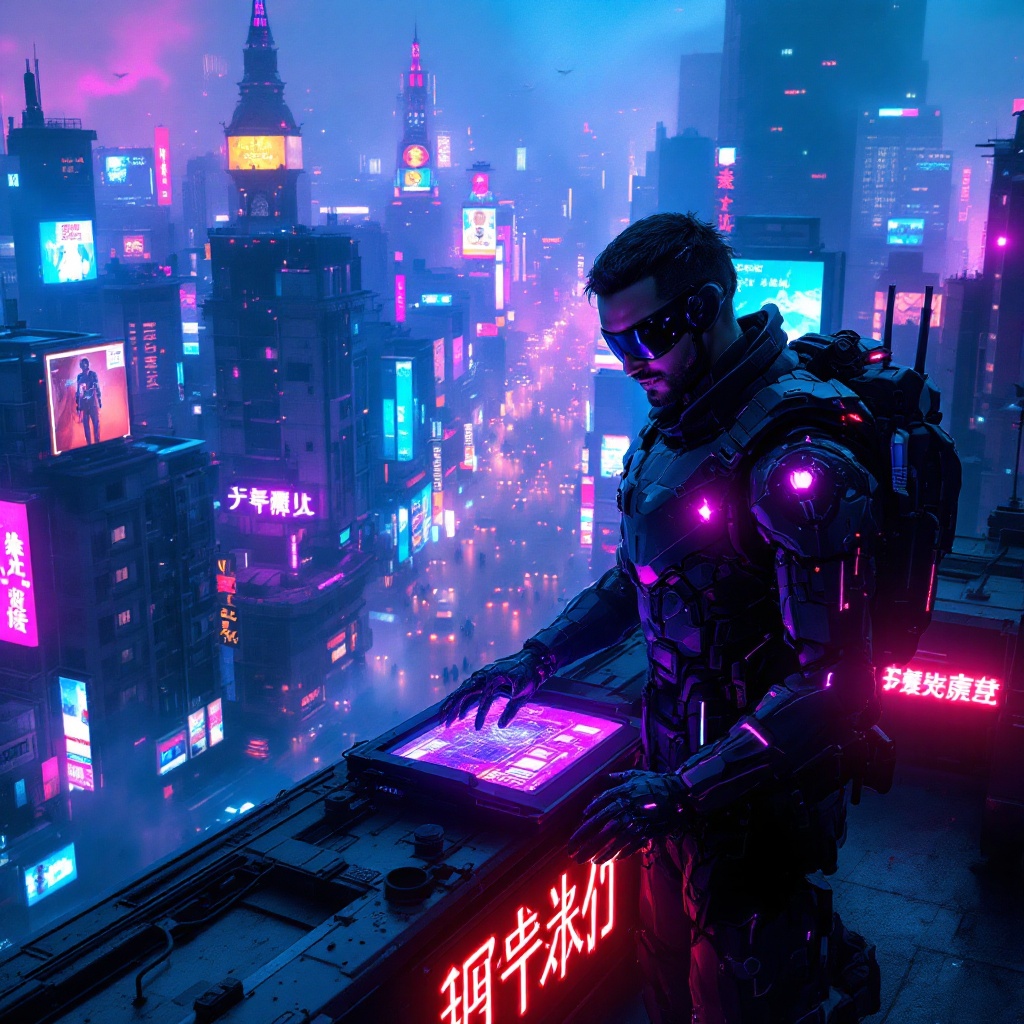
Neon Shadows: A Cyber Heist - Flux.1.1 pro
prompt
In a sprawling cyberpunk metropolis, neon-lit rooftops pulse with vibrant hues of electric blue and fuchsia, casting a surreal glow over the urban landscape. Wisps of electric haze swirl through the air, illuminated by flickering holographic advertisements and the soft hum of drones overhead. Two augmented spies, clad in sleek, dark tactical gear with glowing circuitry patterns, stand at the edge of a rooftop, their visors reflecting the kaleidoscope of colors around them. One leans over a holographic interface, fingers dancing across the translucent screen, while the other glances around, vigilant, with a faint smirk revealing a hint of confidence. Below, the chaotic streets buzz with life, a blur of cyborgs and neon signs, while distant sirens wail, adding to the electric atmosphere. The scene captures the essence of a high-stakes exchange, where shadows and light intertwine in a world where technology and intrigue collide.
Analisi Dettagliata del Prompt Immagine Flux AI
Analizza il prompt dettagliato utilizzato per generare l'immagine con il Generatore Immagini Flux AI.
Esplora i Prompt Flux per il Generatore Immagini Flux AI
Come generare immagini con Flux.1.1 pro
Segui questi quattro semplici passaggi per creare l'immagine desiderata.
Passaggio 1: Inserisci il Tuo Testo (Sentiti libero di perfezionare il prompt per risultati migliori)
Passaggio 2: Scegli le Proporzioni dell'Immagine
Passaggio 3: Seleziona il Tuo Modello Flux:
Passaggio 4: Clicca il Pulsante Genera e Attendi Alcuni Secondi per la Tua Immagine
Strumenti Flux AI correlati per prompt su Flux.1.1 pro
Scopri strumenti avanzati di Flux AI per potenziare il tuo flusso di lavoro creativo.