Neon Shadows: A Cyberpunk Odyssey - Flux.1 dev
prompt
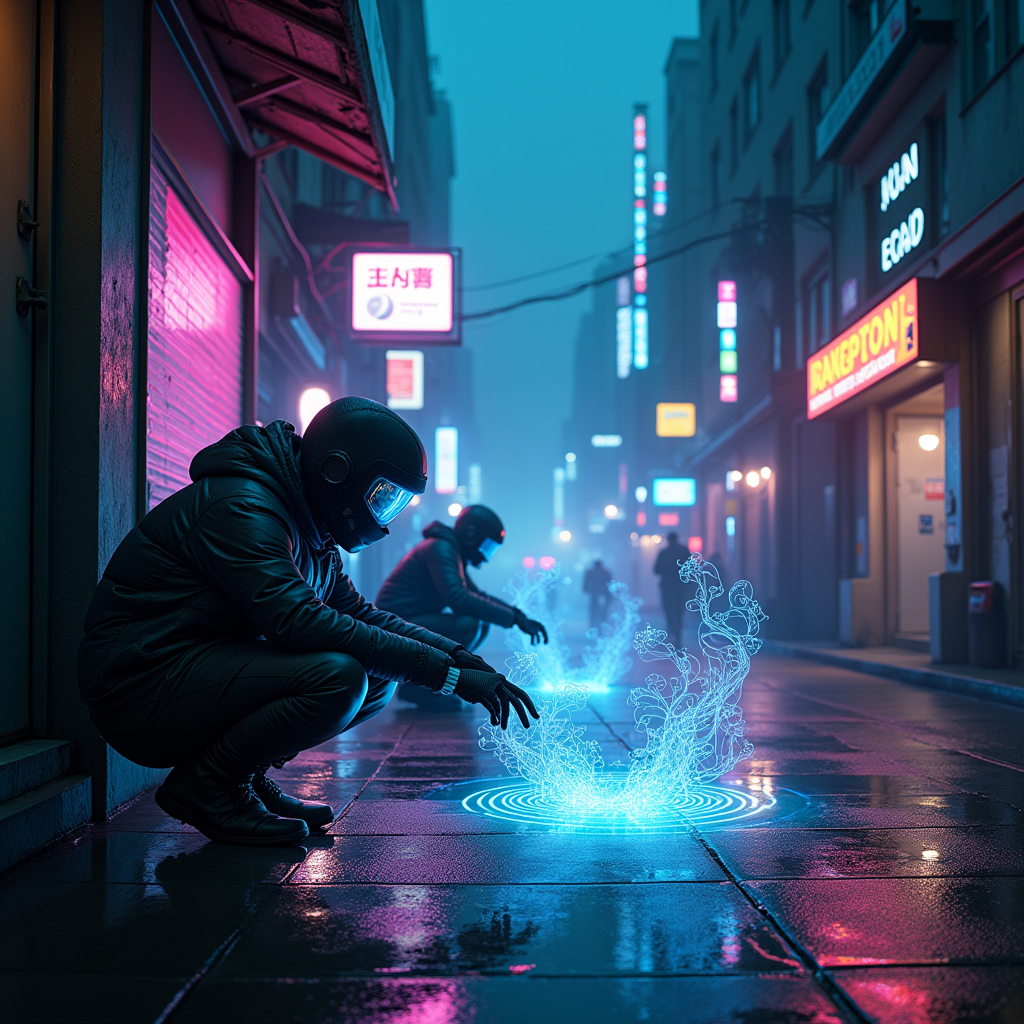
In a dimly lit cyberpunk alley, glowing holograms flicker like ethereal specters, casting a kaleidoscope of neon blues, purples, and greens against the rain-slicked pavement. Augmented hackers, cloaked in sleek, reflective gear, hunch over their shimmering devices, their faces illuminated by the pulsating light of virtual illusions swirling around them. Wisps of digital smoke curl and twist, forming intricate patterns that dance in the twilight haze, while the city skyline looms in the background, a silhouette of towering skyscrapers adorned with animated billboards. The air is thick with an electric tension, and the soft hum of machinery blends with distant sirens, creating an immersive soundscape. A lone figure, their eyes augmented with glowing overlays, reaches out to manipulate a floating interface, sending ripples through the holographic tapestry. Shadows stretch and flicker, enhancing the sense of mystery and danger in this vibrant, otherworldly realm.
Analisi Dettagliata del Prompt Immagine Flux AI
Analizza il prompt dettagliato utilizzato per generare l'immagine con il Generatore Immagini Flux AI.
Esplora i Prompt Flux per il Generatore Immagini Flux AI
Come generare immagini con Flux.1 dev
Segui questi quattro semplici passaggi per creare l'immagine desiderata.
Passaggio 1: Inserisci il Tuo Testo (Sentiti libero di perfezionare il prompt per risultati migliori)
Passaggio 2: Scegli le Proporzioni dell'Immagine
Passaggio 3: Seleziona il Tuo Modello Flux:
Passaggio 4: Clicca il Pulsante Genera e Attendi Alcuni Secondi per la Tua Immagine
Strumenti Flux AI correlati per prompt su Flux.1 dev
Scopri strumenti avanzati di Flux AI per potenziare il tuo flusso di lavoro creativo.