Kenshin Takeda - Flux.1.1 pro
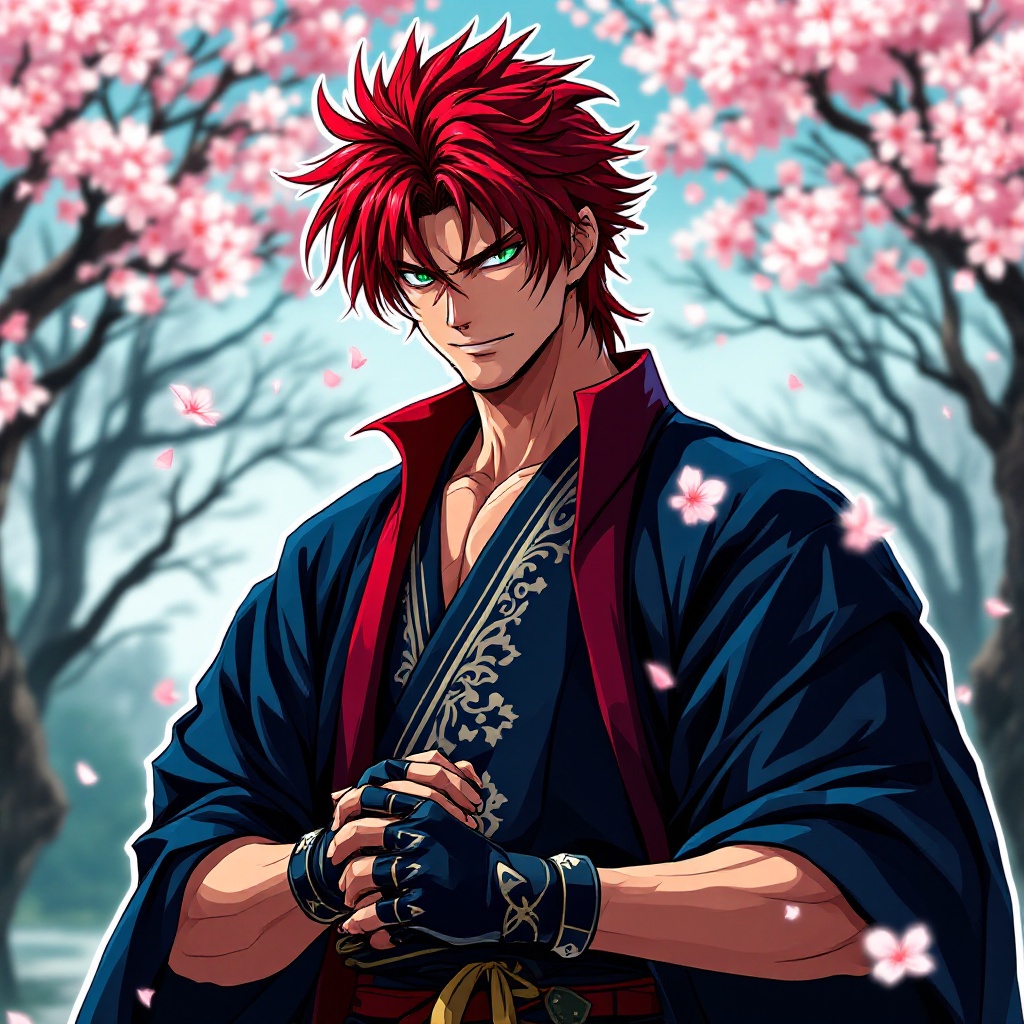
prompt
Create an image of Kenshin Takeda in a vibrant anime sticker style. He has striking red hair styled in a spiky fashion, with sharp green eyes that convey determination. Kenshin wears a traditional samurai outfit, featuring a dark blue kimono adorned with intricate silver patterns, complemented by a crimson haori draped over his shoulders. His signature accessory, a pair of fingerless gloves, adds a modern twist to his classic attire. Kenshin's expression is fierce yet focused, with a slight smirk suggesting confidence. He stands in a dynamic pose, one hand gripping the hilt of his katana, ready for action. Set against a stylized backdrop of a serene cherry blossom grove, petals gently falling around him, the scene captures the essence of his warrior spirit. Use bold outlines and vibrant colors typical of anime sticker art, emphasizing Kenshin's energetic presence and the delicate beauty of the blossoms.
Analisi Dettagliata del Prompt Immagine Flux AI
Analizza il prompt dettagliato utilizzato per generare l'immagine con il Generatore Immagini Flux AI.
Esplora i Prompt Flux per il Generatore Immagini Flux AI
Come generare immagini con Flux.1.1 pro
Segui questi quattro semplici passaggi per creare l'immagine desiderata.
Passaggio 1: Inserisci il Tuo Testo (Sentiti libero di perfezionare il prompt per risultati migliori)
Passaggio 2: Scegli le Proporzioni dell'Immagine
Passaggio 3: Seleziona il Tuo Modello Flux:
Passaggio 4: Clicca il Pulsante Genera e Attendi Alcuni Secondi per la Tua Immagine
Strumenti Flux AI correlati per prompt su Flux.1.1 pro
Scopri strumenti avanzati di Flux AI per potenziare il tuo flusso di lavoro creativo.