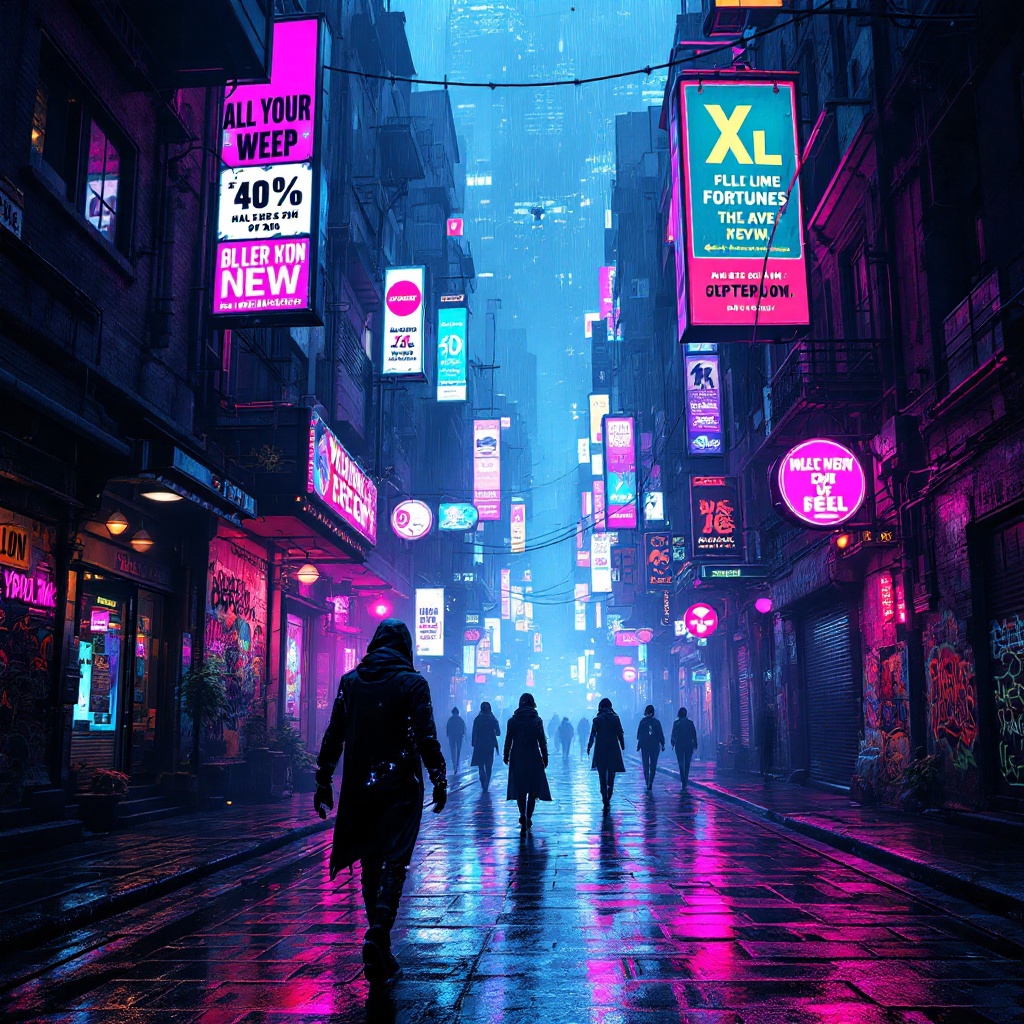
Neon Shadows: The Heist Awaits - Flux.1.1 pro
prompt
In a sprawling cyberpunk metropolis, neon reflections shimmer off rain-slicked cobblestones, casting a kaleidoscope of electric blues, vibrant pinks, and acid greens across the labyrinthine alleys. Shadowy figures, augmented thieves clad in sleek, form-fitting attire adorned with glowing circuitry, glide through the misty darkness, their eyes glinting with the light of embedded tech. Holographic advertisements flicker overhead, promoting elusive fortunes and underground markets, while the air buzzes with the hum of drones patrolling the skies. Graffiti art, pulsating with bioluminescent hues, decorates crumbling walls, telling tales of rebellion and lost dreams. A distant siren wails, echoing through the narrow passageways, as the thieves navigate with a mix of stealth and urgency, their silhouettes merging with the vibrant chaos of the city. In the foreground, a flickering neon sign illuminates a hidden entrance, hinting at the treasure that lies within the shadows, waiting to be claimed.
Analisi Dettagliata del Prompt Immagine Flux AI
Analizza il prompt dettagliato utilizzato per generare l'immagine con il Generatore Immagini Flux AI.
Esplora i Prompt Flux per il Generatore Immagini Flux AI
Come generare immagini con Flux.1.1 pro
Segui questi quattro semplici passaggi per creare l'immagine desiderata.
Passaggio 1: Inserisci il Tuo Testo (Sentiti libero di perfezionare il prompt per risultati migliori)
Passaggio 2: Scegli le Proporzioni dell'Immagine
Passaggio 3: Seleziona il Tuo Modello Flux:
Passaggio 4: Clicca il Pulsante Genera e Attendi Alcuni Secondi per la Tua Immagine
Strumenti Flux AI correlati per prompt su Flux.1.1 pro
Scopri strumenti avanzati di Flux AI per potenziare il tuo flusso di lavoro creativo.