Milan Cathedral - Flux.1 dev
prompt
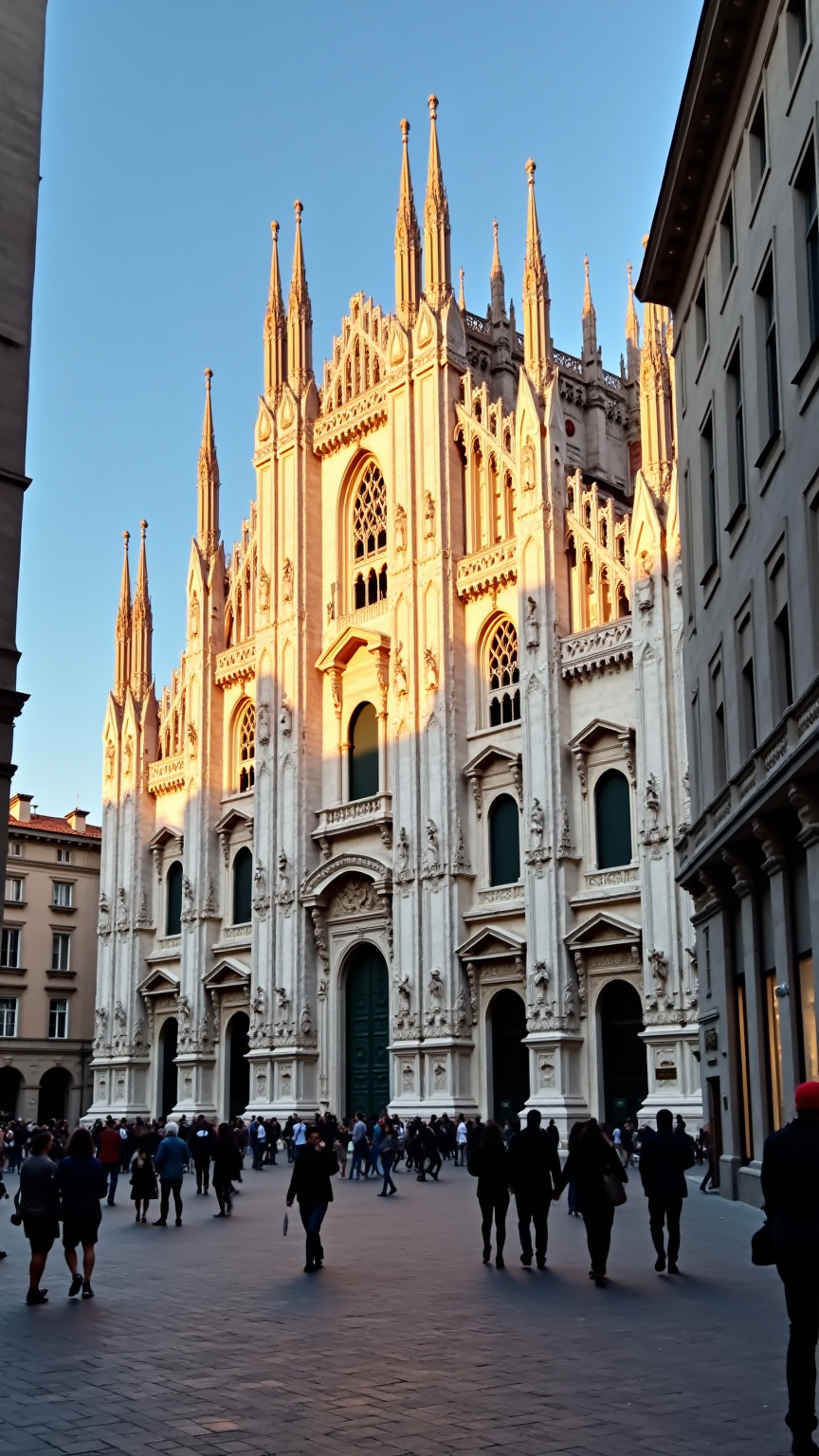
Create an image of Milan Cathedral, a stunning example of Gothic architecture, showcasing its intricate spires and elaborate façade adorned with over 3,400 statues. Capture the cathedral's pale pink and white marble, glistening in the soft golden light of sunset, casting long shadows across the Piazza del Duomo. Highlight the delicate details of the pointed arches and flying buttresses that define its silhouette against the deepening blue sky. Surround the cathedral with the bustling energy of the piazza, where visitors admire the grandeur, and street artists add vibrancy to the scene. Incorporate the reflections of the cathedral in the nearby glass storefronts, blending modernity with history. Emphasize the textures of the stone, the intricate carvings, and the contrasting smoothness of the plaza's cobblestones. Use a wide-angle lens to capture the full scale of the cathedral, evoking a sense of awe and reverence in this cultural landmark of Milan.
Analisi Dettagliata del Prompt Immagine Flux AI
Analizza il prompt dettagliato utilizzato per generare l'immagine con il Generatore Immagini Flux AI.
Esplora i Prompt Flux per il Generatore Immagini Flux AI
Come generare immagini con Flux.1 dev
Segui questi quattro semplici passaggi per creare l'immagine desiderata.
Passaggio 1: Inserisci il Tuo Testo (Sentiti libero di perfezionare il prompt per risultati migliori)
Passaggio 2: Scegli le Proporzioni dell'Immagine
Passaggio 3: Seleziona il Tuo Modello Flux:
Passaggio 4: Clicca il Pulsante Genera e Attendi Alcuni Secondi per la Tua Immagine
Strumenti Flux AI correlati per prompt su Flux.1 dev
Scopri strumenti avanzati di Flux AI per potenziare il tuo flusso di lavoro creativo.