Neon Shadows: Secrets Unveiled - Flux.1.1 pro
prompt
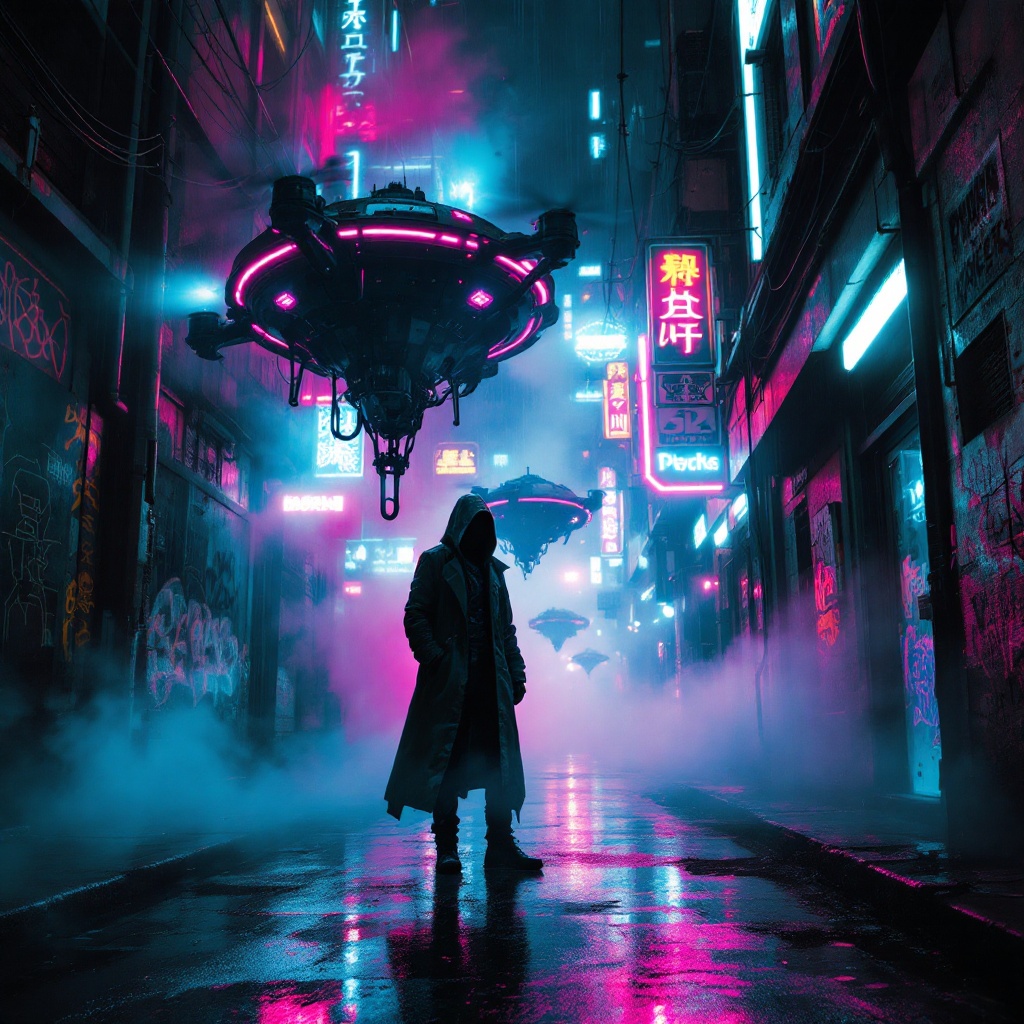
In a dimly lit, rain-soaked alley of a sprawling cyberpunk metropolis, rusted drones hover silently, their once-sleek metallic bodies now marred by decay and grime, casting flickering shadows on the slick pavement below. A vibrant neon mist swirls around them, painted in hues of electric blue and pulsating pink, creating an ethereal glow that obscures hidden agendas lurking in the darkness. The atmosphere is thick with tension, as the faint hum of the drones harmonizes with the distant sounds of a bustling city, neon signs flickering above, illuminating graffiti-covered walls. A lone figure, cloaked in a tattered trench coat, stands partially obscured by the mist, their face hidden beneath a hood, eyes glinting with determination. Glowing circuit patterns pulse along the alley’s edges, hinting at a world where technology and despair intertwine, while the air crackles with the promise of secrets waiting to be unveiled.
Analisi Dettagliata del Prompt Immagine Flux AI
Analizza il prompt dettagliato utilizzato per generare l'immagine con il Generatore Immagini Flux AI.
Esplora i Prompt Flux per il Generatore Immagini Flux AI
Come generare immagini con Flux.1.1 pro
Segui questi quattro semplici passaggi per creare l'immagine desiderata.
Passaggio 1: Inserisci il Tuo Testo (Sentiti libero di perfezionare il prompt per risultati migliori)
Passaggio 2: Scegli le Proporzioni dell'Immagine
Passaggio 3: Seleziona il Tuo Modello Flux:
Passaggio 4: Clicca il Pulsante Genera e Attendi Alcuni Secondi per la Tua Immagine
Strumenti Flux AI correlati per prompt su Flux.1.1 pro
Scopri strumenti avanzati di Flux AI per potenziare il tuo flusso di lavoro creativo.