Quiche - Flux.1 schnell
prompt
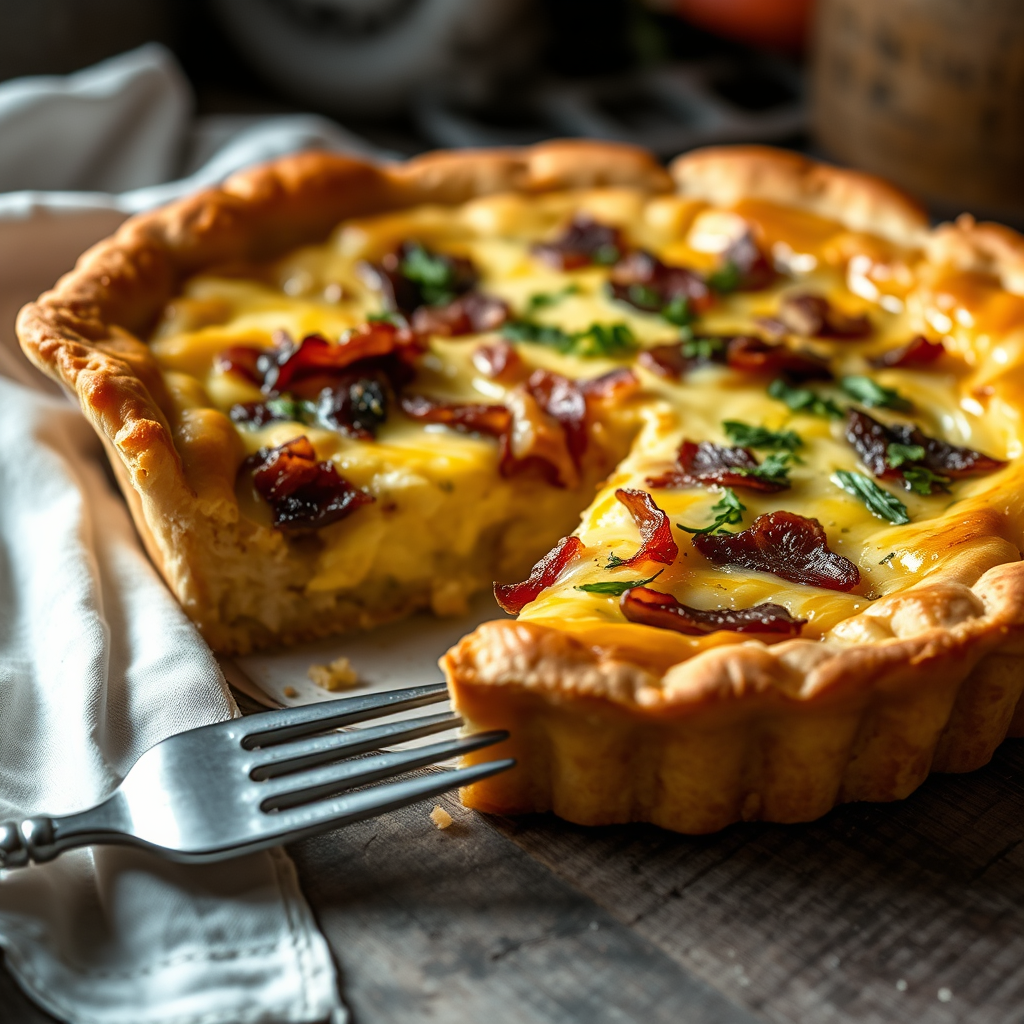
**Prompt:** "A golden, buttery quiche with a flaky, crisp crust, filled with a creamy, velvety custard studded with vibrant ingredients—caramelized onions, smoky bacon, and fresh herbs. The top glistens under soft, diffused morning light, steam rising gently from its warm surface. Shot in a rustic French kitchen with a weathered wooden table, a linen napkin draped casually nearby. Close-up macro photography highlights the delicate layers of pastry and the rich, glossy filling, evoking the aroma of baked eggs, herbs, and melted cheese. A fork rests beside it, ready to slice into the tender, quivering center.
Analisi Dettagliata del Prompt Immagine Flux AI
Analizza il prompt dettagliato utilizzato per generare l'immagine con il Generatore Immagini Flux AI.
Esplora i Prompt Flux per il Generatore Immagini Flux AI
Come generare immagini con Flux.1 schnell
Segui questi quattro semplici passaggi per creare l'immagine desiderata.
Passaggio 1: Inserisci il Tuo Testo (Sentiti libero di perfezionare il prompt per risultati migliori)
Passaggio 2: Scegli le Proporzioni dell'Immagine
Passaggio 3: Seleziona il Tuo Modello Flux:
Passaggio 4: Clicca il Pulsante Genera e Attendi Alcuni Secondi per la Tua Immagine
Strumenti Flux AI correlati per prompt su Flux.1 schnell
Scopri strumenti avanzati di Flux AI per potenziare il tuo flusso di lavoro creativo.