Frikadeller - Flux.1 dev
prompt
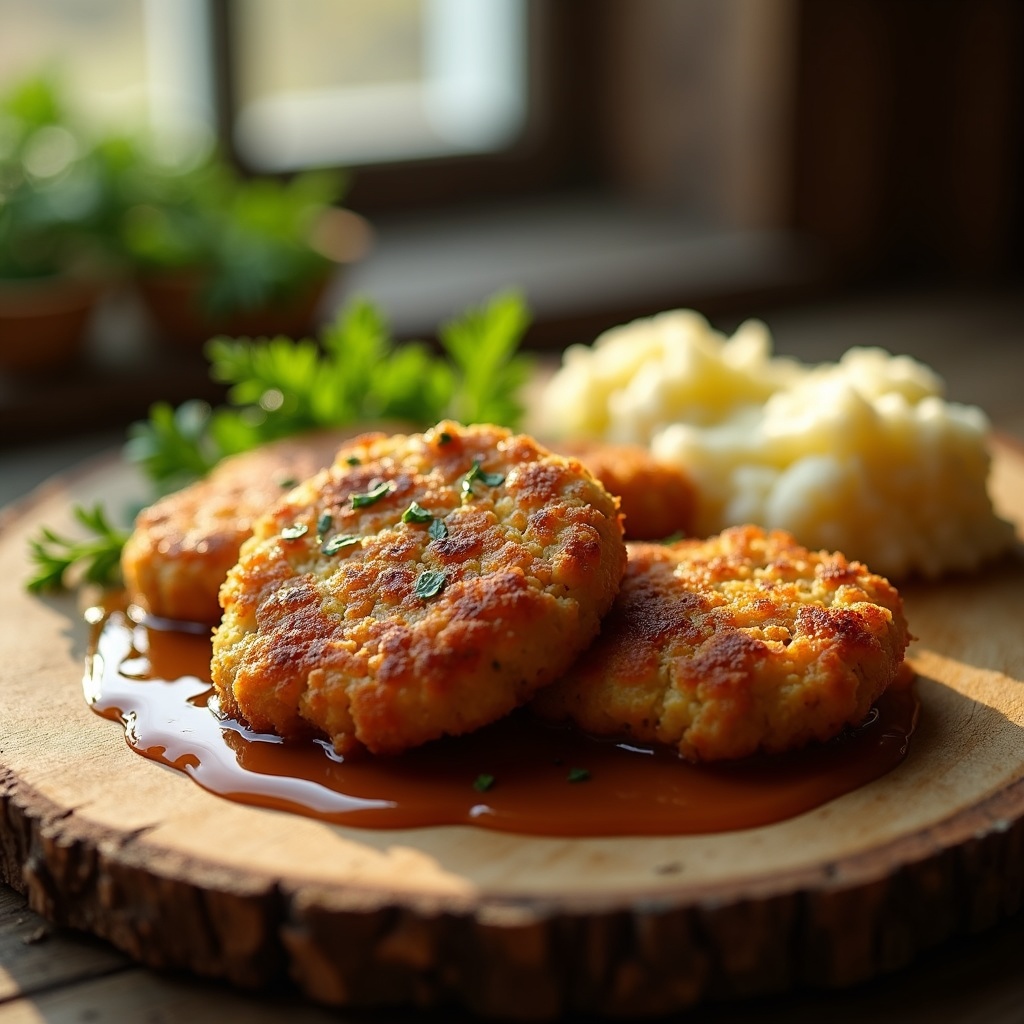
**Prompt:** "Golden-brown Frikadeller, crispy-edged and juicy within, nestled on a rustic wooden board with a drizzle of rich, glossy gravy pooling beneath. Fresh parsley sprigs and a side of buttery mashed potatoes add vibrant green and creamy white contrasts. Soft, warm light streams through a farmhouse window, casting gentle shadows that highlight the dish’s textures—crumbly edges, velvety sauce, and steam curling invitingly above. Shot in a cozy, rustic style with shallow depth of field, focusing on the Frikadeller’s crisp crust and tender interior, evoking the comforting aroma of caramelized onions and savory herbs.
Analisi Dettagliata del Prompt Immagine Flux AI
Analizza il prompt dettagliato utilizzato per generare l'immagine con il Generatore Immagini Flux AI.
Esplora i Prompt Flux per il Generatore Immagini Flux AI
Come generare immagini con Flux.1 dev
Segui questi quattro semplici passaggi per creare l'immagine desiderata.
Passaggio 1: Inserisci il Tuo Testo (Sentiti libero di perfezionare il prompt per risultati migliori)
Passaggio 2: Scegli le Proporzioni dell'Immagine
Passaggio 3: Seleziona il Tuo Modello Flux:
Passaggio 4: Clicca il Pulsante Genera e Attendi Alcuni Secondi per la Tua Immagine
Strumenti Flux AI correlati per prompt su Flux.1 dev
Scopri strumenti avanzati di Flux AI per potenziare il tuo flusso di lavoro creativo.