Giraffe - Flux.1 dev
プロンプト
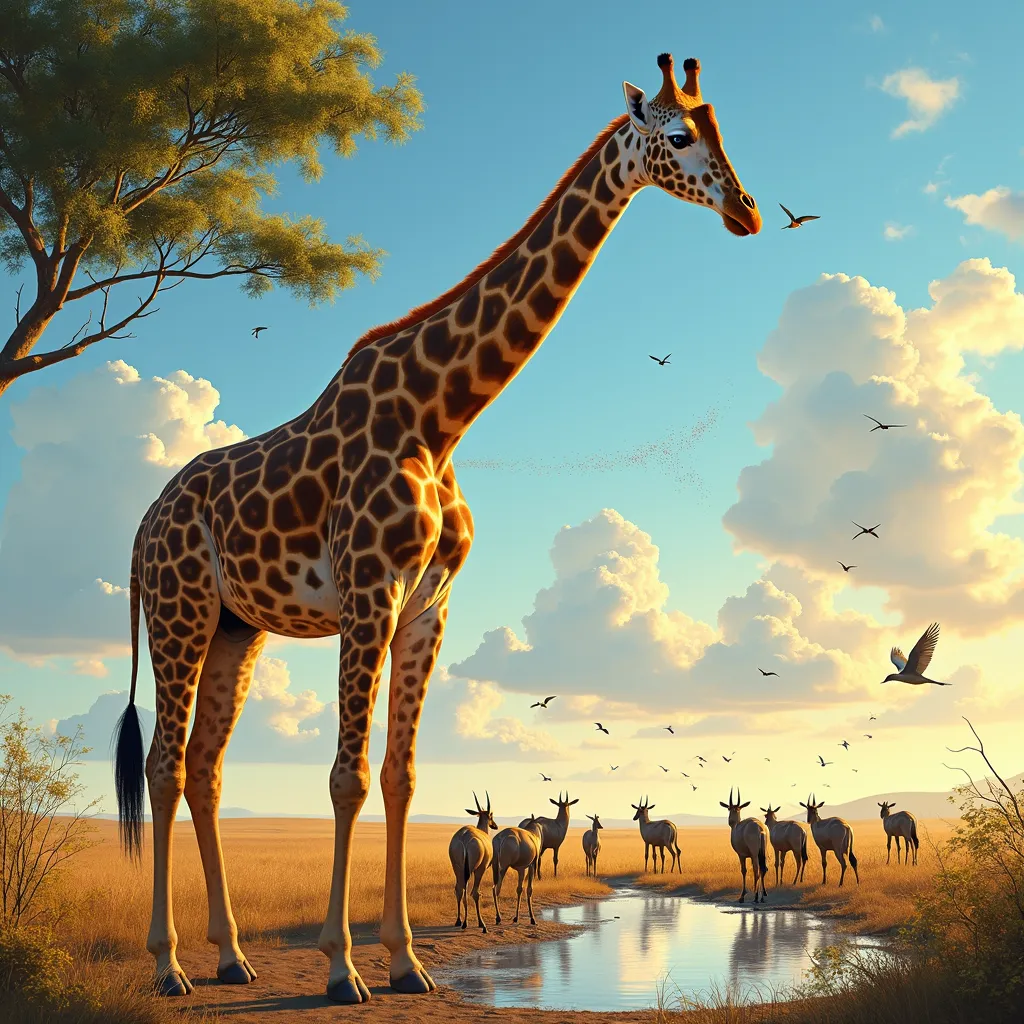
A majestic giraffe stands tall in a sun-drenched African savanna, its long neck gracefully arched as it reaches for acacia leaves. The animal's distinctive spotted coat shimmers with golden hues, contrasting against the azure sky. Hyper-realistic oil painting style captures every detail, from the giraffe's long eyelashes to the texture of its fur. Warm, golden-hour lighting bathes the scene, casting long shadows and creating a serene, dreamlike atmosphere. A low-angle perspective emphasizes the giraffe's height, with its legs and body extending beyond the frame. In the background, a herd of wildebeest graze peacefully, while a flock of colorful birds takes flight. A nearby watering hole reflects the sky, adding depth to the composition. The overall mood is one of tranquility and wonder, celebrating the beauty of African wildlife.
Flux AI Image Promptの詳細分析
Flux AI Image Generatorを使用して画像を生成するために使用された詳細なプロンプトを分析します。
Flux AI画像生成のプロンプトを探索
で画像を生成する方法 Flux.1 dev
以下の4つの簡単なステップに従って、希望する画像を作成してください。
ステップ 1: テキストを入力 (より良い結果のためにプロンプトを調整してください)
ステップ 2: 画像のアスペクト比を選択
ステップ 3: Fluxモデルを選択:
ステップ 4: 生成ボタンをクリックして数秒待ち、画像を取得
プロンプトに関連するFlux AIツール Flux.1 dev
Flux AIの高度なツールを発見して、クリエイティブな作業フローを強化しましょう。