Rem - Flux.1 schnell
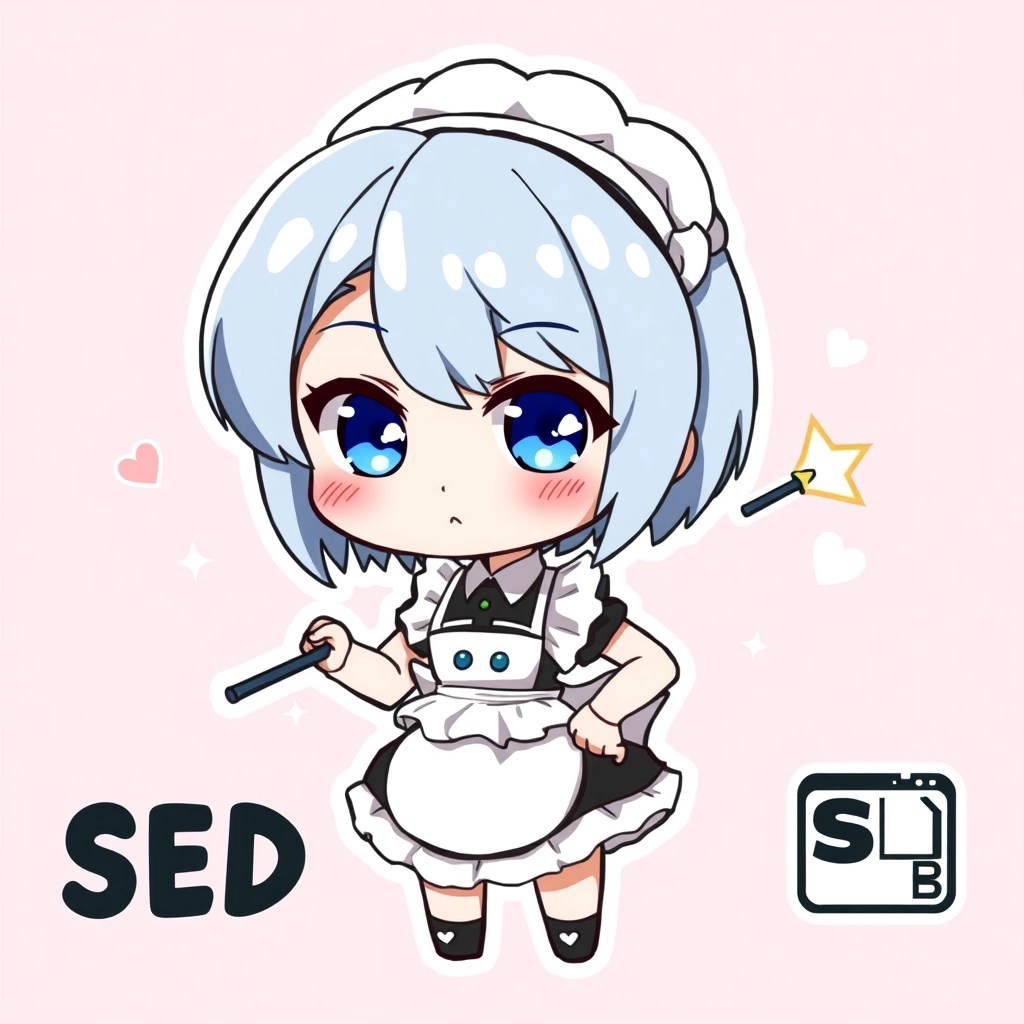
プロンプト
Anime sticker style, chibi Rem from Re:Zero, big expressive blue eyes, short light blue hair with side-swept bangs, maid uniform with frilly white apron and black dress, white headdress, cute round face, rosy cheeks, small button nose, petite figure, holding her signature morning star flail, determined expression with slight smile, standing in a confident pose with one hand on hip, sparkling magical aura surrounding her, pastel pink background with floating hearts and stars, kawaii aesthetic, soft shading, bold black outlines, glossy finish, rounded corners, white border, flat color palette with subtle gradients, minimalist design, adorable and eye-catching, perfect for messaging apps or decorating, captures Rem's loyalty and strength in a playful way, small SD card symbol in corner to represent her demon form
Flux AI Image Promptの詳細分析
Flux AI Image Generatorを使用して画像を生成するために使用された詳細なプロンプトを分析します。
Flux AI画像生成のプロンプトを探索
で画像を生成する方法 Flux.1 schnell
以下の4つの簡単なステップに従って、希望する画像を作成してください。
ステップ 1: テキストを入力 (より良い結果のためにプロンプトを調整してください)
ステップ 2: 画像のアスペクト比を選択
ステップ 3: Fluxモデルを選択:
ステップ 4: 生成ボタンをクリックして数秒待ち、画像を取得
プロンプトに関連するFlux AIツール Flux.1 schnell
Flux AIの高度なツールを発見して、クリエイティブな作業フローを強化しましょう。