World Boxing Championship - Flux.1 pro
プロンプト
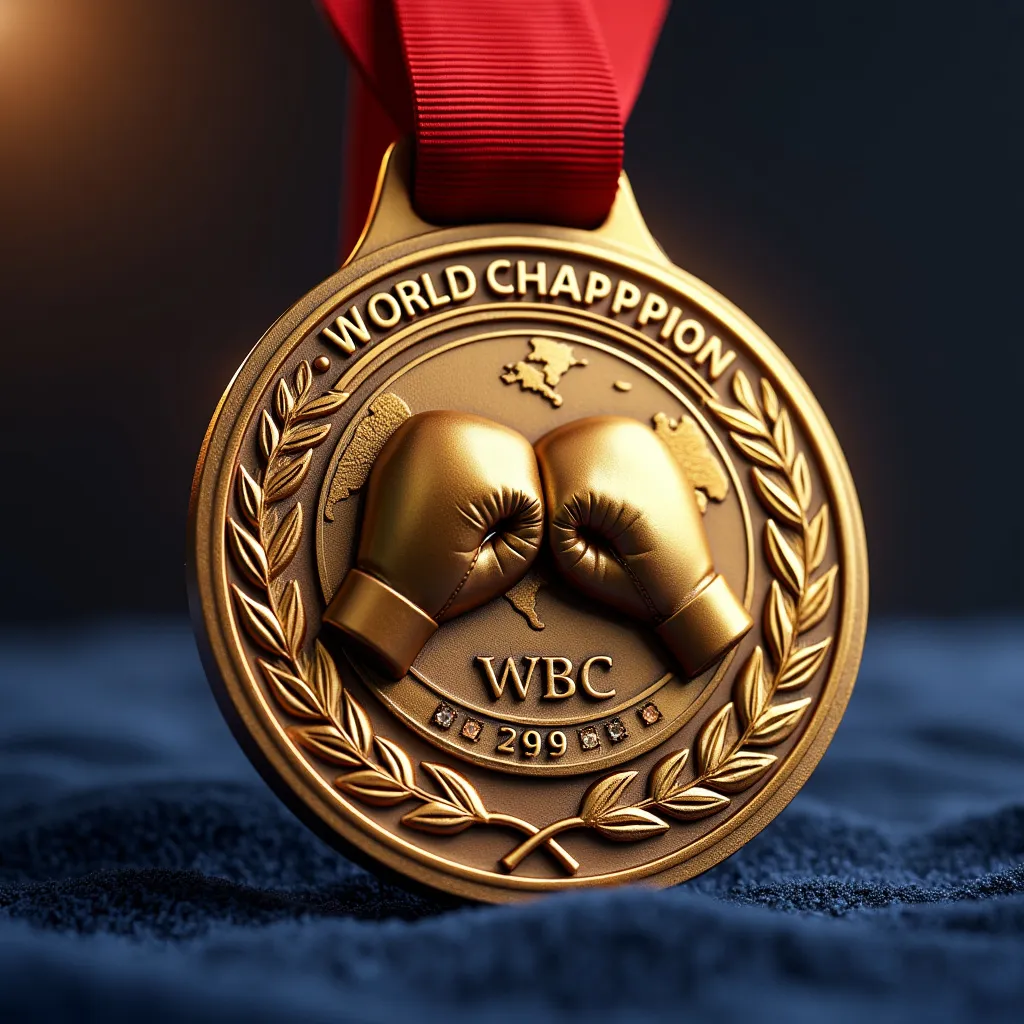
Gleaming gold medal for World Boxing Championship, circular shape, 3 inches diameter, thick rim. Red silk ribbon attached. Center features raised 3D boxing gloves in relief, crossing each other. World map etched in background. "WORLD CHAMPION" engraved along top arc, year along bottom. Laurel wreath border. Small diamonds inlaid around edge. WBC logo embossed on reverse side. Medal catching light, creating a soft glow. Hanging at slight angle against dark blue velvet backdrop. Close-up view, focus on intricate details. Subtle lens flare from top left. Depth of field effect, blurring edges slightly. Photorealistic rendering, 8K resolution. Dramatic lighting emphasizing gold's luster and red ribbon's vibrancy. Faint reflection on velvet surface beneath medal.
Flux AI Image Promptの詳細分析
Flux AI Image Generatorを使用して画像を生成するために使用された詳細なプロンプトを分析します。
Flux AI画像生成のプロンプトを探索
で画像を生成する方法 Flux.1 pro
以下の4つの簡単なステップに従って、希望する画像を作成してください。
ステップ 1: テキストを入力 (より良い結果のためにプロンプトを調整してください)
ステップ 2: 画像のアスペクト比を選択
ステップ 3: Fluxモデルを選択:
ステップ 4: 生成ボタンをクリックして数秒待ち、画像を取得
プロンプトに関連するFlux AIツール Flux.1 pro
Flux AIの高度なツールを発見して、クリエイティブな作業フローを強化しましょう。