Pets Rule: Humans Drool! - Flux.1.1 pro
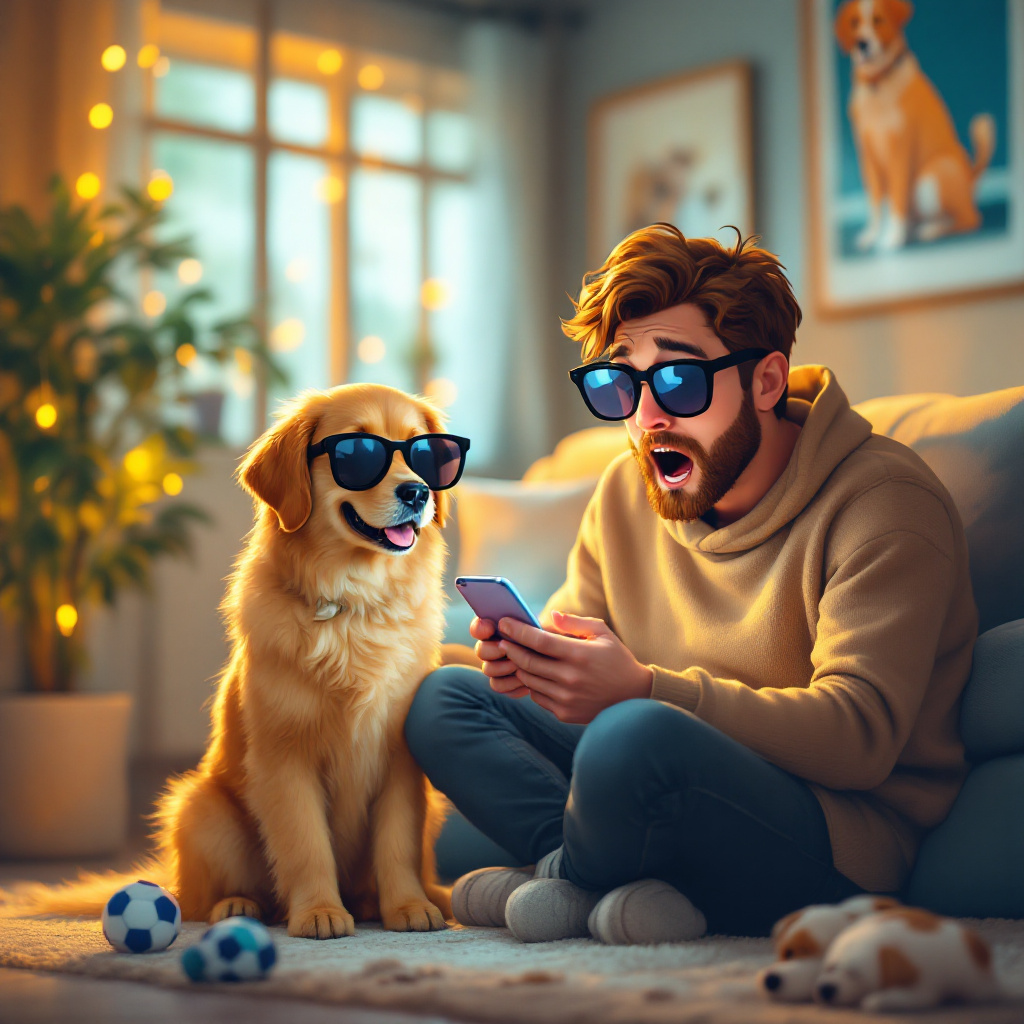
プロンプト
Create an image depicting a person sitting on a cozy couch, scrolling through their phone with a shocked expression. In the foreground, the phone screen displays a pet's social media profile with a follower count in the thousands, overshadowing the person’s profile with only a few dozen followers. The pet, a fluffy golden retriever, sits proudly beside them, wearing oversized sunglasses and a playful grin. The living room is warmly lit, with soft golden hues illuminating a few scattered pet toys and a vibrant plant in the corner. The walls are adorned with quirky pet-themed art. Use a whimsical, cartoonish style to enhance the humor of the scene, emphasizing exaggerated facial expressions and vibrant colors. Incorporate a slight blur effect on the background to draw focus to the characters and their contrasting follower counts.
Flux AI Image Promptの詳細分析
Flux AI Image Generatorを使用して画像を生成するために使用された詳細なプロンプトを分析します。
Flux AI画像生成のプロンプトを探索
で画像を生成する方法 Flux.1.1 pro
以下の4つの簡単なステップに従って、希望する画像を作成してください。
ステップ 1: テキストを入力 (より良い結果のためにプロンプトを調整してください)
ステップ 2: 画像のアスペクト比を選択
ステップ 3: Fluxモデルを選択:
ステップ 4: 生成ボタンをクリックして数秒待ち、画像を取得
プロンプトに関連するFlux AIツール Flux.1.1 pro
Flux AIの高度なツールを発見して、クリエイティブな作業フローを強化しましょう。