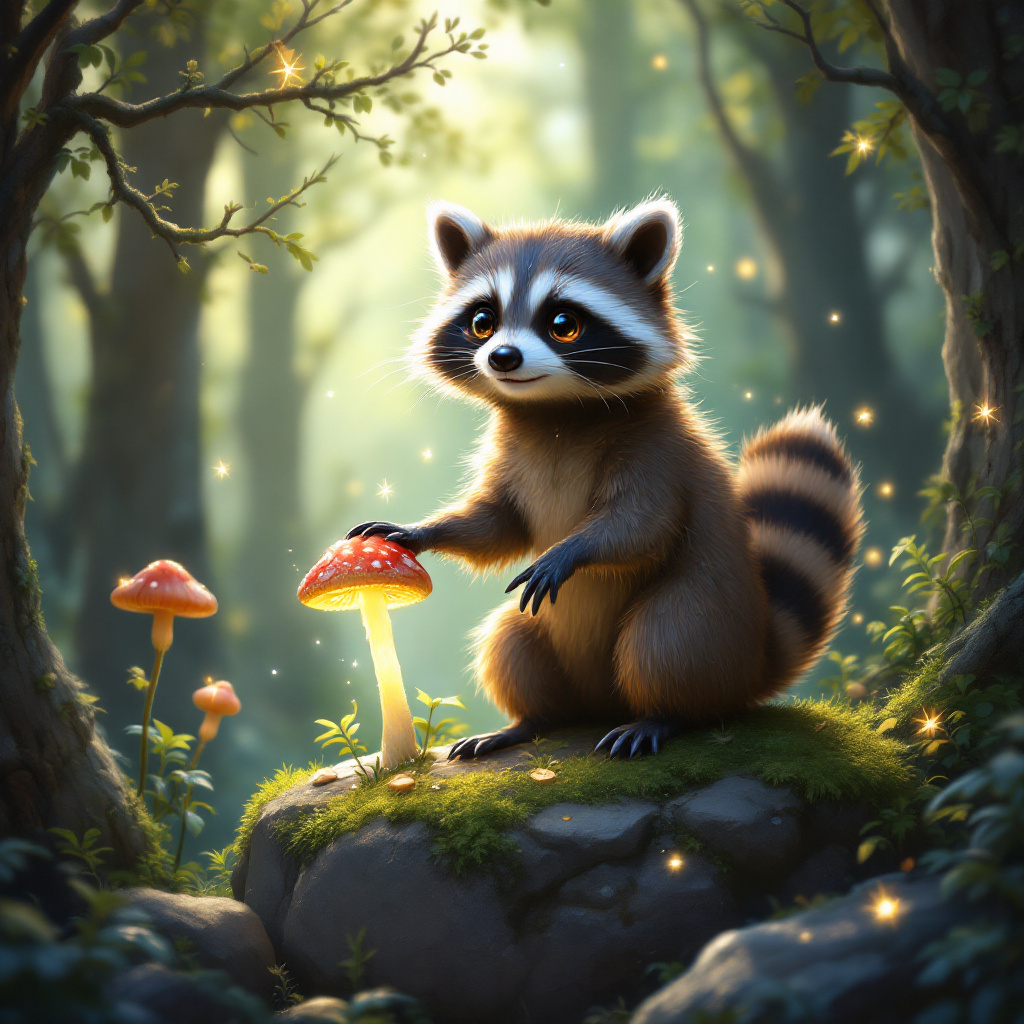
Raccoon - Flux.1.1 pro
プロンプト
A curious raccoon sits atop a moss-covered rock in a lush, enchanted forest, its fur a mix of silvery-gray and rich brown, glistening with dew. The raccoon’s bright, intelligent eyes are wide with wonder, and its dexterous paws are playfully reaching for a glowing, bioluminescent mushroom nearby. The scene is rendered in a whimsical, storybook illustration style. Soft, dappled sunlight filters through the dense canopy overhead, casting a warm, golden hue across the vibrant greens and earthy browns of the forest floor. The mood is magical and inviting. The composition features a low-angle shot, emphasizing the raccoon’s playful stance against the towering trees in the background. Delicate fireflies dance around, adding a touch of sparkle, while a gentle mist weaves through the underbrush, enhancing the ethereal atmosphere.
Flux AI Image Promptの詳細分析
Flux AI Image Generatorを使用して画像を生成するために使用された詳細なプロンプトを分析します。
Flux AI画像生成のプロンプトを探索
で画像を生成する方法 Flux.1.1 pro
以下の4つの簡単なステップに従って、希望する画像を作成してください。
ステップ 1: テキストを入力 (より良い結果のためにプロンプトを調整してください)
ステップ 2: 画像のアスペクト比を選択
ステップ 3: Fluxモデルを選択:
ステップ 4: 生成ボタンをクリックして数秒待ち、画像を取得
プロンプトに関連するFlux AIツール Flux.1.1 pro
Flux AIの高度なツールを発見して、クリエイティブな作業フローを強化しましょう。