Neon Brawl: Ryu's Hadouken Showdown - Flux.1 dev
プロンプト
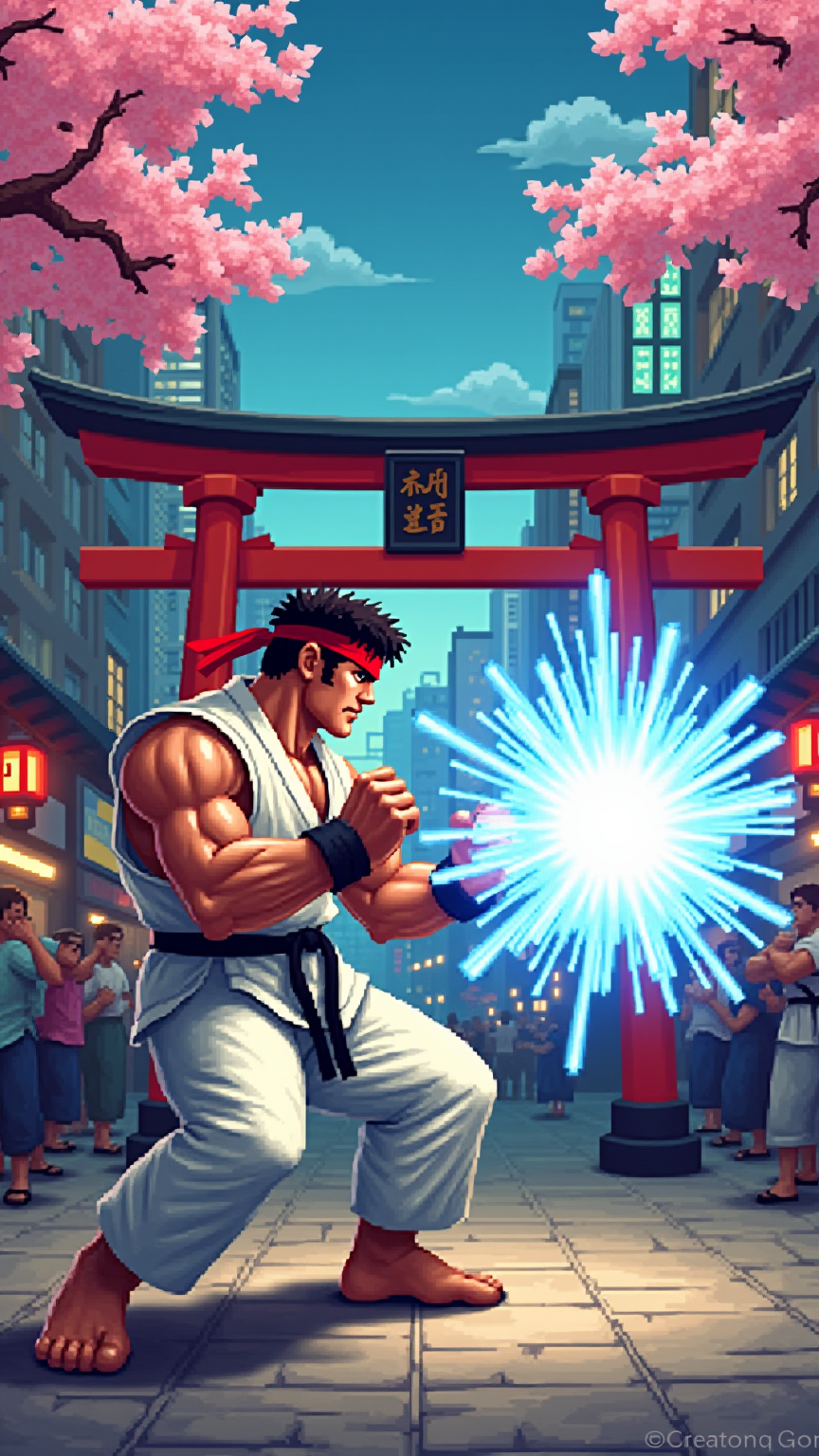
A dynamic fighting scene set in a vibrant, 2D pixel art style, reminiscent of classic arcade games. The backdrop features a bustling Tokyo street, alive with neon lights and cherry blossom trees swaying gently in the breeze. In the foreground, Ryu, a muscular martial artist with a white gi, red headband, and black belt, stands in a fierce fighting stance, showcasing his chiseled physique and intense focus. His fists are clenched, ready to unleash a powerful Hadouken energy blast, glowing blue and crackling with energy. The atmosphere is charged with excitement, capturing the essence of competition and skill. The scene is framed by iconic elements like a traditional Japanese torii gate and a cheering crowd, enhancing the vibrant energy of the iconic Street Fighter II universe.
Flux AI Image Promptの詳細分析
Flux AI Image Generatorを使用して画像を生成するために使用された詳細なプロンプトを分析します。
Flux AI画像生成のプロンプトを探索
で画像を生成する方法 Flux.1 dev
以下の4つの簡単なステップに従って、希望する画像を作成してください。
ステップ 1: テキストを入力 (より良い結果のためにプロンプトを調整してください)
ステップ 2: 画像のアスペクト比を選択
ステップ 3: Fluxモデルを選択:
ステップ 4: 生成ボタンをクリックして数秒待ち、画像を取得
プロンプトに関連するFlux AIツール Flux.1 dev
Flux AIの高度なツールを発見して、クリエイティブな作業フローを強化しましょう。