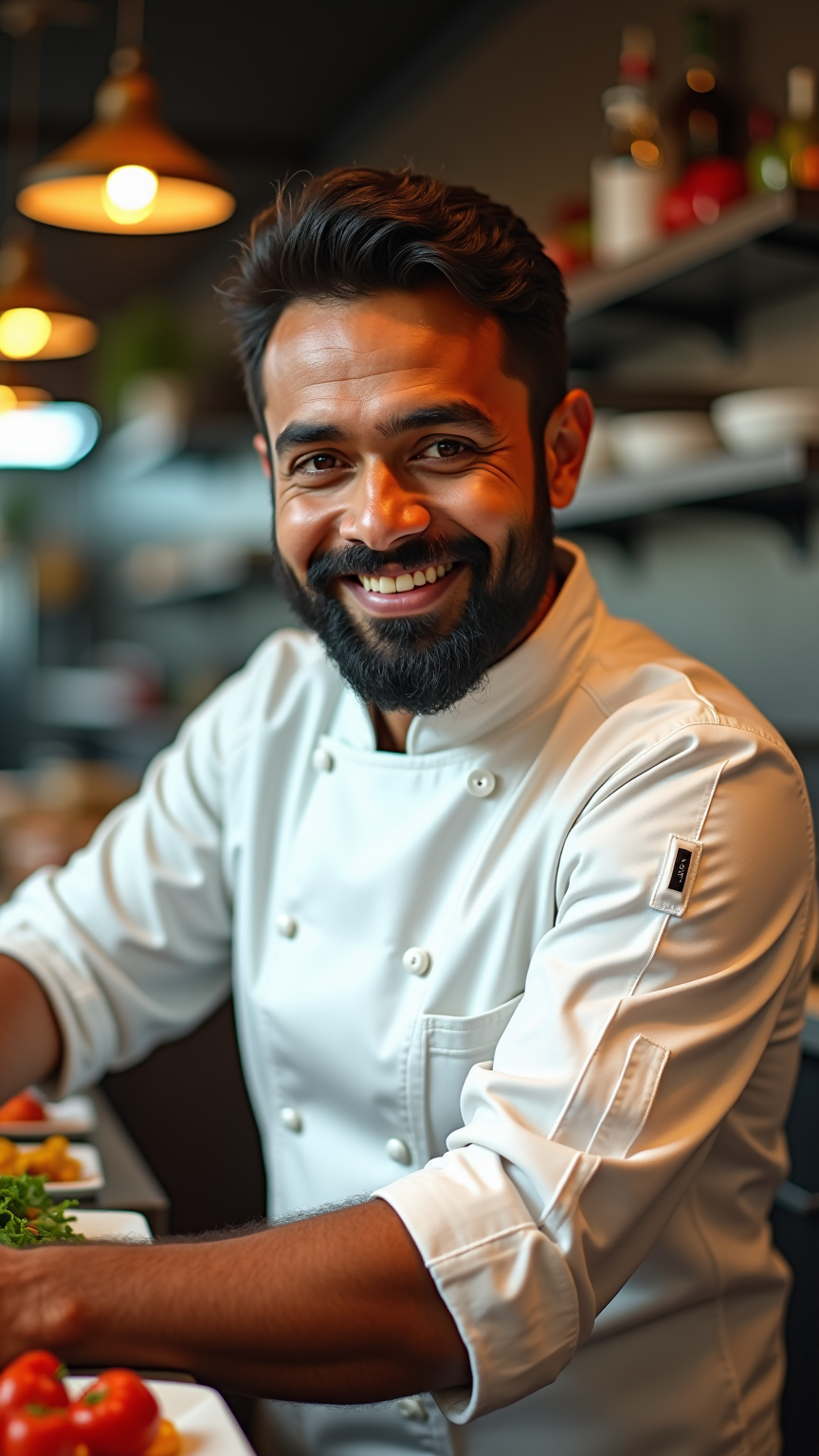
Culinary Joy: A Chef’s Portrait - Flux.1 dev
プロンプト
Create a portrait of a male South Asian chef in a bustling kitchen environment. He has a warm, inviting smile, deep-set brown eyes, and a well-groomed beard. His skin is a rich caramel tone, and he wears a traditional white chef's jacket, slightly stained from his culinary creations. The lighting is soft and warm, casting gentle highlights on his face, emphasizing his joyful expression as he prepares a vibrant dish. The background features a blur of colorful ingredients and kitchen tools, suggesting a lively atmosphere. Capture this scene in a realistic style, reminiscent of contemporary portrait photography, using a shallow depth of field to focus on the chef. Use a 50mm lens perspective to create intimacy, and aim for a balanced composition that conveys passion and expertise in his craft.
Flux AI Image Promptの詳細分析
Flux AI Image Generatorを使用して画像を生成するために使用された詳細なプロンプトを分析します。
Flux AI画像生成のプロンプトを探索
で画像を生成する方法 Flux.1 dev
以下の4つの簡単なステップに従って、希望する画像を作成してください。
ステップ 1: テキストを入力 (より良い結果のためにプロンプトを調整してください)
ステップ 2: 画像のアスペクト比を選択
ステップ 3: Fluxモデルを選択:
ステップ 4: 生成ボタンをクリックして数秒待ち、画像を取得
プロンプトに関連するFlux AIツール Flux.1 dev
Flux AIの高度なツールを発見して、クリエイティブな作業フローを強化しましょう。