Stonehenge - Flux.1 schnell
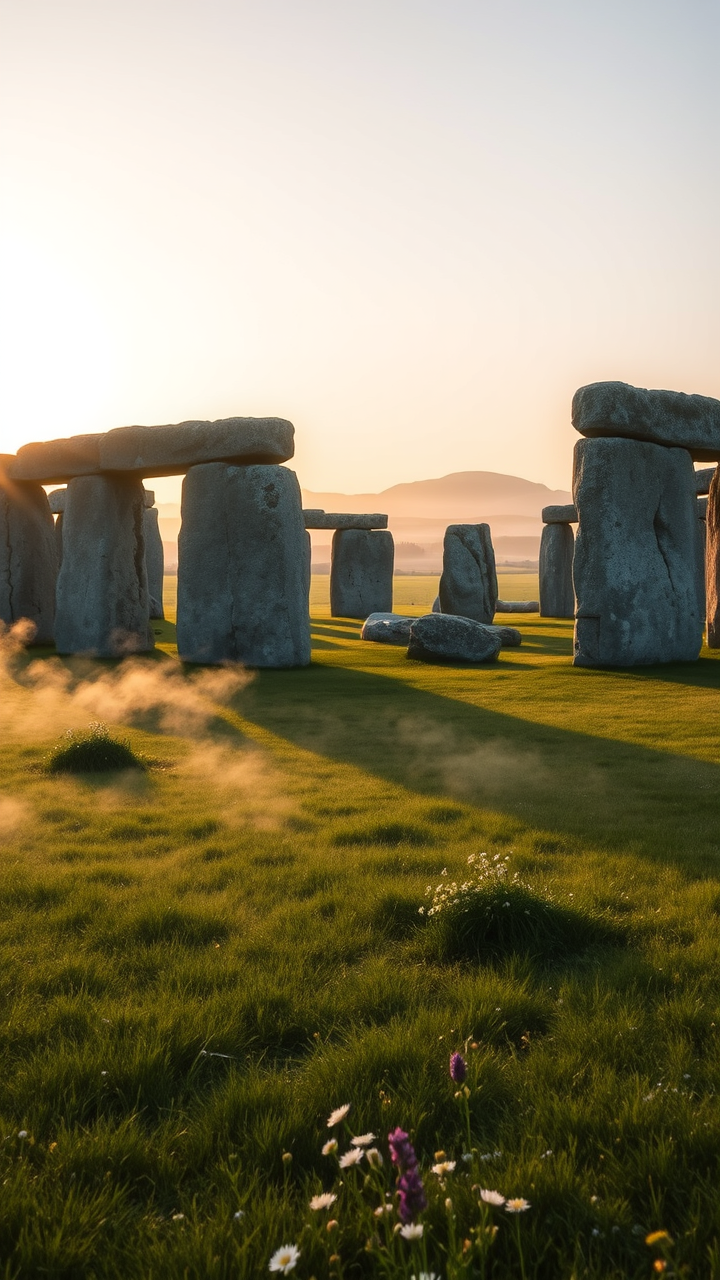
プロンプト
A breathtaking view of Stonehenge at dawn, where soft golden sunlight bathes the ancient stones in a warm glow. The iconic megaliths, composed of weathered sarsen stones and bluestones, stand in stark contrast against the cool, misty morning sky, their rough textures highlighted by the early light. Surrounding the site, lush green grass and wildflowers create a serene landscape, while distant rolling hills fade into the horizon. Wisps of fog cling to the ground, enhancing the mystical atmosphere. The scene captures the cultural significance of Stonehenge as a prehistoric ceremonial site, evoking a sense of wonder and timelessness. A wide-angle perspective emphasizes the monument's grandeur, while a soft focus on the foreground adds depth, reminiscent of classic landscape photography.
Flux AI Image Promptの詳細分析
Flux AI Image Generatorを使用して画像を生成するために使用された詳細なプロンプトを分析します。
Flux AI画像生成のプロンプトを探索
で画像を生成する方法 Flux.1 schnell
以下の4つの簡単なステップに従って、希望する画像を作成してください。
ステップ 1: テキストを入力 (より良い結果のためにプロンプトを調整してください)
ステップ 2: 画像のアスペクト比を選択
ステップ 3: Fluxモデルを選択:
ステップ 4: 生成ボタンをクリックして数秒待ち、画像を取得
プロンプトに関連するFlux AIツール Flux.1 schnell
Flux AIの高度なツールを発見して、クリエイティブな作業フローを強化しましょう。