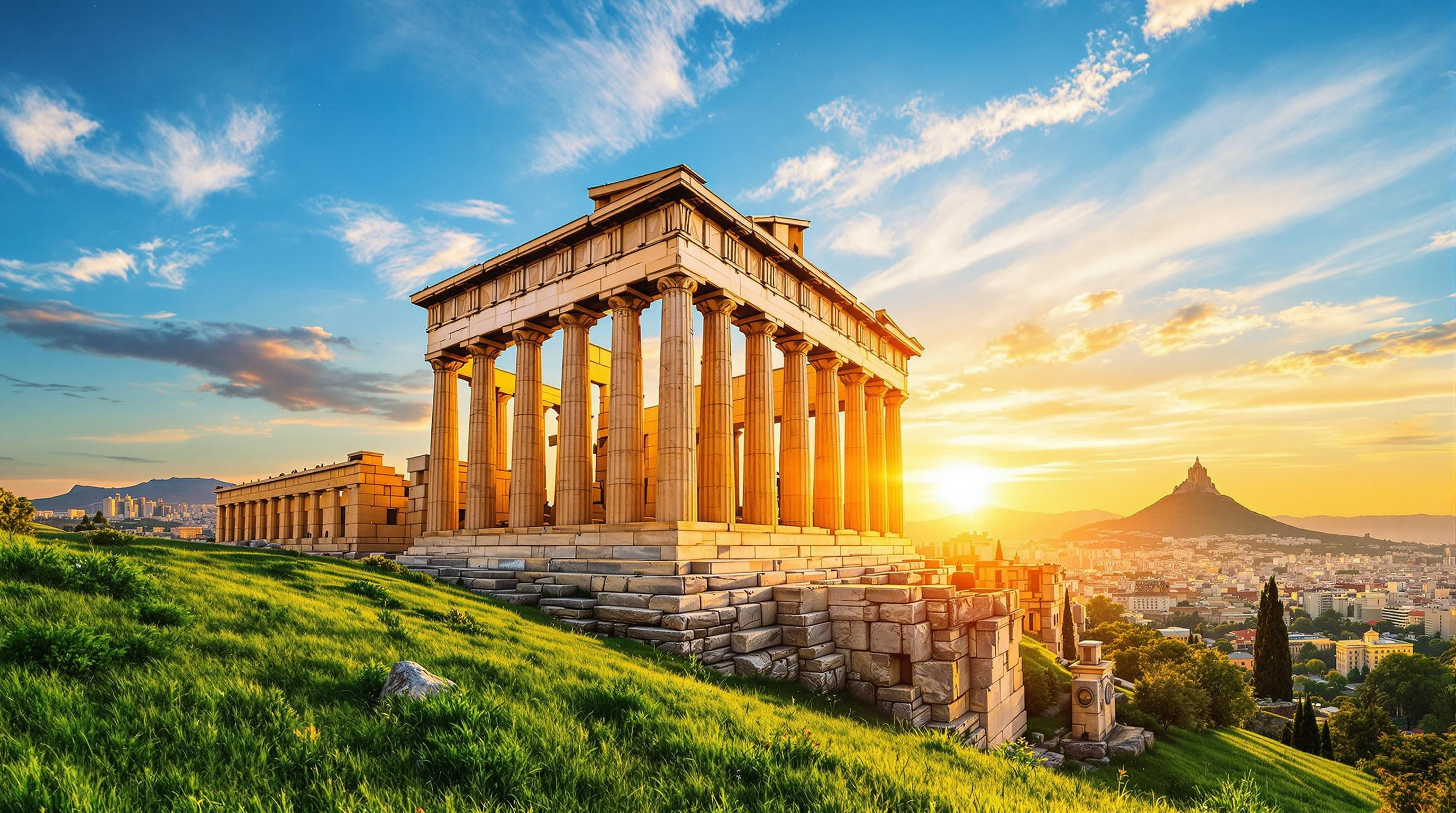
Acropolis of Athens - Flux.1.1 pro
プロンプト
Create a stunning image of the Acropolis of Athens, showcasing the Parthenon with its iconic Doric columns and intricate friezes. Highlight the warm, golden hues of the sun setting behind the structure, casting long shadows and illuminating the ancient marble with a soft glow. Capture the weathered texture of the stone, revealing centuries of history, while the lush green slopes of the surrounding hills provide a vibrant contrast. Include the vibrant blue sky with wispy clouds, enhancing the grandeur of the scene. The bustling city of Athens can be seen in the background, hinting at the cultural significance of this ancient site. Use a wide-angle perspective to emphasize the monument's scale and majesty, adopting a soft focus to evoke a sense of nostalgia and reverence for this historical landmark.
Flux AI Image Promptの詳細分析
Flux AI Image Generatorを使用して画像を生成するために使用された詳細なプロンプトを分析します。
Flux AI画像生成のプロンプトを探索
で画像を生成する方法 Flux.1.1 pro
以下の4つの簡単なステップに従って、希望する画像を作成してください。
ステップ 1: テキストを入力 (より良い結果のためにプロンプトを調整してください)
ステップ 2: 画像のアスペクト比を選択
ステップ 3: Fluxモデルを選択:
ステップ 4: 生成ボタンをクリックして数秒待ち、画像を取得
プロンプトに関連するFlux AIツール Flux.1.1 pro
Flux AIの高度なツールを発見して、クリエイティブな作業フローを強化しましょう。