The World Games - Flux.1.1 pro
プロンプト
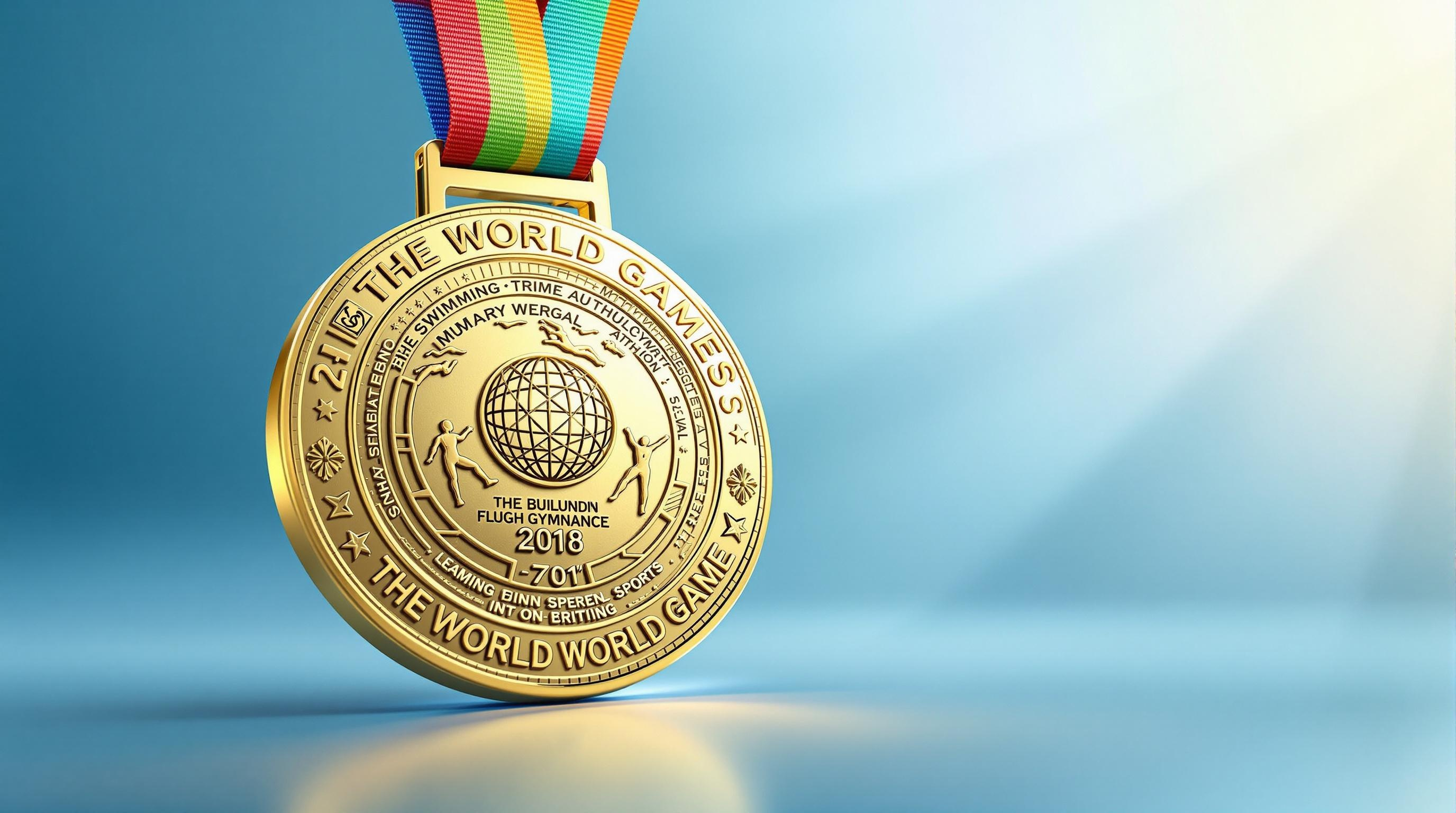
Create a stunning image of a medal for The World Games, featuring a circular design with a diameter of 3 inches, crafted from polished gold with intricate embossed patterns symbolizing unity and excellence. The medal should be suspended from a vibrant, multicolored ribbon that blends shades of blue, green, and orange, representing the diversity of sports. Engraved on the front is the iconic logo of The World Games, surrounded by delicate motifs of various sports like athletics, swimming, and gymnastics. The background should be a soft gradient of light blue, evoking a sense of calm and achievement, with a subtle spotlight illuminating the medal to highlight its details. Capture the composition from a slightly elevated angle, focusing on the medal while allowing the ribbon to gracefully drape down, creating a dynamic and inspiring visual.
Flux AI Image Promptの詳細分析
Flux AI Image Generatorを使用して画像を生成するために使用された詳細なプロンプトを分析します。
Flux AI画像生成のプロンプトを探索
で画像を生成する方法 Flux.1.1 pro
以下の4つの簡単なステップに従って、希望する画像を作成してください。
ステップ 1: テキストを入力 (より良い結果のためにプロンプトを調整してください)
ステップ 2: 画像のアスペクト比を選択
ステップ 3: Fluxモデルを選択:
ステップ 4: 生成ボタンをクリックして数秒待ち、画像を取得
プロンプトに関連するFlux AIツール Flux.1.1 pro
Flux AIの高度なツールを発見して、クリエイティブな作業フローを強化しましょう。