Santorini - Flux.1.1 pro
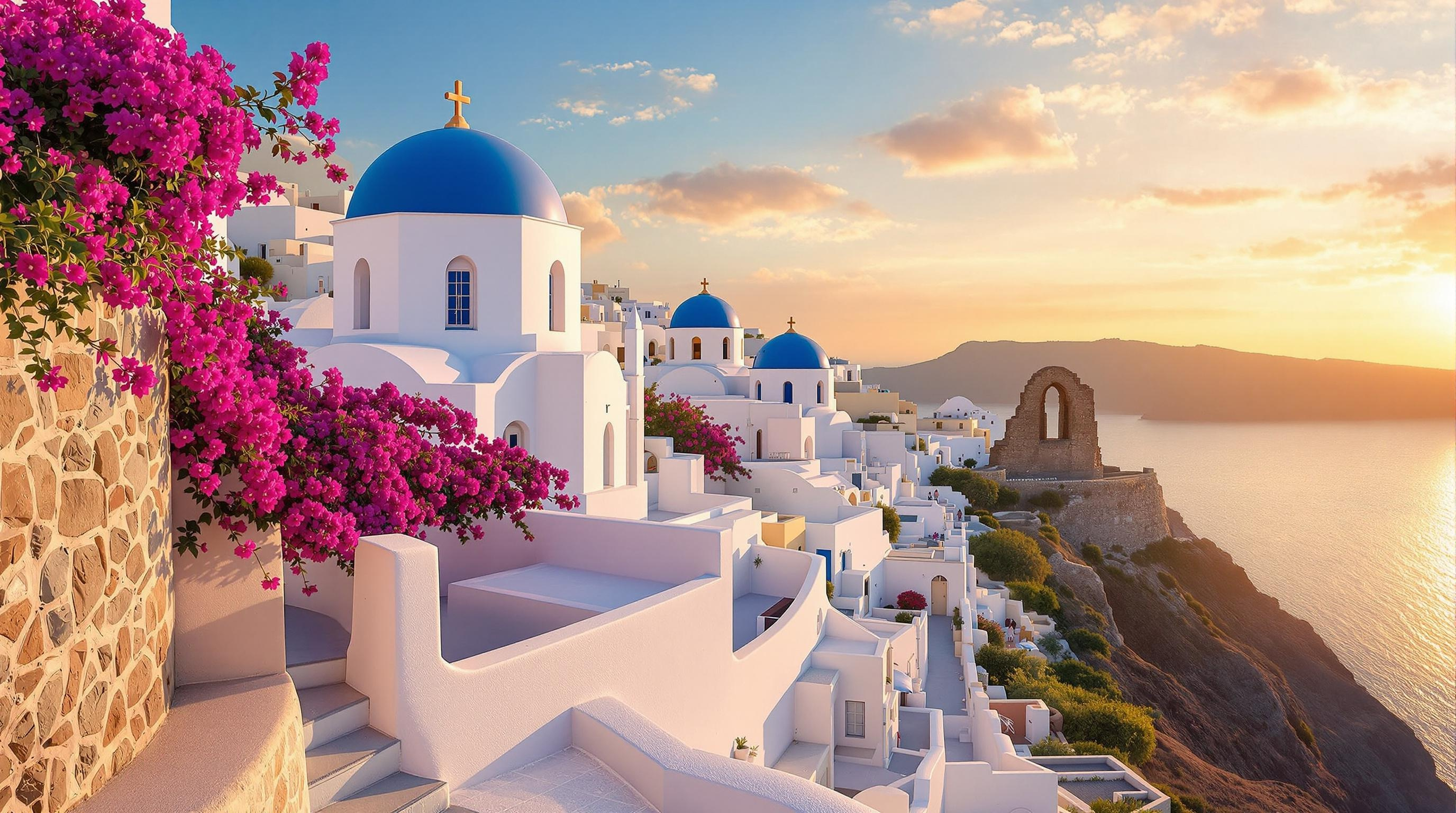
プロンプト
Create a stunning image of the iconic whitewashed buildings of Santorini, perched on the cliffs of Oia. Highlight the distinctive Cycladic architecture with its smooth, rounded shapes and domed roofs painted in deep blue. Capture the interplay of sunlight on the bright white walls, creating soft shadows that accentuate their curves. Surround the buildings with vibrant bougainvillea in shades of fuchsia and purple, cascading over stone walls. The Aegean Sea should shimmer in the background, reflecting the azure sky. Set the scene at sunset, with warm golden hues illuminating the buildings and casting a magical glow over the landscape. Incorporate the ancient ruins of a nearby castle, adding historical context. Use a soft-focus photographic style to evoke a dreamy, romantic atmosphere, capturing the essence of Santorini's beauty and charm.
Flux AI Image Promptの詳細分析
Flux AI Image Generatorを使用して画像を生成するために使用された詳細なプロンプトを分析します。
Flux AI画像生成のプロンプトを探索
で画像を生成する方法 Flux.1.1 pro
以下の4つの簡単なステップに従って、希望する画像を作成してください。
ステップ 1: テキストを入力 (より良い結果のためにプロンプトを調整してください)
ステップ 2: 画像のアスペクト比を選択
ステップ 3: Fluxモデルを選択:
ステップ 4: 生成ボタンをクリックして数秒待ち、画像を取得
プロンプトに関連するFlux AIツール Flux.1.1 pro
Flux AIの高度なツールを発見して、クリエイティブな作業フローを強化しましょう。