Stonehenge - Flux.1 dev
プロンプト
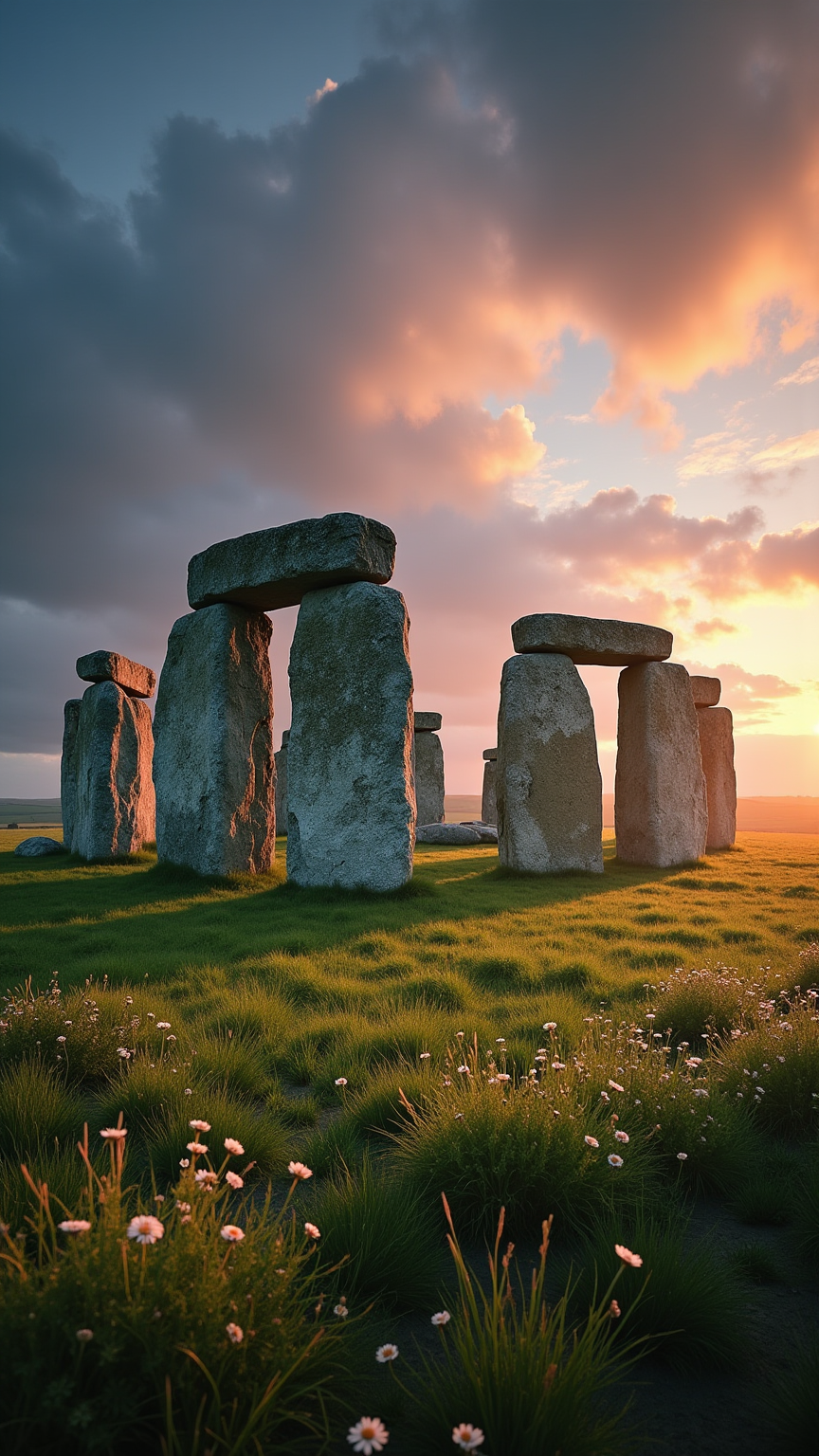
Create an image of Stonehenge at dawn, with the first light of day casting a soft golden hue over the ancient stones. The iconic megaliths, composed of weathered sarsen stones and bluestones, stand in a circular formation, their rugged surfaces showcasing textures of lichen and moss. The sky transitions from deep indigo to warm pinks and oranges, reflecting the historical significance of this prehistoric monument as a site of ritual and astronomical alignment. Surrounding the stones, the lush green grass of the Salisbury Plain is dotted with wildflowers, while distant rolling hills fade into a misty background. Capture the scene in a wide-angle shot, emphasizing the grandeur of the stones against the expansive sky, using a soft focus to evoke a sense of mystery and timelessness, reminiscent of a classic landscape painting.
Flux AI Image Promptの詳細分析
Flux AI Image Generatorを使用して画像を生成するために使用された詳細なプロンプトを分析します。
Flux AI画像生成のプロンプトを探索
で画像を生成する方法 Flux.1 dev
以下の4つの簡単なステップに従って、希望する画像を作成してください。
ステップ 1: テキストを入力 (より良い結果のためにプロンプトを調整してください)
ステップ 2: 画像のアスペクト比を選択
ステップ 3: Fluxモデルを選択:
ステップ 4: 生成ボタンをクリックして数秒待ち、画像を取得
プロンプトに関連するFlux AIツール Flux.1 dev
Flux AIの高度なツールを発見して、クリエイティブな作業フローを強化しましょう。