Curvy Confidence in Color - Flux.1 schnell
プロンプト
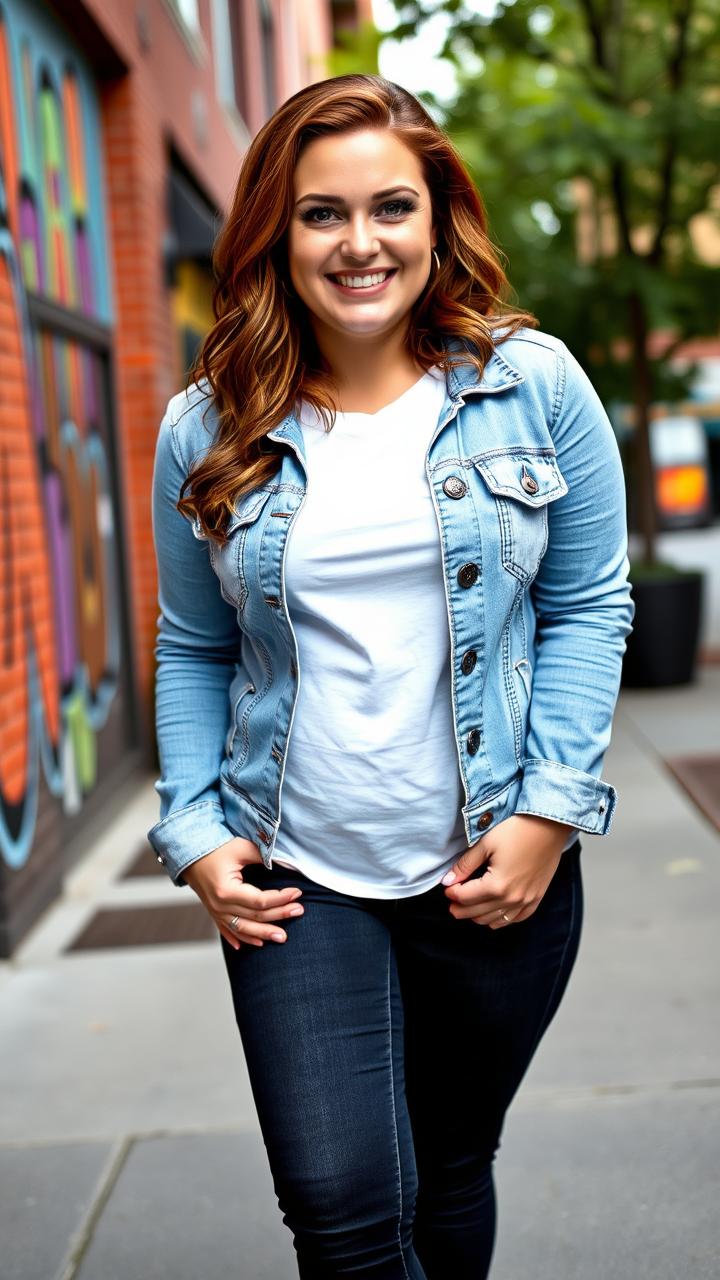
A curvy individual stands confidently, showcasing a warm, inviting smile. Their shoulder-length auburn hair cascades in soft waves, framing a heart-shaped face with high cheekbones and a sprinkle of freckles across sun-kissed skin. They have bright green eyes that sparkle with a hint of mischief. Dressed in a fitted light blue denim jacket over a white graphic tee, the jacket is slightly distressed, giving a casual, trendy vibe. They wear dark skinny jeans that accentuate their curves, paired with stylish white sneakers. Their arms are relaxed at their sides, and they lean slightly to one side, exuding a laid-back attitude. The background features a vibrant urban setting, with colorful street art on brick walls and a hint of greenery from nearby trees, suggesting a lively, creative atmosphere.
Flux AI Image Promptの詳細分析
Flux AI Image Generatorを使用して画像を生成するために使用された詳細なプロンプトを分析します。
Flux AI画像生成のプロンプトを探索
で画像を生成する方法 Flux.1 schnell
以下の4つの簡単なステップに従って、希望する画像を作成してください。
ステップ 1: テキストを入力 (より良い結果のためにプロンプトを調整してください)
ステップ 2: 画像のアスペクト比を選択
ステップ 3: Fluxモデルを選択:
ステップ 4: 生成ボタンをクリックして数秒待ち、画像を取得
プロンプトに関連するFlux AIツール Flux.1 schnell
Flux AIの高度なツールを発見して、クリエイティブな作業フローを強化しましょう。