Goulash - Flux.1 dev
プロンプト
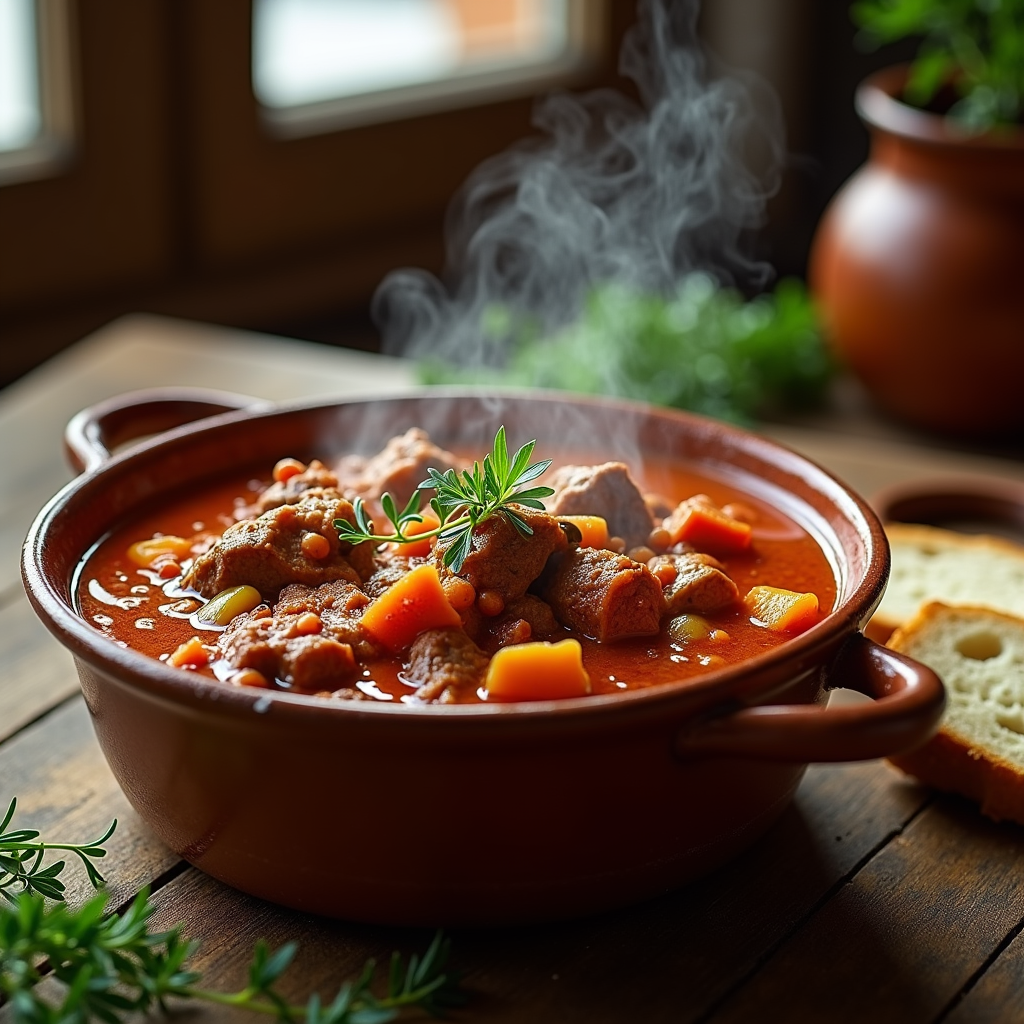
A steaming bowl of rich, hearty goulash sits at the center of a rustic wooden table, surrounded by scattered fresh herbs and crusty bread. The goulash is a vibrant medley of deep red and golden hues, with tender chunks of beef nestled in a thick, glossy sauce, flecked with paprika and hints of green bell pepper. Wisps of steam rise from the bowl, carrying the savory aroma of spices and slow-cooked goodness. Soft, diffused natural light filters through a nearby window, casting a warm glow that highlights the textures of the meat and the velvety sauce. The composition features a close-up view, inviting the viewer to appreciate the intricate details, while a rustic ceramic bowl adds an earthy charm. Capture this moment in a cozy, inviting setting, evoking a sense of comfort and home-cooked warmth, perfect for a chilly evening.
Flux AI Image Promptの詳細分析
Flux AI Image Generatorを使用して画像を生成するために使用された詳細なプロンプトを分析します。
Flux AI画像生成のプロンプトを探索
で画像を生成する方法 Flux.1 dev
以下の4つの簡単なステップに従って、希望する画像を作成してください。
ステップ 1: テキストを入力 (より良い結果のためにプロンプトを調整してください)
ステップ 2: 画像のアスペクト比を選択
ステップ 3: Fluxモデルを選択:
ステップ 4: 生成ボタンをクリックして数秒待ち、画像を取得
プロンプトに関連するFlux AIツール Flux.1 dev
Flux AIの高度なツールを発見して、クリエイティブな作業フローを強化しましょう。