Radiant Curves in Bloom - Flux.1 dev
プロンプト
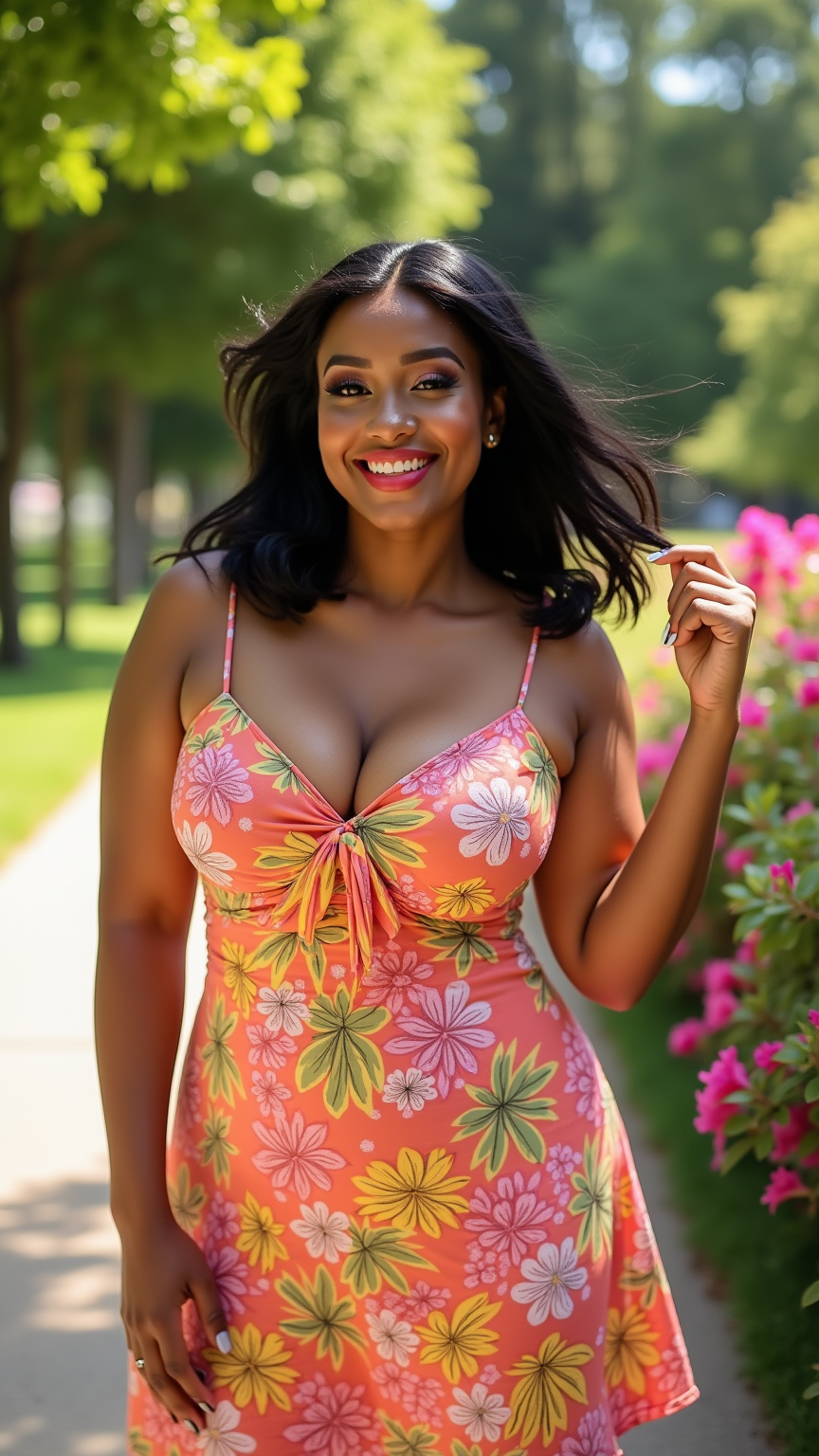
A curvy woman stands confidently in a sunlit park, her shoulder-length black hair gently swaying with the breeze. Her skin is a warm caramel tone, glistening under the bright summer sun. She has a heart-shaped face with high cheekbones, full lips painted in a soft coral shade, and expressive hazel eyes that sparkle with joy. Dressed in a vibrant summer dress adorned with a bold floral pattern in shades of pink, yellow, and green, the dress cinches at the waist, accentuating her hourglass figure and flowing down to her knees. With one hand on her hip and the other playfully twirling a strand of hair, she exudes a cheerful demeanor, her lips curved into a bright smile. In the background, lush greenery and colorful flowers create a picturesque setting, enhancing the lively atmosphere of a sunny day.
Flux AI Image Promptの詳細分析
Flux AI Image Generatorを使用して画像を生成するために使用された詳細なプロンプトを分析します。
Flux AI画像生成のプロンプトを探索
で画像を生成する方法 Flux.1 dev
以下の4つの簡単なステップに従って、希望する画像を作成してください。
ステップ 1: テキストを入力 (より良い結果のためにプロンプトを調整してください)
ステップ 2: 画像のアスペクト比を選択
ステップ 3: Fluxモデルを選択:
ステップ 4: 生成ボタンをクリックして数秒待ち、画像を取得
プロンプトに関連するFlux AIツール Flux.1 dev
Flux AIの高度なツールを発見して、クリエイティブな作業フローを強化しましょう。