Ryu's Shoryuken Showdown - Flux.1 dev
プロンプト
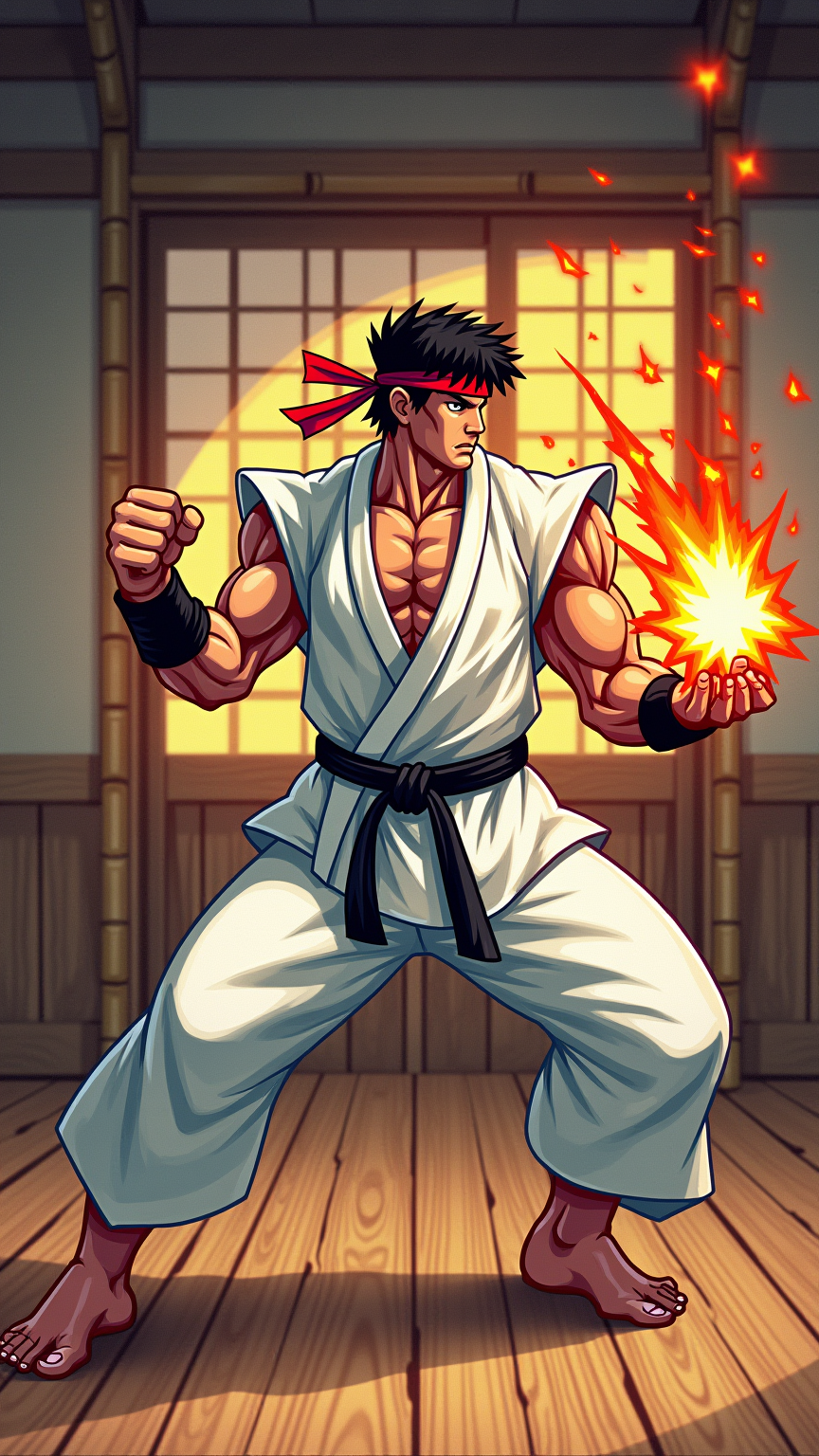
Create a dynamic scene inspired by the classic fighting game "Street Fighter II," showcasing Ryu, the iconic martial artist. Capture Ryu in his signature white gi, with a black belt and red headband, muscles taut as he prepares for a fierce Shoryuken. His expression is intense, embodying focus and determination. Surround him with vibrant, hand-drawn aesthetics reminiscent of 90s arcade graphics, featuring bold colors and exaggerated movements. Set the scene in an urban dojo, with bamboo accents and a wooden floor, illuminated by warm sunlight filtering through shoji screens. Include iconic elements like a glowing Hadouken energy sphere forming in his hand. The atmosphere is charged with anticipation, evoking a sense of competition and excitement, as if the viewer is on the edge of their seat, ready for the next epic battle.
Flux AI Image Promptの詳細分析
Flux AI Image Generatorを使用して画像を生成するために使用された詳細なプロンプトを分析します。
Flux AI画像生成のプロンプトを探索
で画像を生成する方法 Flux.1 dev
以下の4つの簡単なステップに従って、希望する画像を作成してください。
ステップ 1: テキストを入力 (より良い結果のためにプロンプトを調整してください)
ステップ 2: 画像のアスペクト比を選択
ステップ 3: Fluxモデルを選択:
ステップ 4: 生成ボタンをクリックして数秒待ち、画像を取得
プロンプトに関連するFlux AIツール Flux.1 dev
Flux AIの高度なツールを発見して、クリエイティブな作業フローを強化しましょう。