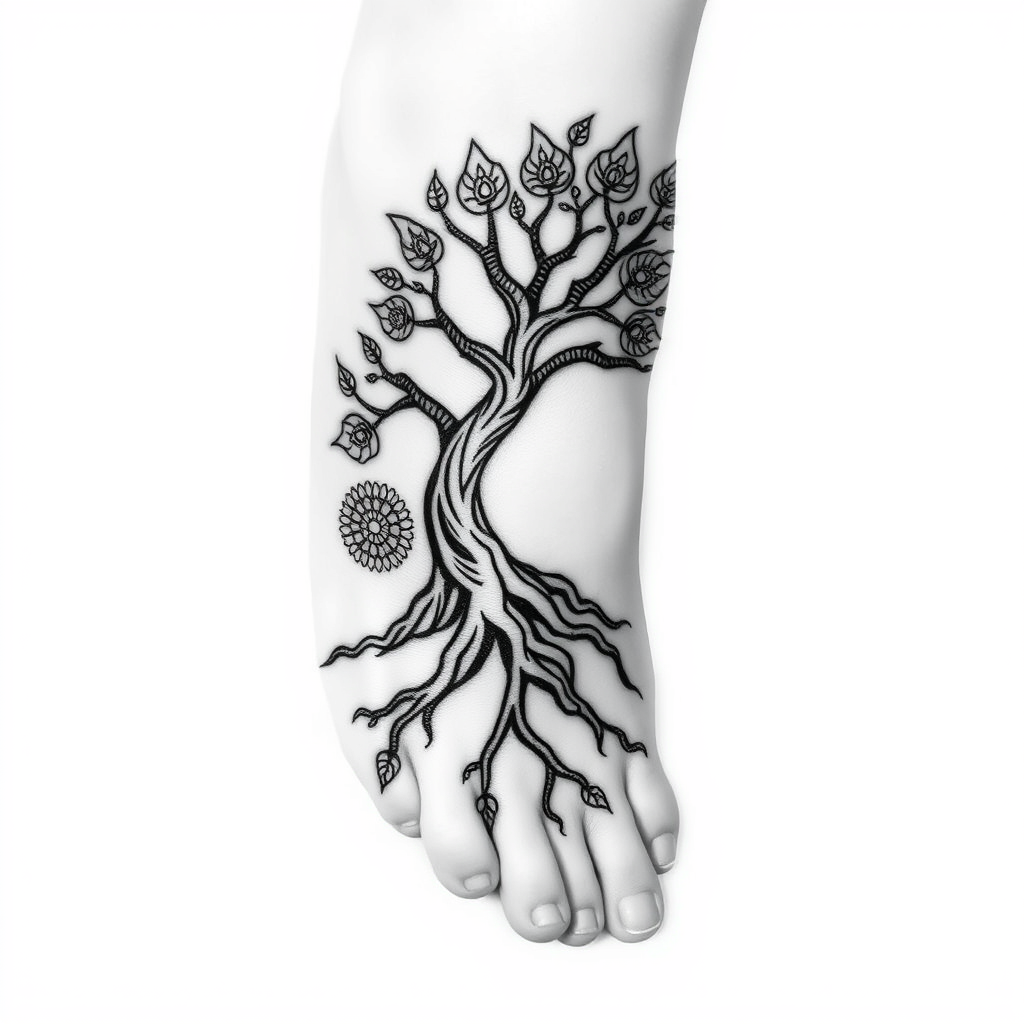
Rooted in Life: A Foot Tattoo - Flux.1 schnell
プロンプト
Create a tattoo design for the side of the foot featuring a stylized tree of life. The tree should have intricate roots that weave around the ankle, symbolizing grounding and stability, while its branches reach elegantly towards the toes, evoking growth and potential. The artistic style should blend traditional and minimalist elements, with clean lines and organic forms. The size should be medium, allowing enough space for detail but not overwhelming the foot. Opt for a black and white palette, emphasizing shading to create depth and texture in the bark and leaves. Intricate patterns resembling mandalas can adorn the leaves, adding richness. The overall mood should be serene and harmonious, reflecting themes of connection to nature and a journey through life, reminiscent of Celtic or indigenous symbolism.
Flux AI Image Promptの詳細分析
Flux AI Image Generatorを使用して画像を生成するために使用された詳細なプロンプトを分析します。
Flux AI画像生成のプロンプトを探索
で画像を生成する方法 Flux.1 schnell
以下の4つの簡単なステップに従って、希望する画像を作成してください。
ステップ 1: テキストを入力 (より良い結果のためにプロンプトを調整してください)
ステップ 2: 画像のアスペクト比を選択
ステップ 3: Fluxモデルを選択:
ステップ 4: 生成ボタンをクリックして数秒待ち、画像を取得
プロンプトに関連するFlux AIツール Flux.1 schnell
Flux AIの高度なツールを発見して、クリエイティブな作業フローを強化しましょう。