Stonehenge - Flux.1 schnell
プロンプト
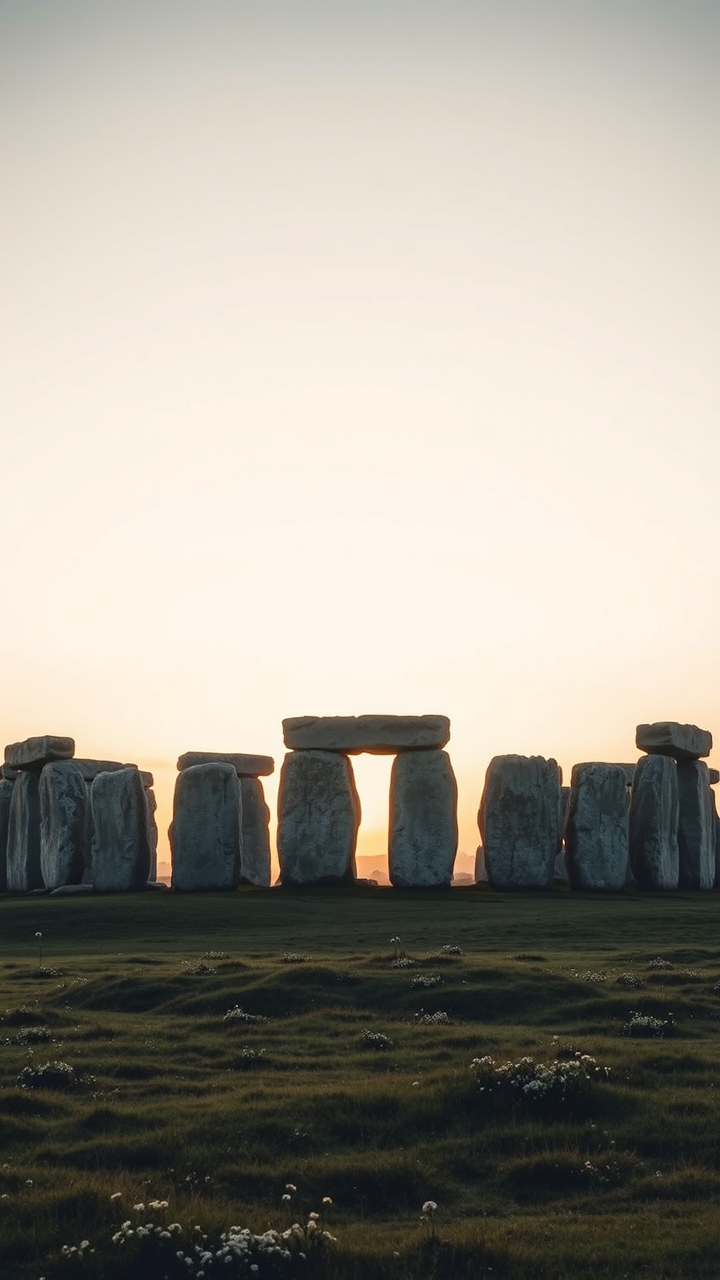
Create a stunning image of Stonehenge at dawn, with the first light of day casting a soft golden hue over the ancient stones. The iconic megaliths, composed of weathered sarsen stones and bluestones, stand in stark contrast against a pastel sky, showcasing their rugged textures and unique shapes. Mist lingers in the surrounding grasslands, adding a mystical quality to the scene. Include the gentle undulations of the Wiltshire landscape, dotted with wildflowers and ancient earthworks, enhancing the historical significance of this Neolithic monument. Capture the essence of the site with a wide-angle perspective, emphasizing the circle of stones and the expansive sky. Use a soft-focus lens to create an ethereal atmosphere, evoking the cultural reverence and enigma that Stonehenge embodies.
Flux AI Image Promptの詳細分析
Flux AI Image Generatorを使用して画像を生成するために使用された詳細なプロンプトを分析します。
Flux AI画像生成のプロンプトを探索
で画像を生成する方法 Flux.1 schnell
以下の4つの簡単なステップに従って、希望する画像を作成してください。
ステップ 1: テキストを入力 (より良い結果のためにプロンプトを調整してください)
ステップ 2: 画像のアスペクト比を選択
ステップ 3: Fluxモデルを選択:
ステップ 4: 生成ボタンをクリックして数秒待ち、画像を取得
プロンプトに関連するFlux AIツール Flux.1 schnell
Flux AIの高度なツールを発見して、クリエイティブな作業フローを強化しましょう。