Effortless Charm in the Sun - Flux.1.1 pro
プロンプト
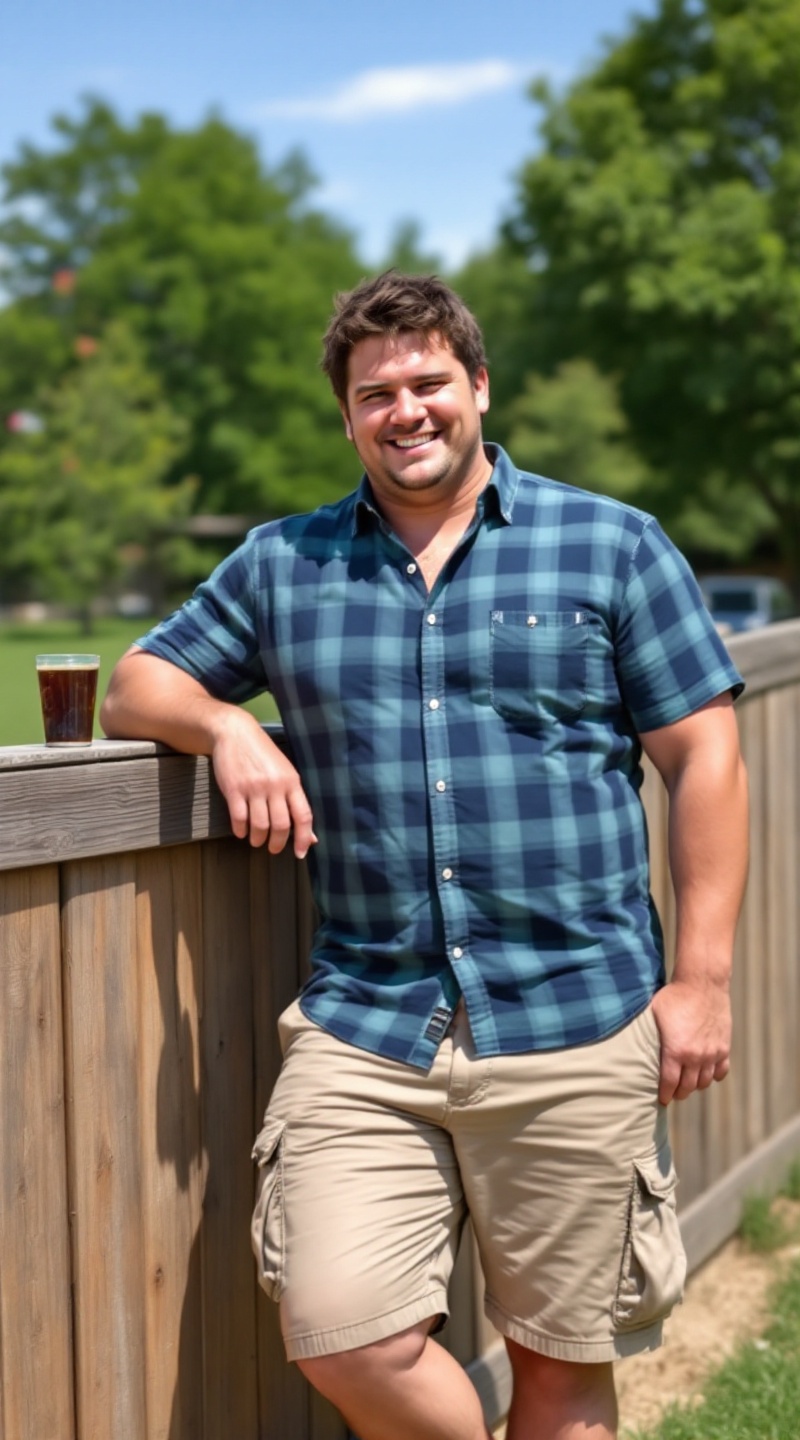
A broad-shouldered man stands confidently with a relaxed demeanor. He has short, tousled dark brown hair and a light tan complexion, showcasing a square jawline and a friendly smile. His body type is muscular yet approachable, with strong arms and a defined chest. He wears a casual, short-sleeved plaid shirt in shades of blue and green, slightly unbuttoned at the collar, paired with relaxed-fit beige cargo shorts that reach just above the knees. On his feet are well-worn white sneakers, slightly scuffed but comfortable. He leans against a wooden fence, one hand casually resting on it, while the other holds a cold drink. His expression is easygoing and cheerful, exuding a sense of enjoyment in the sunny outdoor setting, surrounded by lush greenery and a clear blue sky.
Flux AI Image Promptの詳細分析
Flux AI Image Generatorを使用して画像を生成するために使用された詳細なプロンプトを分析します。
Flux AI画像生成のプロンプトを探索
で画像を生成する方法 Flux.1.1 pro
以下の4つの簡単なステップに従って、希望する画像を作成してください。
ステップ 1: テキストを入力 (より良い結果のためにプロンプトを調整してください)
ステップ 2: 画像のアスペクト比を選択
ステップ 3: Fluxモデルを選択:
ステップ 4: 生成ボタンをクリックして数秒待ち、画像を取得
プロンプトに関連するFlux AIツール Flux.1.1 pro
Flux AIの高度なツールを発見して、クリエイティブな作業フローを強化しましょう。