Flamingo - Flux.1 dev
プロンプト
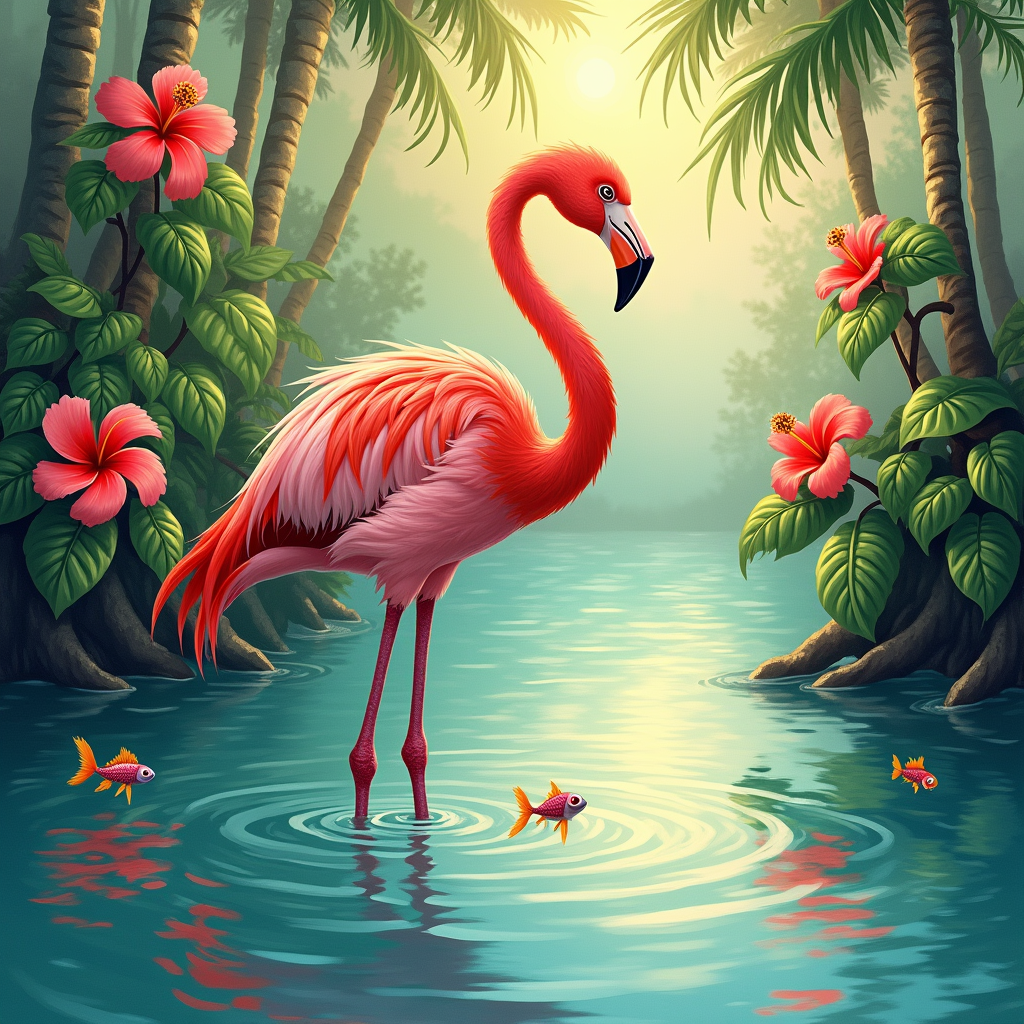
A vibrant pink flamingo stands gracefully on one leg in the shallow waters of a tropical lagoon, its long neck elegantly arched as it gazes at its reflection. The bird's feathers shimmer in the sunlight, showcasing varying shades of coral and rose, with delicate accents of orange. Surrounding the flamingo are lush green mangroves and clusters of bright hibiscus flowers, their petals contrasting against the turquoise water. The scene is painted in an impressionistic style, with soft brush strokes that blend colors seamlessly. The golden hour casts a warm, ethereal glow, creating a serene and tranquil mood. The camera angle is low, capturing the flamingo's majesty against the backdrop of a pastel sky, while a few playful fish ripple the water's surface nearby, adding life to the composition.
Flux AI Image Promptの詳細分析
Flux AI Image Generatorを使用して画像を生成するために使用された詳細なプロンプトを分析します。
Flux AI画像生成のプロンプトを探索
で画像を生成する方法 Flux.1 dev
以下の4つの簡単なステップに従って、希望する画像を作成してください。
ステップ 1: テキストを入力 (より良い結果のためにプロンプトを調整してください)
ステップ 2: 画像のアスペクト比を選択
ステップ 3: Fluxモデルを選択:
ステップ 4: 生成ボタンをクリックして数秒待ち、画像を取得
プロンプトに関連するFlux AIツール Flux.1 dev
Flux AIの高度なツールを発見して、クリエイティブな作業フローを強化しましょう。