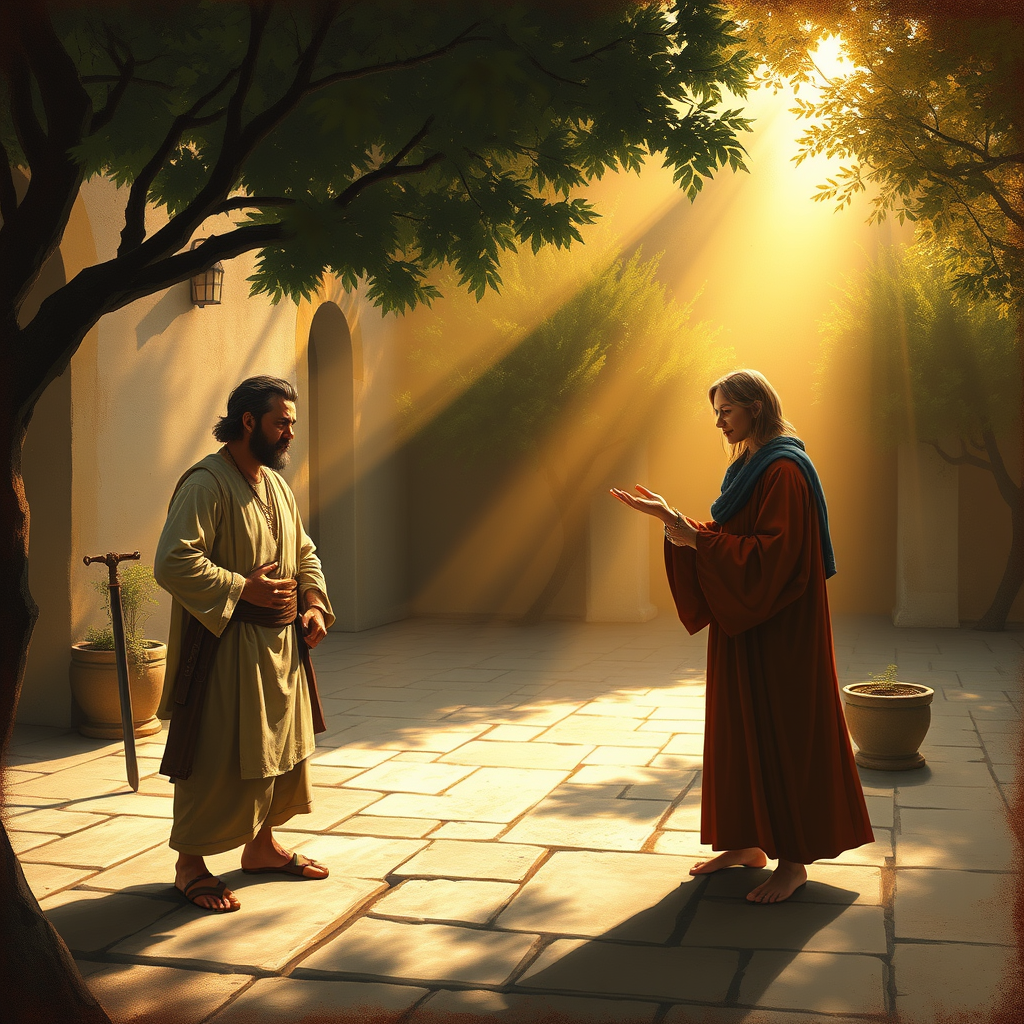
A soft answer turns away wrath. - Flux.1 schnell
プロンプト
**Prompt:** "A serene scene depicting the proverb 'A soft answer turns away wrath.' Two figures stand in a sunlit courtyard: one, tense with anger, fists clenched and face flushed; the other, calm and gentle, offering a soft-spoken reply with a warm, open-handed gesture. The air is thick with tension, yet a soft golden light spills through the trees, symbolizing the dissolving of anger. The style is painterly, reminiscent of Renaissance chiaroscuro, with rich textures and delicate brushstrokes. The background features muted earth tones, while the figures are illuminated, emphasizing the transformative power of kindness. The mood shifts from conflict to peace, captured in the subtle softening of the angry figure’s posture. Details like a dropped weapon or a wilting storm cloud reinforce the theme.
Flux AI Image Promptの詳細分析
Flux AI Image Generatorを使用して画像を生成するために使用された詳細なプロンプトを分析します。
Flux AI画像生成のプロンプトを探索
で画像を生成する方法 Flux.1 schnell
以下の4つの簡単なステップに従って、希望する画像を作成してください。
ステップ 1: テキストを入力 (より良い結果のためにプロンプトを調整してください)
ステップ 2: 画像のアスペクト比を選択
ステップ 3: Fluxモデルを選択:
ステップ 4: 生成ボタンをクリックして数秒待ち、画像を取得
プロンプトに関連するFlux AIツール Flux.1 schnell
Flux AIの高度なツールを発見して、クリエイティブな作業フローを強化しましょう。