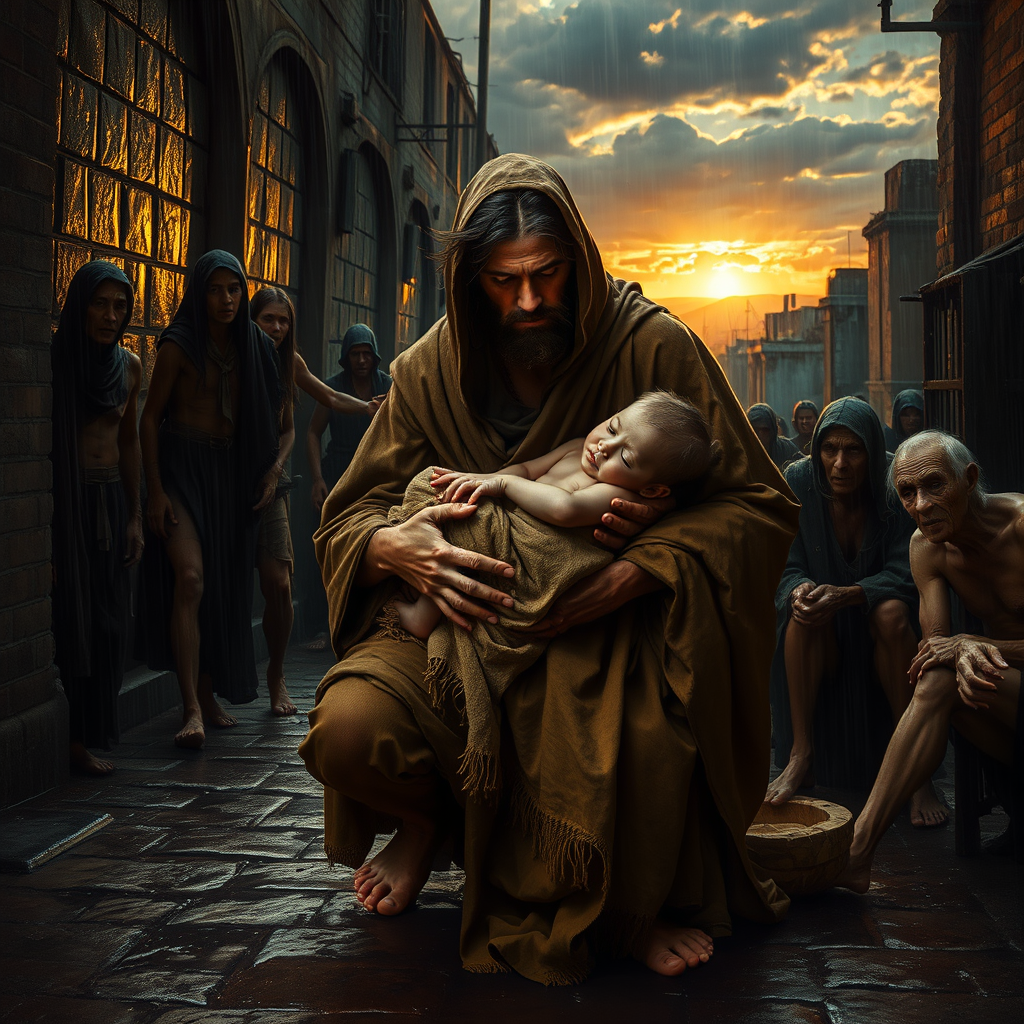
Rescue the weak and the needy. - Flux.1 schnell
プロンプト
**Prompt:** A dramatic, high-contrast scene of a heroic figure in tattered robes kneeling in a rain-soaked alley, cradling a frail child wrapped in a threadbare blanket. Surrounding them are shadowy figures—emaciated, wounded, or elderly—reaching out with desperate hope. The mood is solemn yet uplifting, with golden light breaking through storm clouds, casting a divine glow on the rescuer’s face. The style blends Caravaggio’s chiaroscuro with modern photorealism, emphasizing textures: rain-slick cobblestones, mud-streaked hands, and the rescuer’s determined expression. In the background, a crumbling cityscape hints at societal decay, while a distant sunrise symbolizes renewal. Focus on the intimate moment of compassion, evoking Renaissance religious art but grounded in raw, contemporary realism.
Flux AI Image Promptの詳細分析
Flux AI Image Generatorを使用して画像を生成するために使用された詳細なプロンプトを分析します。
Flux AI画像生成のプロンプトを探索
で画像を生成する方法 Flux.1 schnell
以下の4つの簡単なステップに従って、希望する画像を作成してください。
ステップ 1: テキストを入力 (より良い結果のためにプロンプトを調整してください)
ステップ 2: 画像のアスペクト比を選択
ステップ 3: Fluxモデルを選択:
ステップ 4: 生成ボタンをクリックして数秒待ち、画像を取得
プロンプトに関連するFlux AIツール Flux.1 schnell
Flux AIの高度なツールを発見して、クリエイティブな作業フローを強化しましょう。