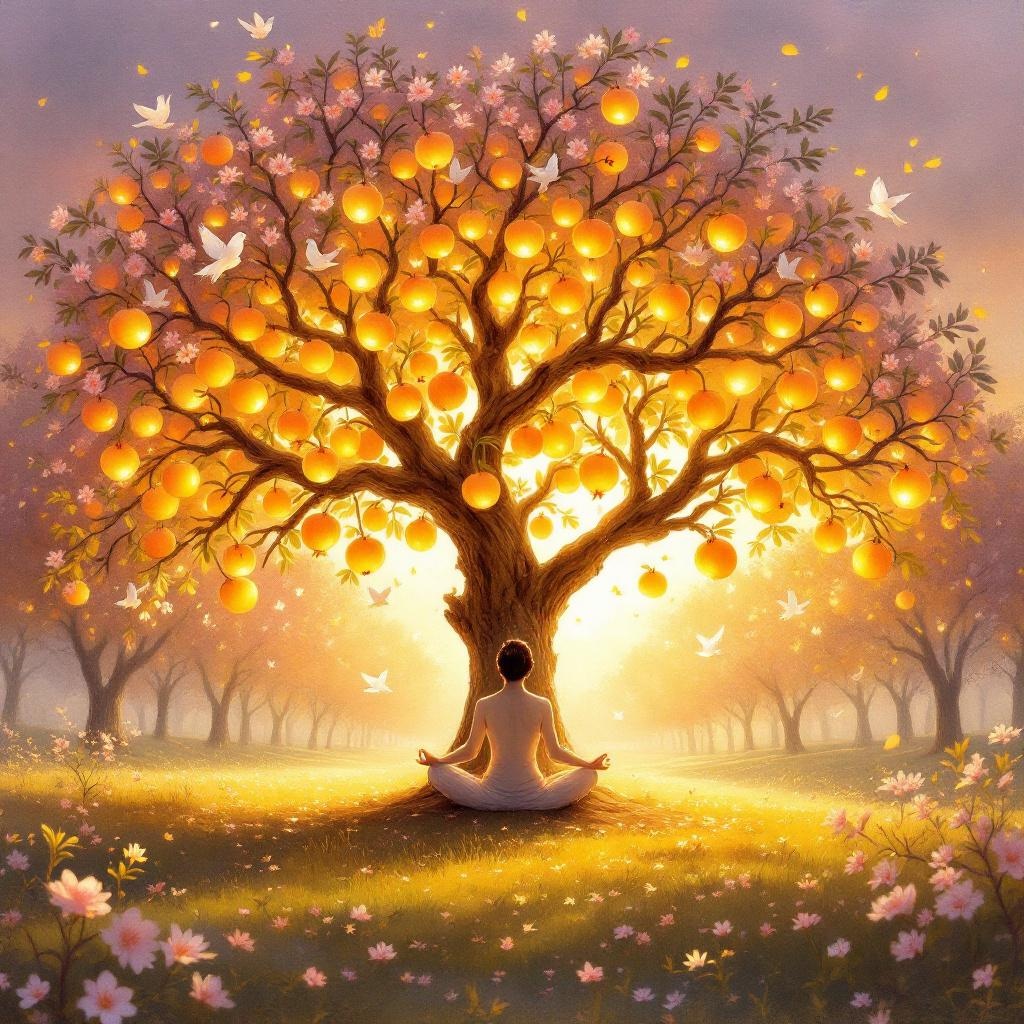
The fruit of righteousness is peace. - Flux.1.1 pro
プロンプト
**Prompt:** "A serene, sunlit orchard at golden hour, where a majestic tree with luminous, golden fruit stands at the center, its branches heavy with glowing pomegranates symbolizing righteousness. Beneath it, a tranquil figure meditates, their posture exuding calm, surrounded by a halo of soft light. Delicate doves perch on the branches, and a gentle breeze carries cherry blossom petals through the air. The background blends ethereal watercolor hues of lavender and gold, evoking Renaissance allegorical paintings with a touch of surrealism. Warm, diffused lighting enhances the harmony, while intricate details in the bark and fruit textures mirror the precision of botanical illustrations. The scene radiates peace, embodying the proverb 'The fruit of righteousness is peace.'
Flux AI Image Promptの詳細分析
Flux AI Image Generatorを使用して画像を生成するために使用された詳細なプロンプトを分析します。
Flux AI画像生成のプロンプトを探索
で画像を生成する方法 Flux.1.1 pro
以下の4つの簡単なステップに従って、希望する画像を作成してください。
ステップ 1: テキストを入力 (より良い結果のためにプロンプトを調整してください)
ステップ 2: 画像のアスペクト比を選択
ステップ 3: Fluxモデルを選択:
ステップ 4: 生成ボタンをクリックして数秒待ち、画像を取得
プロンプトに関連するFlux AIツール Flux.1.1 pro
Flux AIの高度なツールを発見して、クリエイティブな作業フローを強化しましょう。