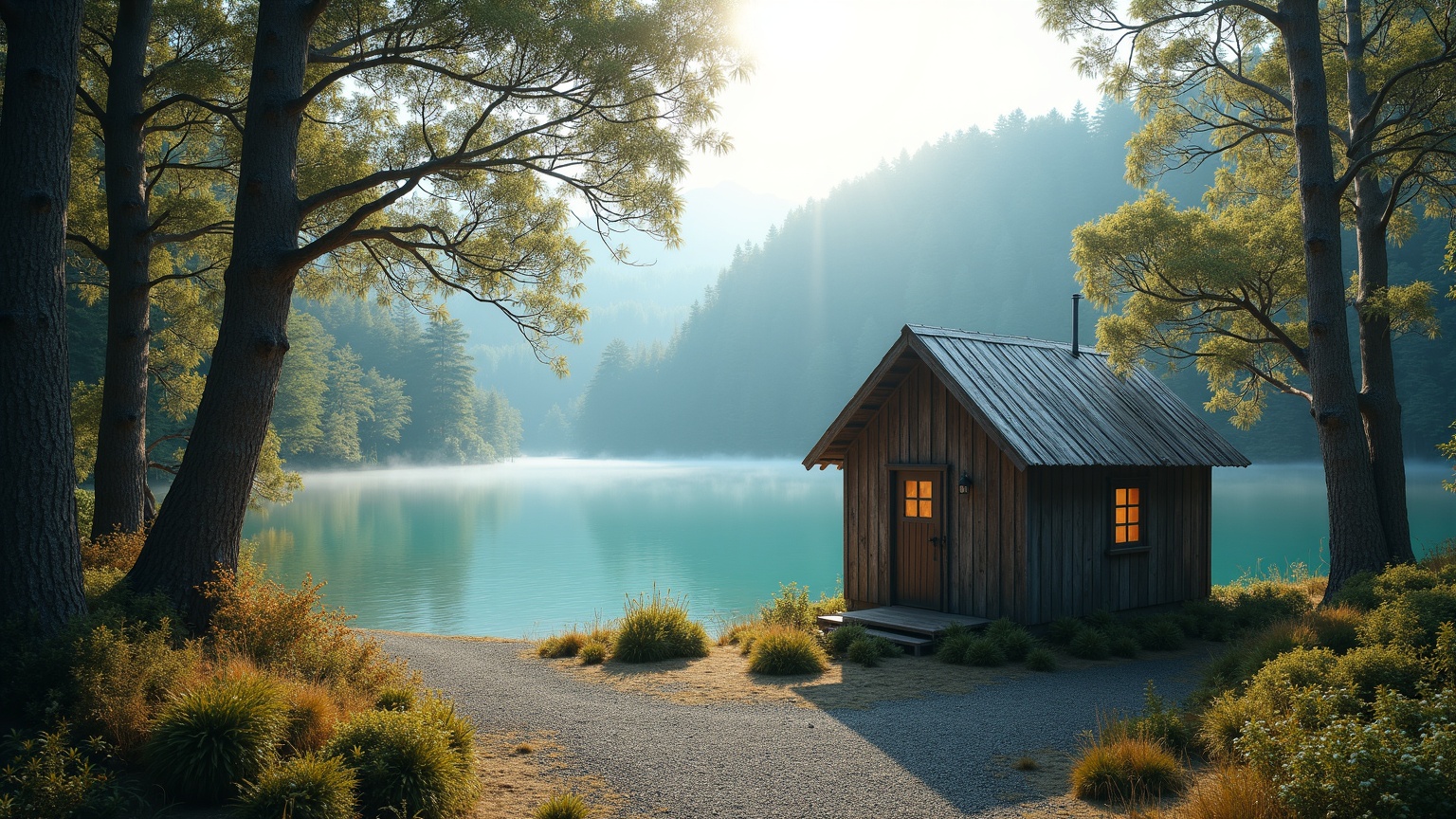
Lake Rotokura - Flux.1 dev
プロンプト
**Prompt:** "Capture the serene beauty of Lake Rotokura, a secluded alpine lake nestled in New Zealand's rugged wilderness. The small, rustic timber hut sits at the water's edge, its weathered wooden planks and simple gabled roof blending seamlessly with the natural surroundings. Towering native beech trees frame the scene, their reflections shimmering in the still, crystal-clear water. The vibrant turquoise hue of the lake contrasts with the deep greens of the forest and the earthy browns of the hut. Soft morning light filters through the mist, casting a golden glow on the tranquil landscape. A gravel path leads to the hut, inviting exploration. The composition evokes solitude and harmony with nature, rendered in a photorealistic style with crisp details and subtle atmospheric depth." (Characters: 698)
Flux AI Image Promptの詳細分析
Flux AI Image Generatorを使用して画像を生成するために使用された詳細なプロンプトを分析します。
Flux AI画像生成のプロンプトを探索
で画像を生成する方法 Flux.1 dev
以下の4つの簡単なステップに従って、希望する画像を作成してください。
ステップ 1: テキストを入力 (より良い結果のためにプロンプトを調整してください)
ステップ 2: 画像のアスペクト比を選択
ステップ 3: Fluxモデルを選択:
ステップ 4: 生成ボタンをクリックして数秒待ち、画像を取得
プロンプトに関連するFlux AIツール Flux.1 dev
Flux AIの高度なツールを発見して、クリエイティブな作業フローを強化しましょう。