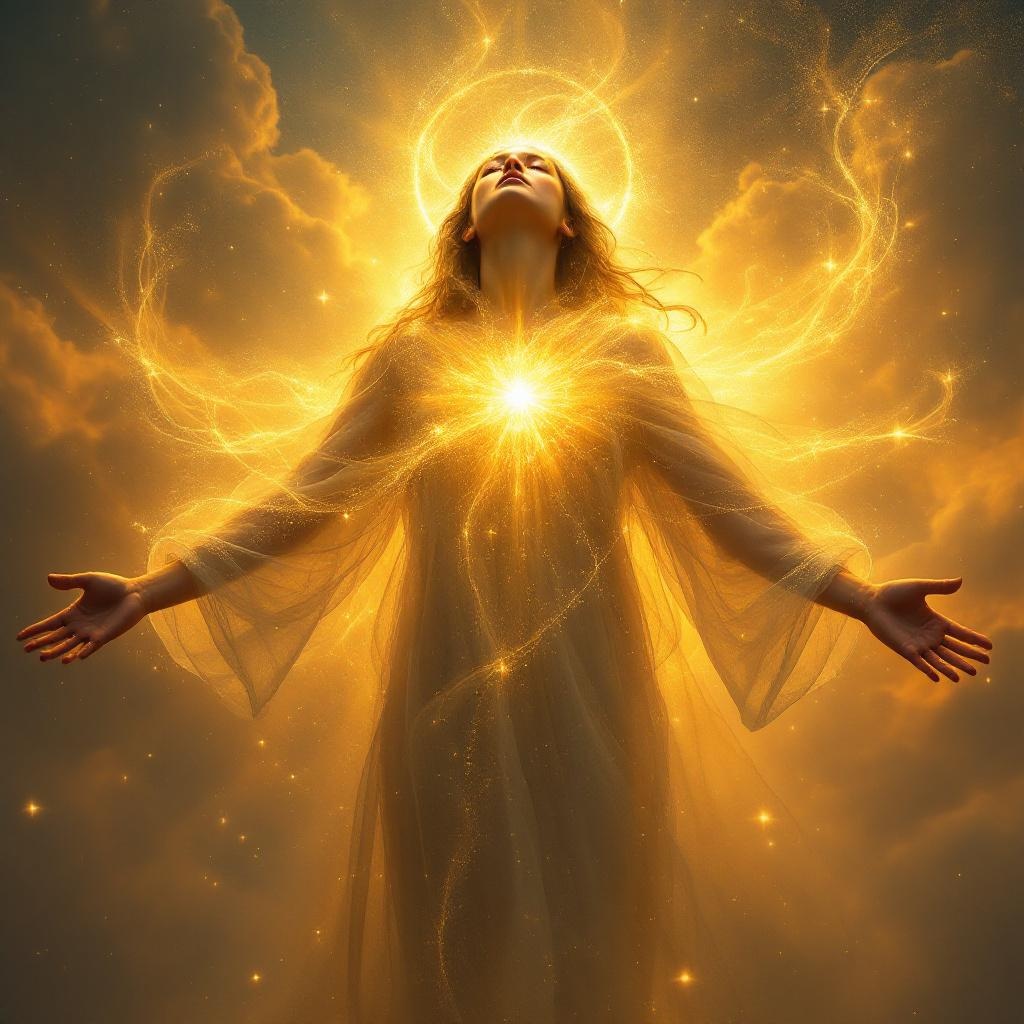
Be filled with the Spirit. - Flux.1.1 pro
プロンプト
**Prompt:** "A serene figure stands with arms outstretched, bathed in a radiant, golden light that emanates from within, symbolizing being 'filled with the Spirit.' Ethereal wisps of luminous energy swirl around them, blending hues of sapphire, amber, and pearl. The background is a dreamy, celestial expanse with soft clouds and subtle rays of divine light. The style evokes Renaissance spirituality with a touch of modern surrealism—think Caravaggio’s chiaroscuro meets contemporary digital art. Warm, glowing highlights contrast with deep shadows, creating a sense of transcendence. The mood is peaceful yet powerful, evoking awe and reverence. Fine details like floating particles of light and delicate fabric flowing in an unseen breeze enhance the mystical atmosphere." (Characters: 731)
Flux AI Image Promptの詳細分析
Flux AI Image Generatorを使用して画像を生成するために使用された詳細なプロンプトを分析します。
Flux AI画像生成のプロンプトを探索
で画像を生成する方法 Flux.1.1 pro
以下の4つの簡単なステップに従って、希望する画像を作成してください。
ステップ 1: テキストを入力 (より良い結果のためにプロンプトを調整してください)
ステップ 2: 画像のアスペクト比を選択
ステップ 3: Fluxモデルを選択:
ステップ 4: 生成ボタンをクリックして数秒待ち、画像を取得
プロンプトに関連するFlux AIツール Flux.1.1 pro
Flux AIの高度なツールを発見して、クリエイティブな作業フローを強化しましょう。