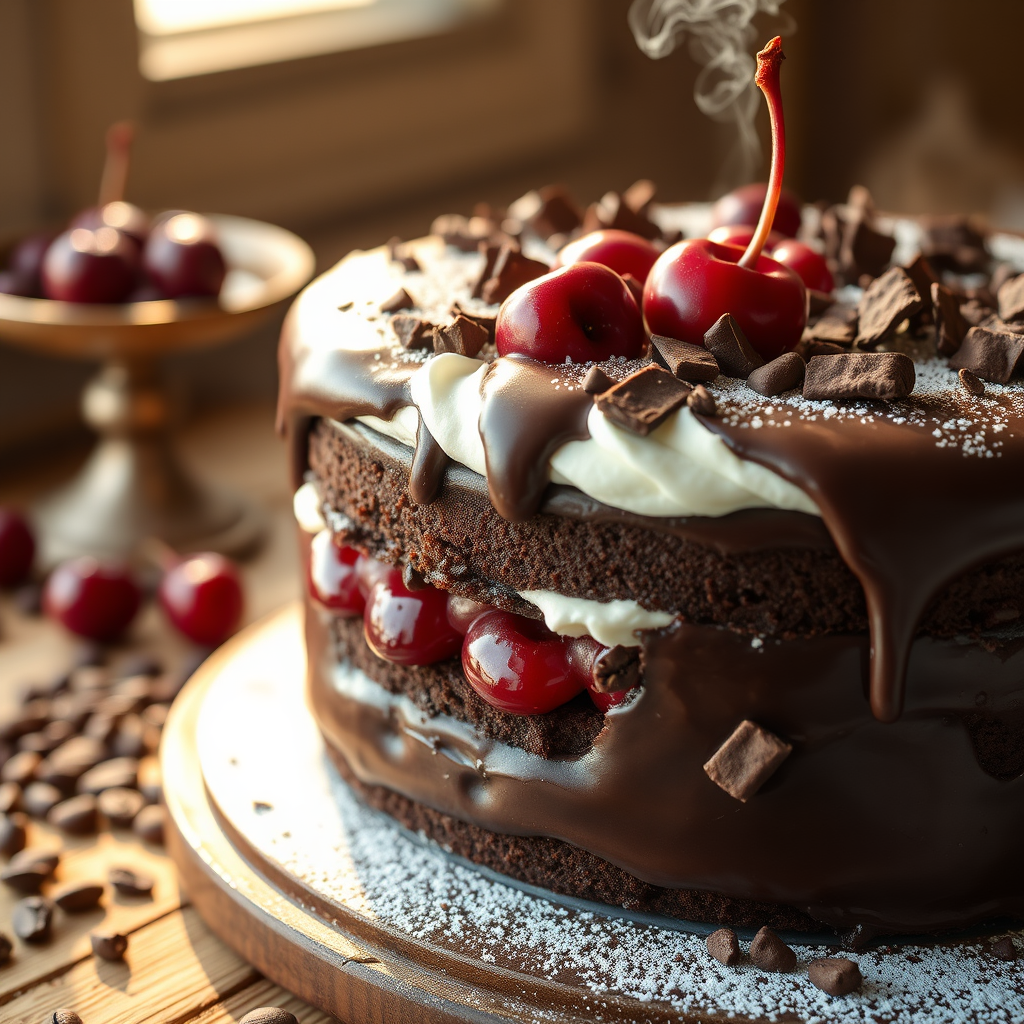
Black Forest Cake - Flux.1 schnell
プロンプト
Capture a decadent Black Forest Cake in stunning detail: layers of rich, dark chocolate sponge soaked in cherry liqueur, sandwiched with glossy, tart cherries and billowy whipped cream. The cake is draped in a velvety chocolate ganache, with delicate chocolate shavings cascading down its sides. A single fresh cherry and a dusting of powdered sugar crown the top. Set against a rustic wooden table with scattered cocoa beans and a vintage cake stand, bathed in warm, golden sunlight streaming through a nearby window. Shoot in a close-up, macro style to highlight the intricate textures—glistening ganache, fluffy cream, and juicy cherries—evoking the aroma of dark chocolate and sweet cherries. Add a slight steam effect to suggest freshness, with a shallow depth of field to blur the background softly.
Flux AI Image Promptの詳細分析
Flux AI Image Generatorを使用して画像を生成するために使用された詳細なプロンプトを分析します。
Flux AI画像生成のプロンプトを探索
で画像を生成する方法 Flux.1 schnell
以下の4つの簡単なステップに従って、希望する画像を作成してください。
ステップ 1: テキストを入力 (より良い結果のためにプロンプトを調整してください)
ステップ 2: 画像のアスペクト比を選択
ステップ 3: Fluxモデルを選択:
ステップ 4: 生成ボタンをクリックして数秒待ち、画像を取得
プロンプトに関連するFlux AIツール Flux.1 schnell
Flux AIの高度なツールを発見して、クリエイティブな作業フローを強化しましょう。