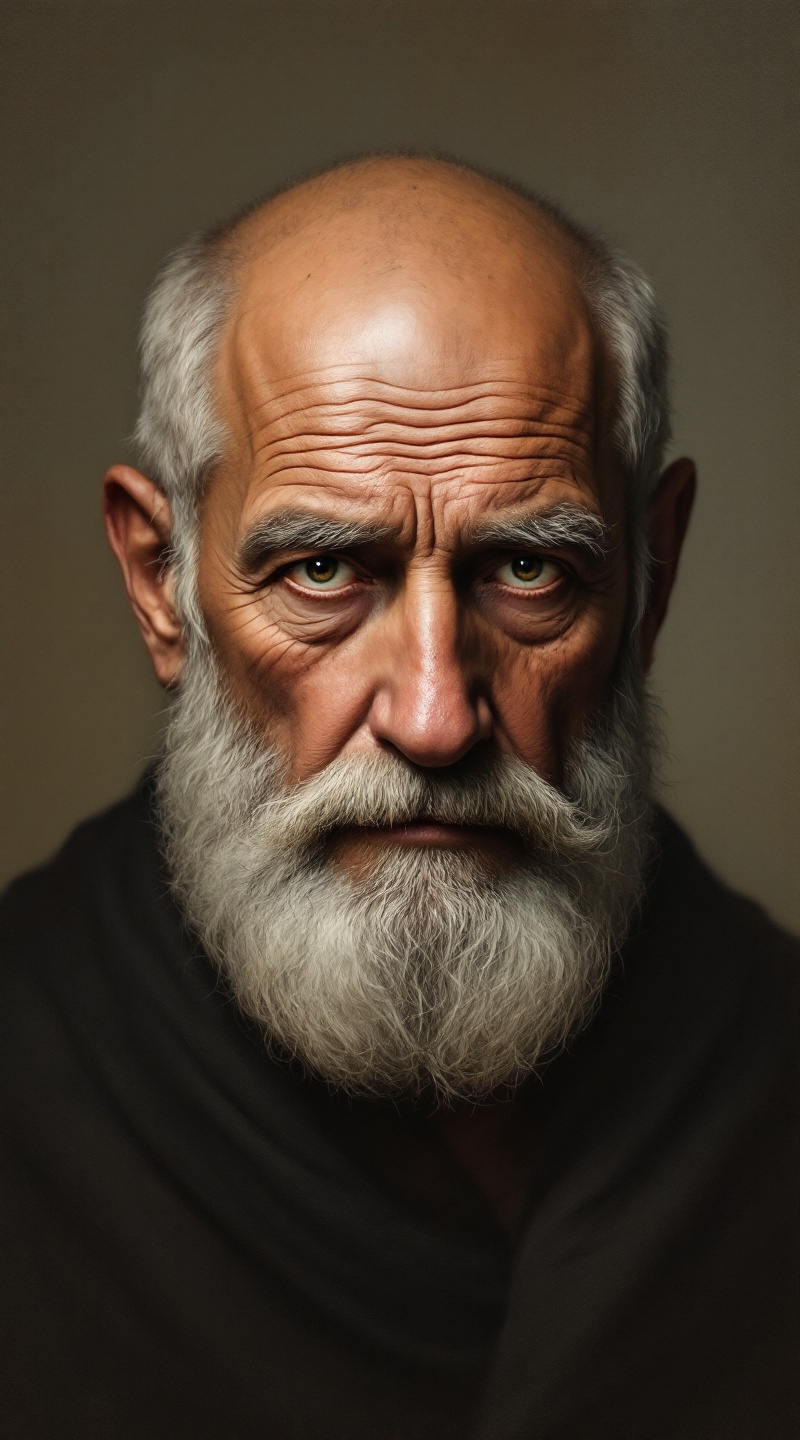
Aristotle - Flux.1.1 pro
プロンプト
**Prompt:** *A striking portrait of Aristotle, an elderly Greek philosopher with a high forehead, deep-set penetrating eyes, and a short, neatly trimmed beard. His expression is contemplative and wise, with a slight furrow in his brow, exuding intellectual intensity. The lighting is soft and diffused, casting subtle shadows that accentuate his sharp features, reminiscent of classical Greek sculpture. The background is a muted, textured parchment or marble, evoking ancient academia. Rendered in a hyper-realistic oil painting style with rich, earthy tones, fine brushstrokes, and delicate chiaroscuro. Shot from a slightly low angle to emphasize his authoritative presence, with a shallow depth of field to blur the background. The mood is serene yet profound, capturing the essence of timeless wisdom.* (995 characters)
Flux AI Image Promptの詳細分析
Flux AI Image Generatorを使用して画像を生成するために使用された詳細なプロンプトを分析します。
Flux AI画像生成のプロンプトを探索
で画像を生成する方法 Flux.1.1 pro
以下の4つの簡単なステップに従って、希望する画像を作成してください。
ステップ 1: テキストを入力 (より良い結果のためにプロンプトを調整してください)
ステップ 2: 画像のアスペクト比を選択
ステップ 3: Fluxモデルを選択:
ステップ 4: 生成ボタンをクリックして数秒待ち、画像を取得
プロンプトに関連するFlux AIツール Flux.1.1 pro
Flux AIの高度なツールを発見して、クリエイティブな作業フローを強化しましょう。