Ribcage-Flocking Hummingbirds - Flux.1 dev
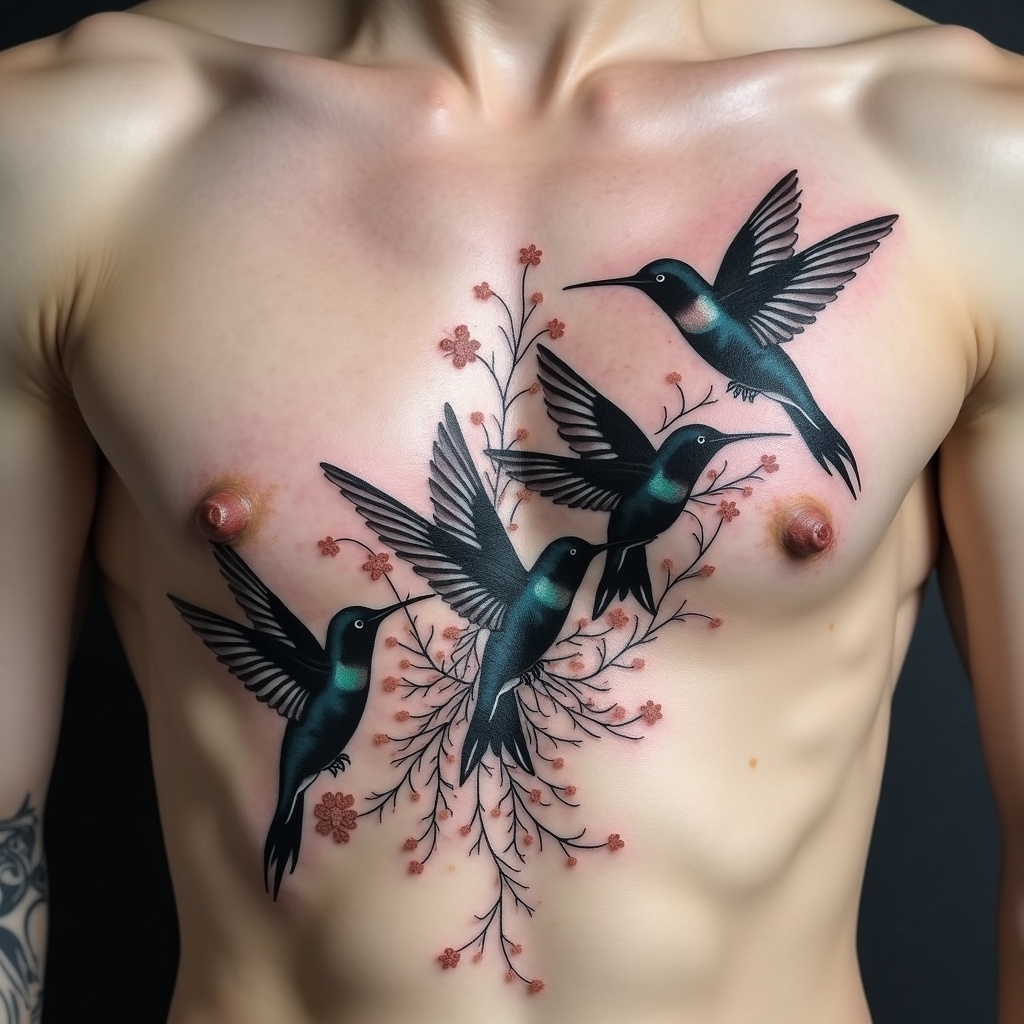
プロンプト
**Prompt:** A striking ribcage tattoo featuring a flock of hummingbirds in flight, their delicate wings intricately detailed with fine linework and subtle shading. The design blends realism with ethereal elegance, capturing the birds mid-motion as they emerge from or dissolve into the ribs. Placement follows the natural curve of the ribcage, with the largest hummingbird near the sternum, tapering in size toward the back. Black and grey with hints of iridescent blue or green accents on the wings for a subtle pop of color. Incorporate organic, flowing patterns resembling vines or smoke to enhance the illusion of movement. Symbolizes freedom, resilience, and the fleeting nature of life. Moody yet graceful, with a balance of bold contrast and soft transitions. Size: medium-large, spanning 6-8 inches vertically.
Flux AI Image Promptの詳細分析
Flux AI Image Generatorを使用して画像を生成するために使用された詳細なプロンプトを分析します。
Flux AI画像生成のプロンプトを探索
で画像を生成する方法 Flux.1 dev
以下の4つの簡単なステップに従って、希望する画像を作成してください。
ステップ 1: テキストを入力 (より良い結果のためにプロンプトを調整してください)
ステップ 2: 画像のアスペクト比を選択
ステップ 3: Fluxモデルを選択:
ステップ 4: 生成ボタンをクリックして数秒待ち、画像を取得
プロンプトに関連するFlux AIツール Flux.1 dev
Flux AIの高度なツールを発見して、クリエイティブな作業フローを強化しましょう。