World Badminton Championships - Flux.1 dev
提示
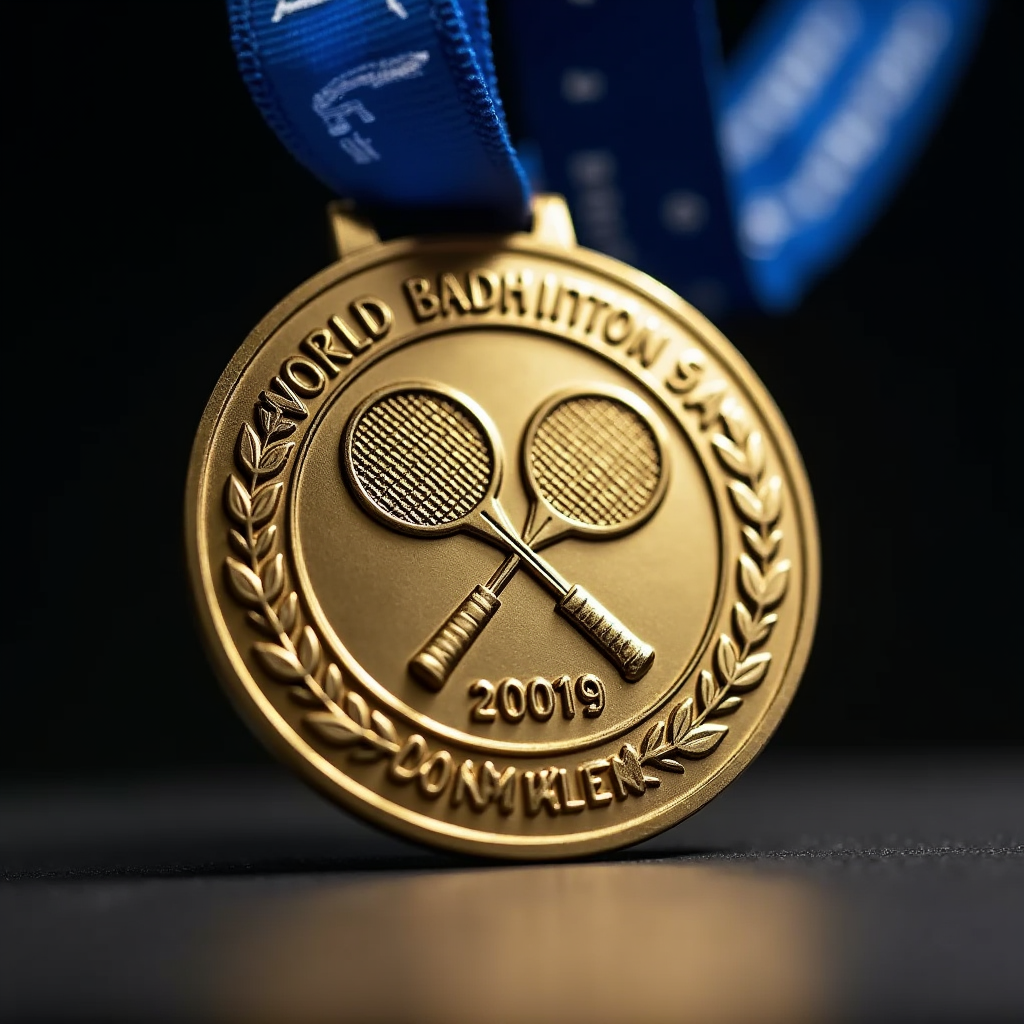
A gleaming gold medal for the World Badminton Championships, circular in shape, 3 inches in diameter, made of polished metal with a subtle brushed finish. The medal hangs from a wide, royal blue ribbon with thin white stripes. The face of the medal features a raised, intricate design of two crossed badminton rackets and a shuttlecock in flight, surrounded by laurel leaves. The championship year and "World Badminton Champion" are engraved along the outer edge. The reverse side displays the tournament logo and host city. The medal catches the light, creating a soft golden glow against a dark, blurred background suggesting a podium. Viewed at a slight angle to showcase depth and detail, with the ribbon draped elegantly. The overall composition conveys prestige and athletic achievement in the world of badminton.
Flux AI 圖像提示的詳細分析
分析使用 Flux AI 圖像生成器生成圖像所使用的詳細提示。
探索 Flux AI 圖像生成器的提示
如何通過 Flux.1 dev
遵循以下四個簡單步驟來創建您想要的圖片。
步驟 1:輸入您的文字 (可自由調整提示以獲得更好的結果)
步驟 2:選擇圖片的縱橫比
步驟 3:選擇您的 Flux 模型:
步驟 4:點擊生成按鈕並等待幾秒鐘獲取您的圖片
與提示相關的 Flux AI 工具 Flux.1 dev
發現來自 Flux AI 的高級工具,提升您的創意工作流程。