Stonehenge - Flux.1 dev
提示
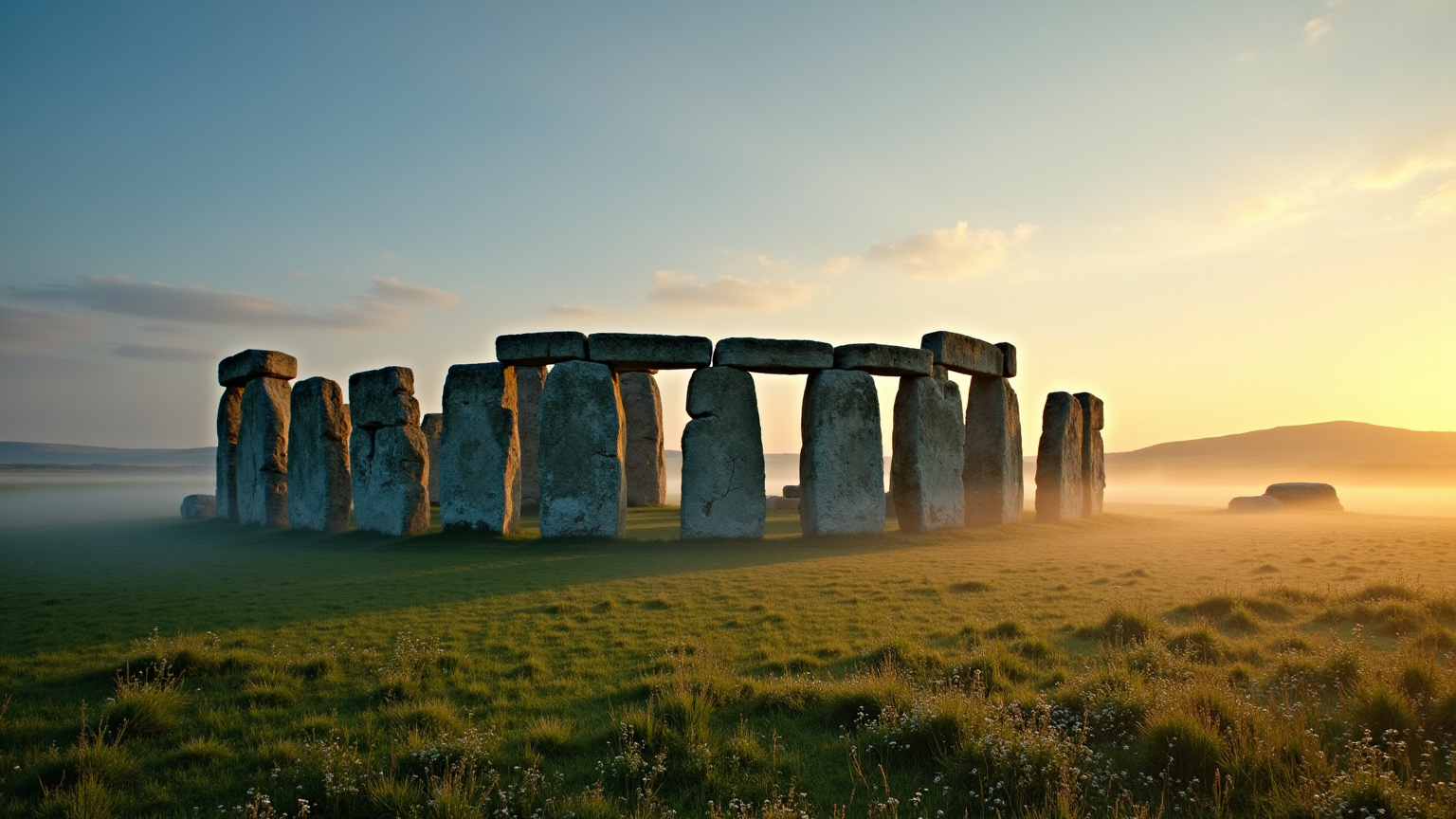
Create a captivating scene of Stonehenge at dawn, with the first light of day casting soft golden hues across the ancient stones. Highlight the iconic circular arrangement of massive sarsen stones and smaller bluestones, showcasing their weathered textures and rugged surfaces, marked by centuries of exposure. Surround the monument with lush green grass and wildflowers, evoking a sense of tranquility and connection to nature. Mist gently rises from the ground, adding an ethereal quality to the atmosphere. In the background, rolling hills and a clear sky transition from deep blues to warm oranges, enhancing the mystical aura of this prehistoric site. Capture the essence of Stonehenge through a wide-angle lens, emphasizing its monumental scale and the interplay of light and shadow, while evoking a sense of wonder and reverence for its cultural and historical significance.
Flux AI 圖像提示的詳細分析
分析使用 Flux AI 圖像生成器生成圖像所使用的詳細提示。
探索 Flux AI 圖像生成器的提示
如何通過 Flux.1 dev
遵循以下四個簡單步驟來創建您想要的圖片。
步驟 1:輸入您的文字 (可自由調整提示以獲得更好的結果)
步驟 2:選擇圖片的縱橫比
步驟 3:選擇您的 Flux 模型:
步驟 4:點擊生成按鈕並等待幾秒鐘獲取您的圖片
與提示相關的 Flux AI 工具 Flux.1 dev
發現來自 Flux AI 的高級工具,提升您的創意工作流程。