Fashion Surprise: Mannequin Magic! - Flux.1.1 pro
提示
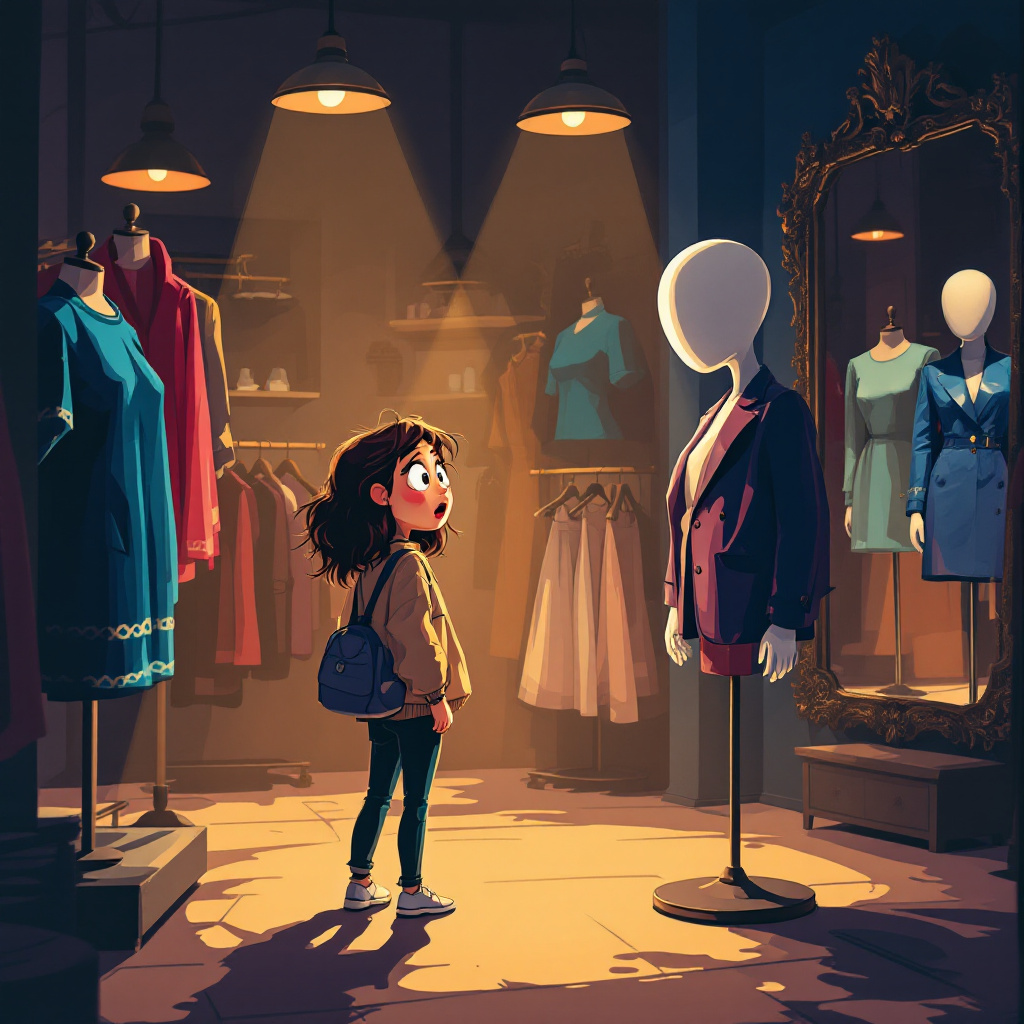
A dimly lit boutique filled with vibrant clothing displays, casting soft shadows across the floor. In the foreground, a surprised young woman with wide eyes and a slightly open mouth stands, her hand frozen mid-gesture, as she turns to face a stylish mannequin dressed in a chic outfit. The mannequin, with a perfectly poised expression, has a glossy finish that reflects the ambient light, creating an eerie contrast. The background features colorful garments hanging on racks, with a vintage mirror reflecting the scene. Warm, golden lighting from overhead fixtures enhances the surreal atmosphere. The color palette includes deep blues and rich burgundies, contrasting with the mannequin's stark white. Employ a whimsical, slightly exaggerated cartoon style to emphasize the humor in the moment, with soft, rounded lines and exaggerated facial expressions.
Flux AI 圖像提示的詳細分析
分析使用 Flux AI 圖像生成器生成圖像所使用的詳細提示。
探索 Flux AI 圖像生成器的提示
如何通過 Flux.1.1 pro
遵循以下四個簡單步驟來創建您想要的圖片。
步驟 1:輸入您的文字 (可自由調整提示以獲得更好的結果)
步驟 2:選擇圖片的縱橫比
步驟 3:選擇您的 Flux 模型:
步驟 4:點擊生成按鈕並等待幾秒鐘獲取您的圖片
與提示相關的 Flux AI 工具 Flux.1.1 pro
發現來自 Flux AI 的高級工具,提升您的創意工作流程。