Sparrow - Flux.1 dev
提示
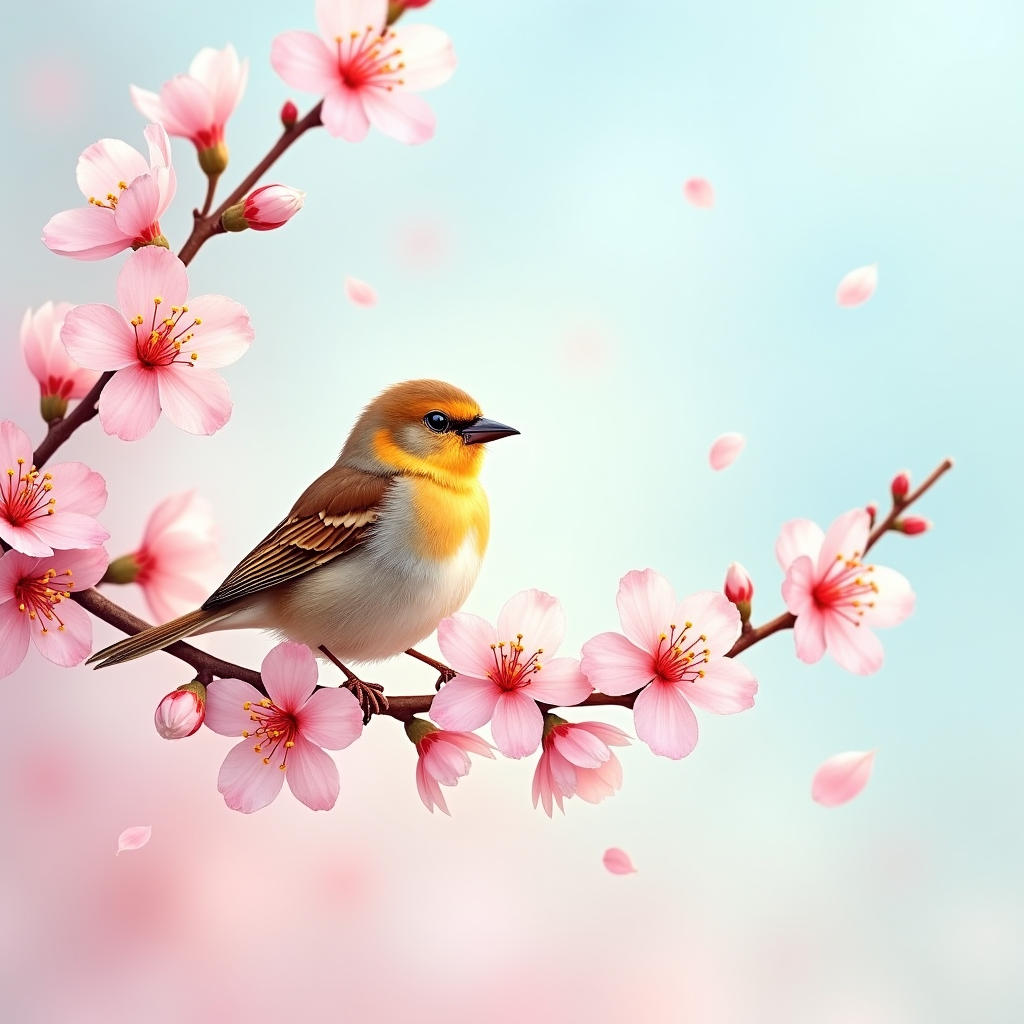
A small, vibrant sparrow perched gracefully on a delicate cherry blossom branch, its feathers a mix of warm browns and soft yellows, glistening in the gentle morning light. The bird's head is slightly tilted, showcasing its bright, curious eyes, while a light breeze ruffles its plumage. Surrounding it, a cascade of pink blossoms contrasts beautifully against a soft blue sky, creating a serene and joyful atmosphere. The scene is painted in a whimsical watercolor style, with a pastel color palette emphasizing the tranquility of spring. The lighting is soft and diffused, casting gentle shadows that add depth. The camera angle is slightly below the sparrow, capturing it as the focal point against the backdrop of blooming flowers, with a bokeh effect that blurs the background. A few fluttering petals drift down, enhancing the sense of movement and life in this enchanting moment.
Flux AI 圖像提示的詳細分析
分析使用 Flux AI 圖像生成器生成圖像所使用的詳細提示。
探索 Flux AI 圖像生成器的提示
如何通過 Flux.1 dev
遵循以下四個簡單步驟來創建您想要的圖片。
步驟 1:輸入您的文字 (可自由調整提示以獲得更好的結果)
步驟 2:選擇圖片的縱橫比
步驟 3:選擇您的 Flux 模型:
步驟 4:點擊生成按鈕並等待幾秒鐘獲取您的圖片
與提示相關的 Flux AI 工具 Flux.1 dev
發現來自 Flux AI 的高級工具,提升您的創意工作流程。