Chocolate Cake - Flux.1.1 pro
提示
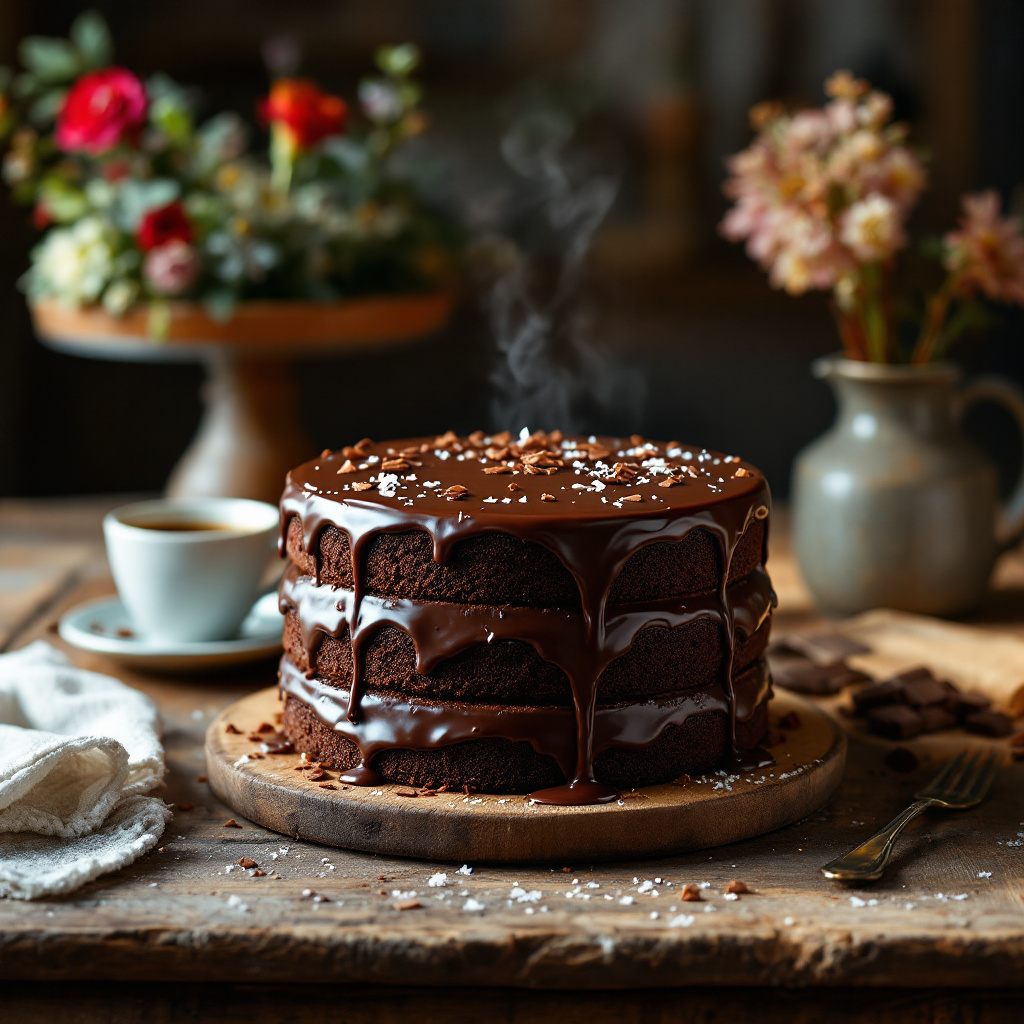
A decadent, three-layer chocolate cake sits elegantly on a rustic wooden table, its rich, dark brown layers contrasting beautifully with a glossy, velvety chocolate ganache that glistens under soft, warm natural light. The cake is adorned with delicate chocolate shavings and a sprinkle of sea salt, adding texture and visual intrigue. In the background, a cozy kitchen setting features a vintage cake stand and a bouquet of fresh flowers, enhancing the inviting atmosphere. The shot is framed in close-up macro photography, capturing the moist crumb and the luscious, oozing ganache that drips slightly down the sides. A hint of steam rises from a freshly brewed cup of coffee nearby, inviting the viewer to indulge in the rich, bittersweet aroma that complements the cake. This scene evokes a sense of warmth and indulgence, perfect for a delightful afternoon treat.
Flux AI 圖像提示的詳細分析
分析使用 Flux AI 圖像生成器生成圖像所使用的詳細提示。
探索 Flux AI 圖像生成器的提示
如何通過 Flux.1.1 pro
遵循以下四個簡單步驟來創建您想要的圖片。
步驟 1:輸入您的文字 (可自由調整提示以獲得更好的結果)
步驟 2:選擇圖片的縱橫比
步驟 3:選擇您的 Flux 模型:
步驟 4:點擊生成按鈕並等待幾秒鐘獲取您的圖片
與提示相關的 Flux AI 工具 Flux.1.1 pro
發現來自 Flux AI 的高級工具,提升您的創意工作流程。