Panic in the Snack Attack! - Flux.1 dev
提示
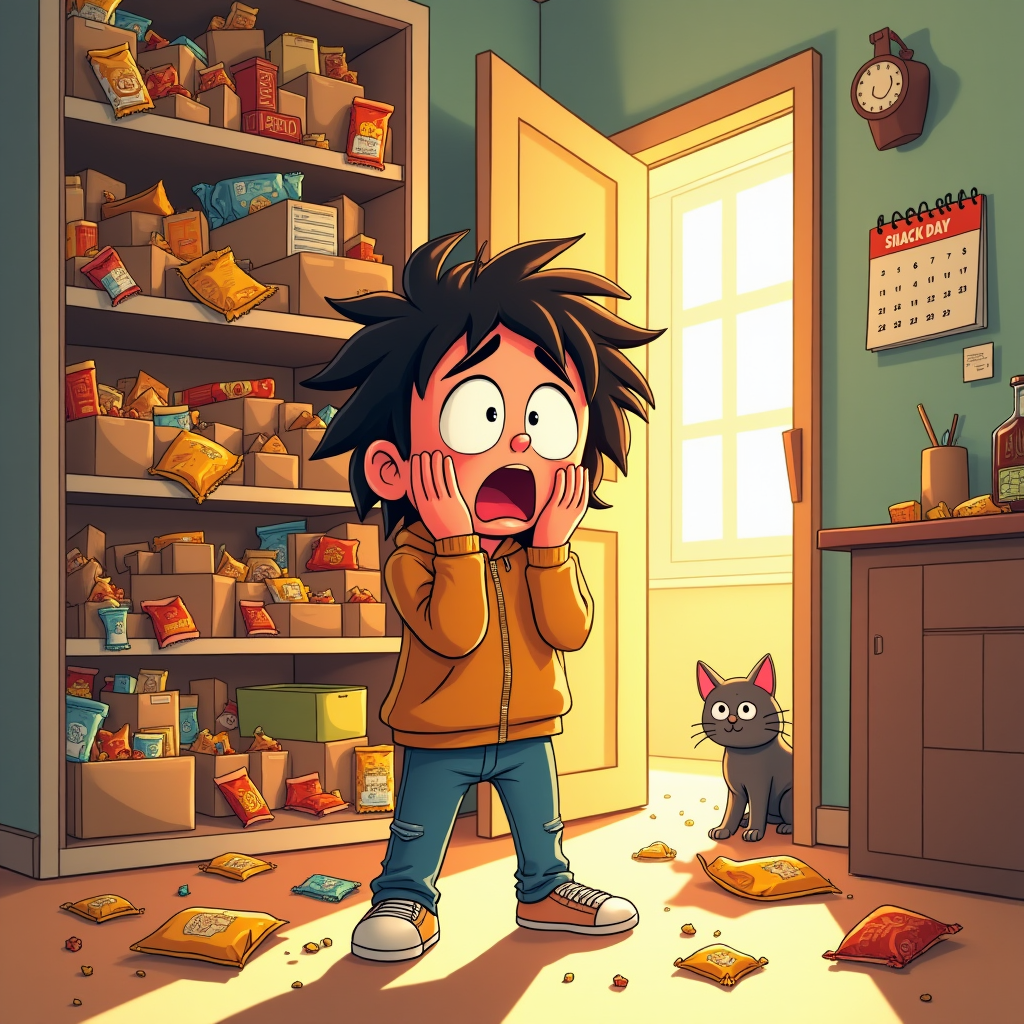
Create a whimsical, cartoon-style illustration depicting a cluttered kitchen pantry with empty snack bags strewn about. In the foreground, a wide-eyed character, a young adult with messy hair and a comically exaggerated expression of panic, stands with hands on their cheeks. The shelves are chaotic, with toppled boxes and crumbs scattered on the floor, emphasizing the snack disaster. Use a warm color palette of yellows and oranges to evoke a cozy yet frantic atmosphere. Soft, diffused lighting streams in from a nearby window, casting playful shadows. Include a cat peeking from behind the pantry door, adding a touch of humor. The background should show a calendar marked with "Snack Day" in bold letters, hinting at the urgency. Employ a vibrant, exaggerated cartoon style with bold outlines and dynamic poses to enhance the sense of urgency and chaos in the scene.
Flux AI 圖像提示的詳細分析
分析使用 Flux AI 圖像生成器生成圖像所使用的詳細提示。
探索 Flux AI 圖像生成器的提示
如何通過 Flux.1 dev
遵循以下四個簡單步驟來創建您想要的圖片。
步驟 1:輸入您的文字 (可自由調整提示以獲得更好的結果)
步驟 2:選擇圖片的縱橫比
步驟 3:選擇您的 Flux 模型:
步驟 4:點擊生成按鈕並等待幾秒鐘獲取您的圖片
與提示相關的 Flux AI 工具 Flux.1 dev
發現來自 Flux AI 的高級工具,提升您的創意工作流程。