The Tour of Flanders - Flux.1 schnell
提示
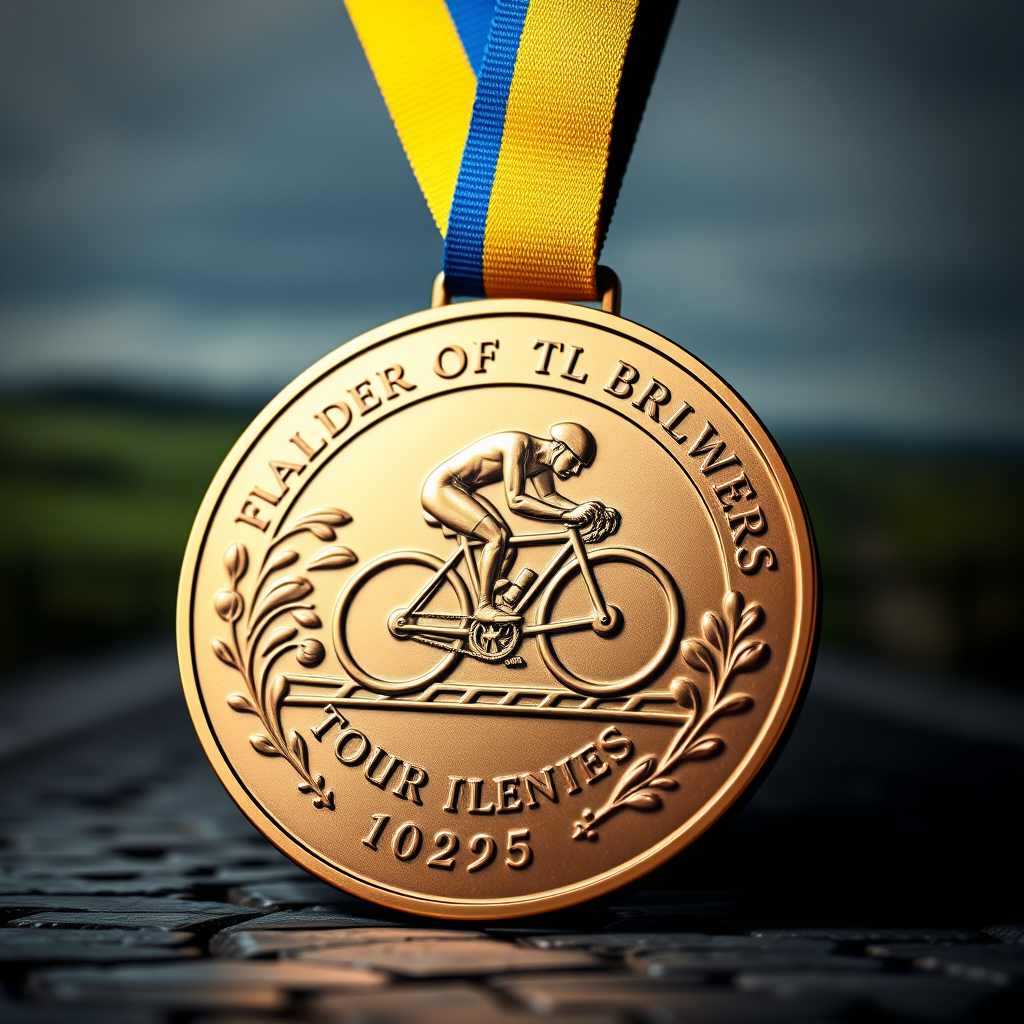
Create a striking image of a Tour of Flanders medal, featuring a circular design with a diameter of 80mm, crafted from polished bronze with intricate detailing. The medal should showcase a raised relief of a cyclist in motion, surrounded by stylized representations of the iconic cobblestone roads of Flanders. Adorned with a vibrant blue and yellow ribbon, the ribbon should be 30mm wide, featuring a subtle pattern of cycling wheels. Include engravings on the back, displaying the event name and year in an elegant serif font. The color scheme should incorporate rich gold and deep blue tones, evoking a sense of prestige. Illuminate the medal with soft, dramatic lighting against a blurred backdrop of a Flanders landscape, emphasizing the medal's texture and details. Present it at a slight angle to enhance depth, ensuring the cyclist motif is prominent and captivating.
Flux AI 圖像提示的詳細分析
分析使用 Flux AI 圖像生成器生成圖像所使用的詳細提示。
探索 Flux AI 圖像生成器的提示
如何通過 Flux.1 schnell
遵循以下四個簡單步驟來創建您想要的圖片。
步驟 1:輸入您的文字 (可自由調整提示以獲得更好的結果)
步驟 2:選擇圖片的縱橫比
步驟 3:選擇您的 Flux 模型:
步驟 4:點擊生成按鈕並等待幾秒鐘獲取您的圖片
與提示相關的 Flux AI 工具 Flux.1 schnell
發現來自 Flux AI 的高級工具,提升您的創意工作流程。