Rebellion in Midgar's Shadows - Flux.1 schnell
提示
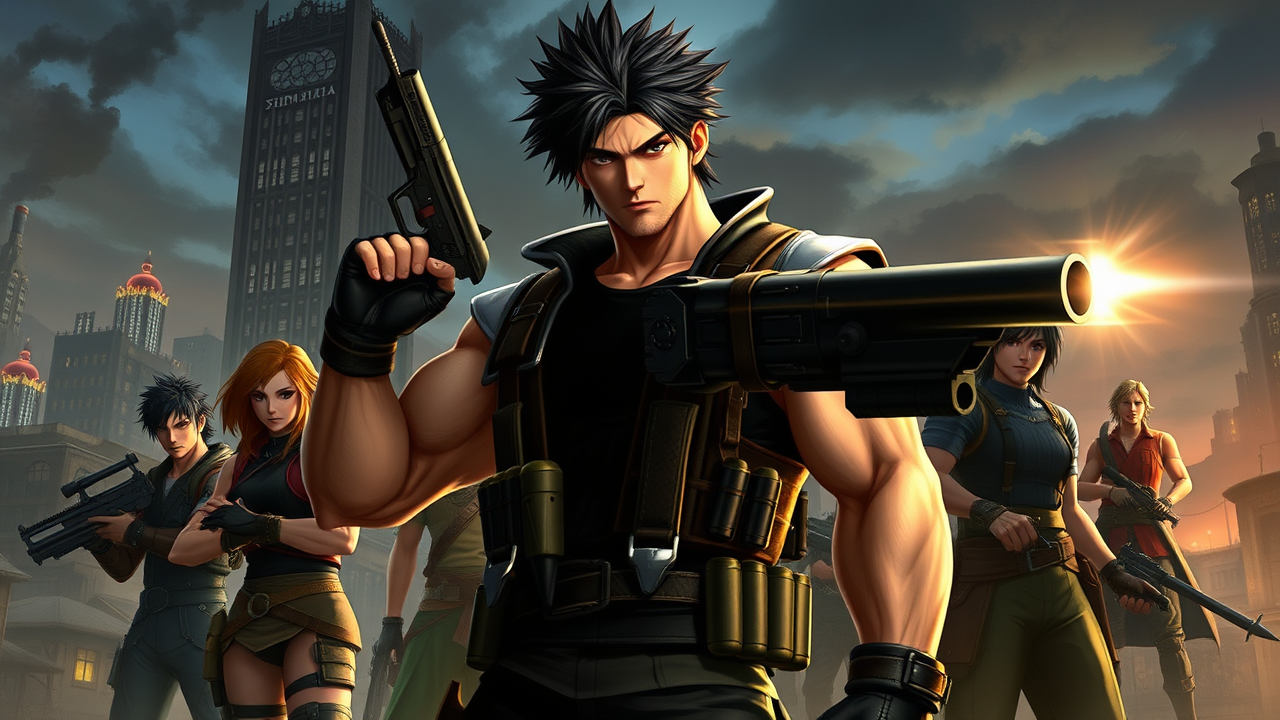
Create a dynamic RPG scene inspired by Final Fantasy VII, featuring Barret Wallace, a muscular, imposing figure with a cybernetic arm that transforms into a powerful gun. His fierce expression reflects determination, framed by wild, short black hair and a rugged, leather vest adorned with ammo pouches. Set against the backdrop of the iconic Midgar skyline, with towering Shinra buildings and a dark, polluted sky, the atmosphere is charged with tension and rebellion. Include elements of the slums below, showcasing makeshift homes and flickering neon lights. Barret stands amidst a group of diverse allies, each displaying unique styles, ready for battle. Highlight his signature weapon, the gun-arm, gleaming with energy. The overall mood is gritty and intense, capturing the spirit of resistance against corporate tyranny, with a hint of hope in the air.
Flux AI 圖像提示的詳細分析
分析使用 Flux AI 圖像生成器生成圖像所使用的詳細提示。
探索 Flux AI 圖像生成器的提示
如何通過 Flux.1 schnell
遵循以下四個簡單步驟來創建您想要的圖片。
步驟 1:輸入您的文字 (可自由調整提示以獲得更好的結果)
步驟 2:選擇圖片的縱橫比
步驟 3:選擇您的 Flux 模型:
步驟 4:點擊生成按鈕並等待幾秒鐘獲取您的圖片
與提示相關的 Flux AI 工具 Flux.1 schnell
發現來自 Flux AI 的高級工具,提升您的創意工作流程。