Chiseled Glory: A Hero's Gaze - Flux.1 dev
提示
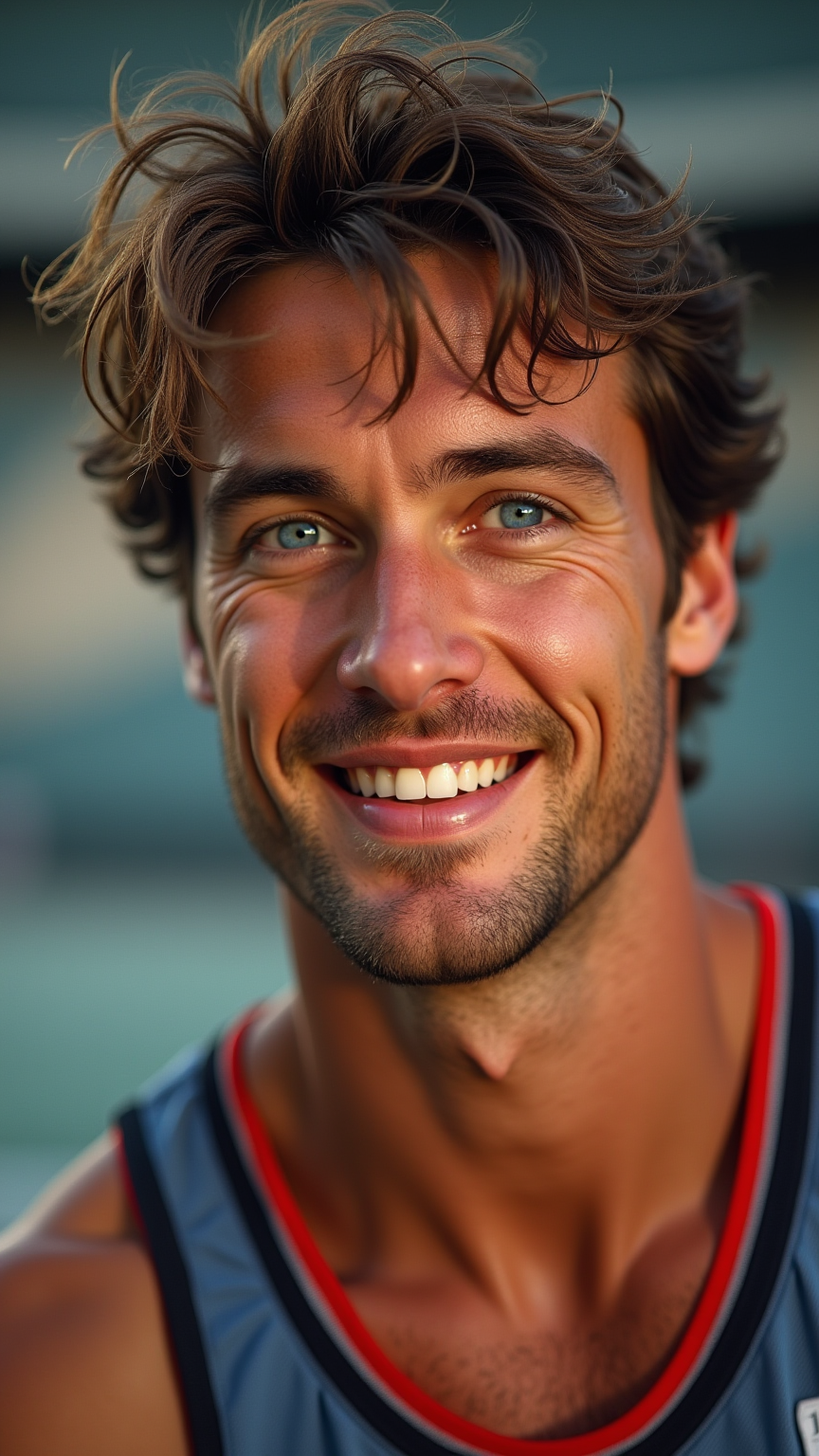
Create a striking portrait of a Caucasian male athlete, showcasing his strong, chiseled features and intense blue eyes that reflect determination. His short, tousled brown hair is slightly damp, hinting at recent exertion. Capture a confident smile that conveys both charisma and focus. The lighting should be dramatic, with a soft, golden hour glow illuminating one side of his face, casting gentle shadows that enhance his jawline and cheekbones. Position him against a blurred background of a sports arena, emphasizing movement and energy. Use a shallow depth of field to draw attention to his expressive face. The composition should be framed from a slightly low angle to enhance his stature, reminiscent of classic sports portraits from the 1980s. Render in high detail, using a photorealistic style to highlight the textures of his skin and athletic wear.
Flux AI 圖像提示的詳細分析
分析使用 Flux AI 圖像生成器生成圖像所使用的詳細提示。
探索 Flux AI 圖像生成器的提示
如何通過 Flux.1 dev
遵循以下四個簡單步驟來創建您想要的圖片。
步驟 1:輸入您的文字 (可自由調整提示以獲得更好的結果)
步驟 2:選擇圖片的縱橫比
步驟 3:選擇您的 Flux 模型:
步驟 4:點擊生成按鈕並等待幾秒鐘獲取您的圖片
與提示相關的 Flux AI 工具 Flux.1 dev
發現來自 Flux AI 的高級工具,提升您的創意工作流程。