Rin Tohsaka - Flux.1 dev
提示
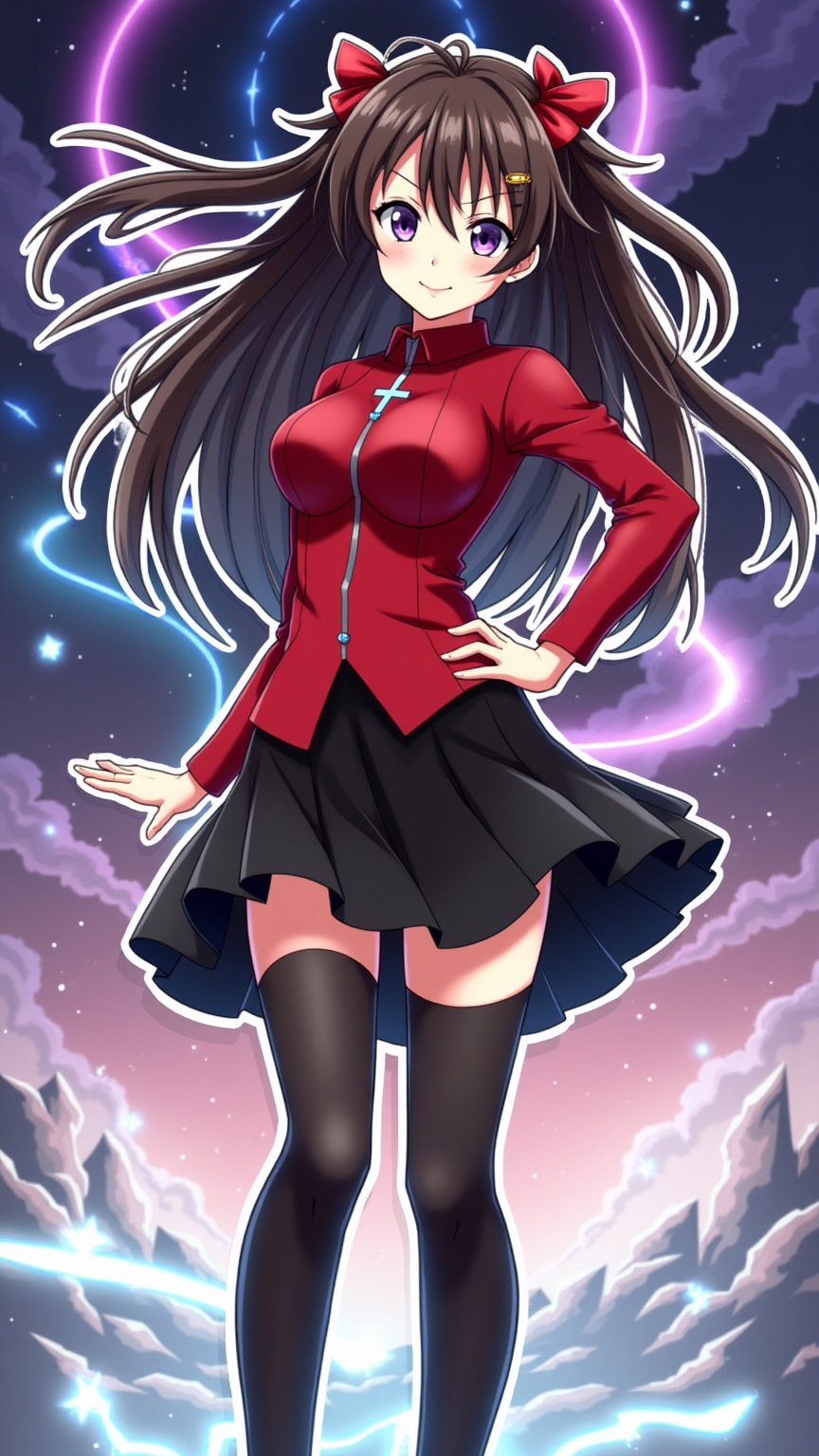
Create an image of Rin Tohsaka from Fate/stay night in a vibrant anime style. Capture her long, dark brown hair with twin tails tied by red ribbons, framing her face. She should be wearing her signature black skirt and a fitted red top adorned with a cross symbol, complemented by knee-high black stockings and stylish shoes. Rin's expression should be confident and slightly mischievous, with a playful smirk and bright, determined violet eyes. Pose her with one hand on her hip and the other raised, as if casting a spell. The background should depict a magical, ethereal landscape, with swirling magical circles and glowing runes to emphasize her mage abilities. Use bold colors and sharp lines typical of modern anime, with a slight touch of chibi style for a playful sticker effect. Include her iconic gem-studded hairpin as a subtle detail, enhancing her character’s charm and recognition.
Flux AI 圖像提示的詳細分析
分析使用 Flux AI 圖像生成器生成圖像所使用的詳細提示。
探索 Flux AI 圖像生成器的提示
如何通過 Flux.1 dev
遵循以下四個簡單步驟來創建您想要的圖片。
步驟 1:輸入您的文字 (可自由調整提示以獲得更好的結果)
步驟 2:選擇圖片的縱橫比
步驟 3:選擇您的 Flux 模型:
步驟 4:點擊生成按鈕並等待幾秒鐘獲取您的圖片
與提示相關的 Flux AI 工具 Flux.1 dev
發現來自 Flux AI 的高級工具,提升您的創意工作流程。