Kenshin Himura - Flux.1 dev
提示
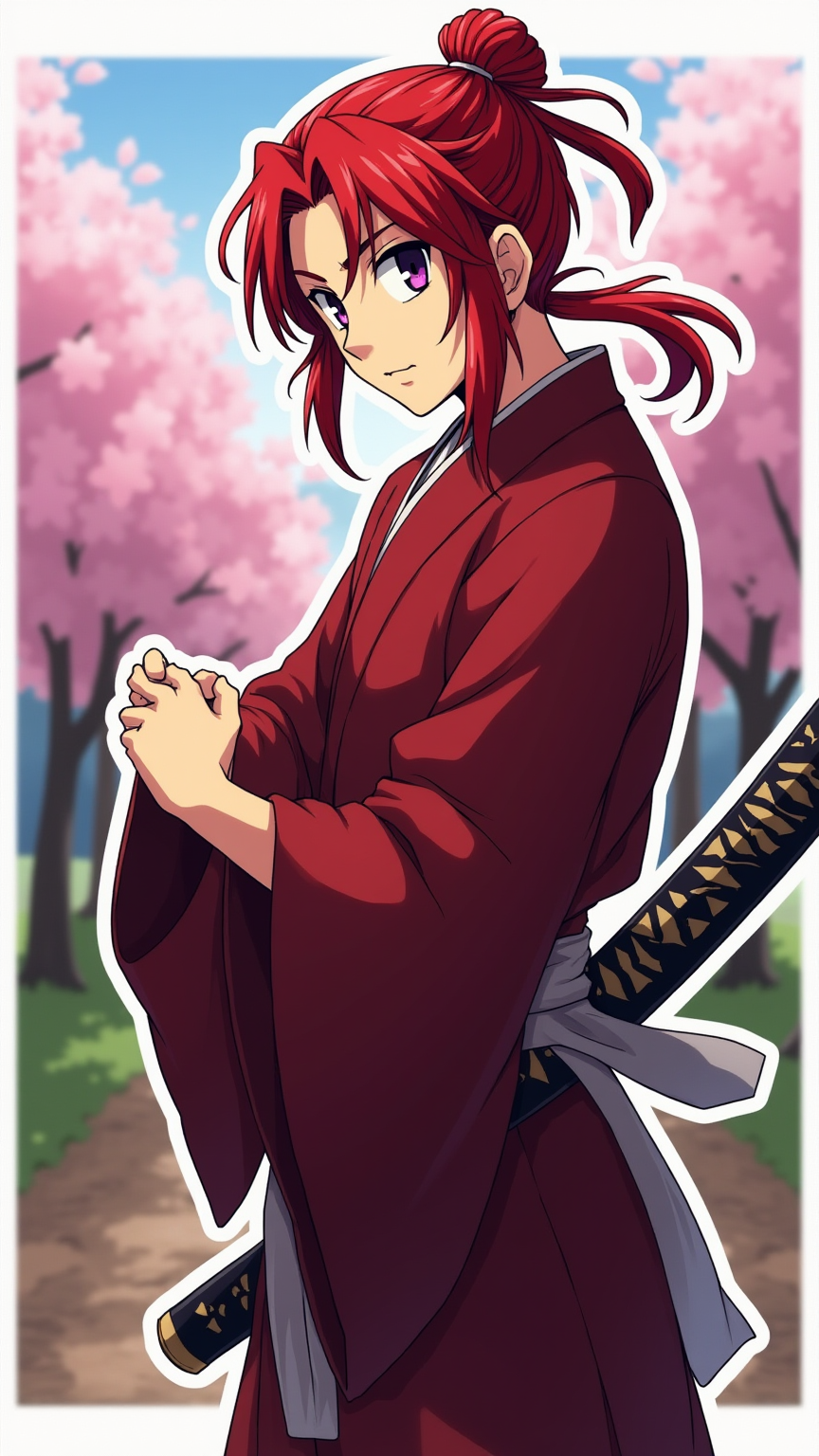
Create an image of Kenshin Himura in a vibrant anime sticker style. Capture his striking red hair, tied in a short ponytail, with loose strands framing his face. He wears a traditional, flowing dark red kimono with a white sash, showcasing his lean and athletic build. His expressive violet eyes reflect determination and a hint of kindness. Position him in a dynamic pose, with one hand gripping the hilt of his iconic reverse-blade sword, ready for action. His expression should convey a mix of resolve and calmness, embodying his dual nature as a protector and a wanderer. Set the scene against a serene rural landscape, with cherry blossom trees gently swaying in the breeze, symbolizing peace. Use vibrant colors and bold outlines typical of anime sticker art, emphasizing Kenshin's signature elements like his sword and the faint aura of his past battles.
Flux AI 圖像提示的詳細分析
分析使用 Flux AI 圖像生成器生成圖像所使用的詳細提示。
探索 Flux AI 圖像生成器的提示
如何通過 Flux.1 dev
遵循以下四個簡單步驟來創建您想要的圖片。
步驟 1:輸入您的文字 (可自由調整提示以獲得更好的結果)
步驟 2:選擇圖片的縱橫比
步驟 3:選擇您的 Flux 模型:
步驟 4:點擊生成按鈕並等待幾秒鐘獲取您的圖片
與提示相關的 Flux AI 工具 Flux.1 dev
發現來自 Flux AI 的高級工具,提升您的創意工作流程。