Ryu's Hadouken: Urban Showdown - Flux.1.1 pro
提示
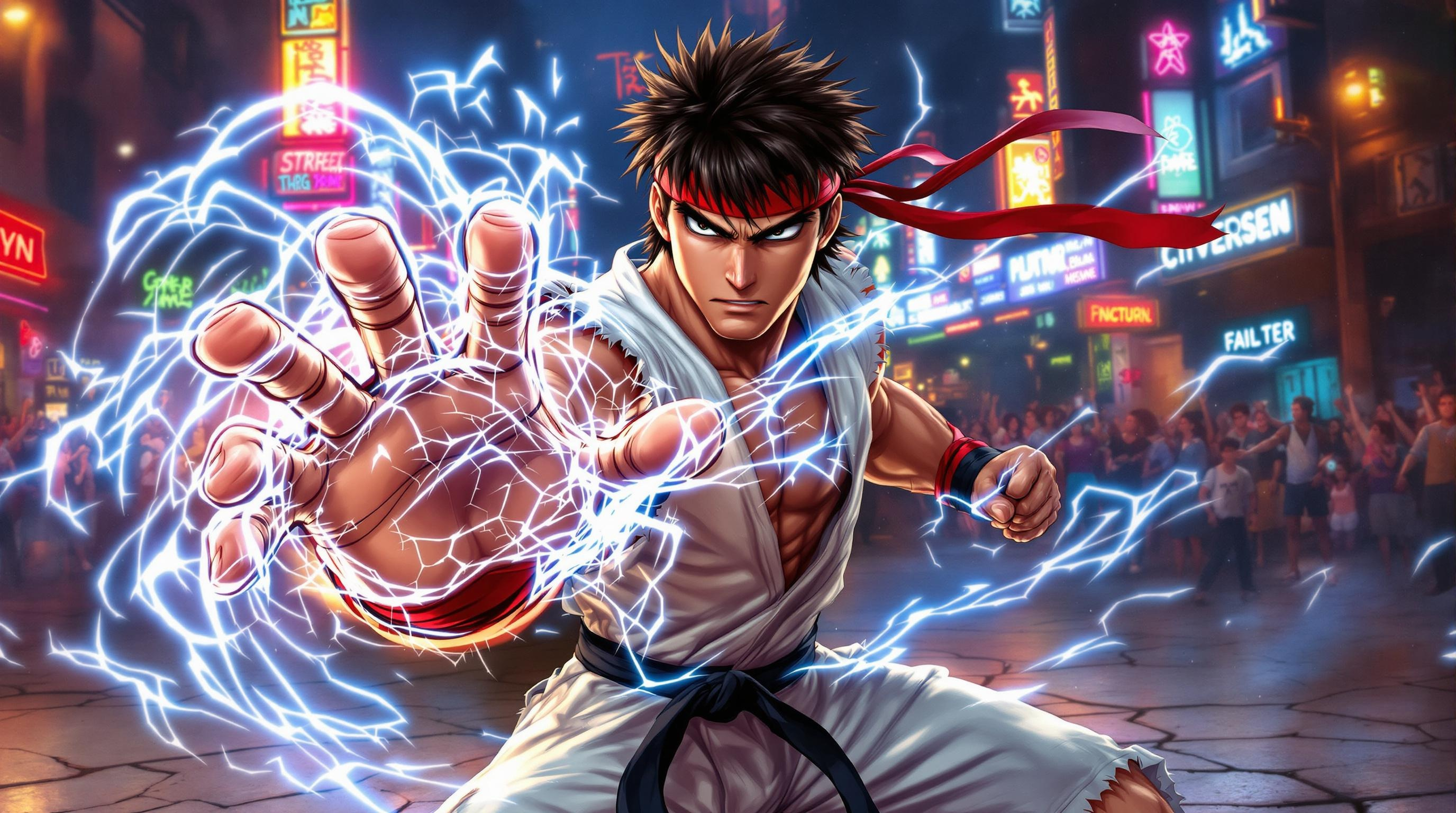
Create a dynamic fighting scene inspired by the classic arcade game "Street Fighter II." Focus on Ryu, a disciplined martial artist with a muscular build, wearing a white gi with a red headband, showcasing his iconic Hadouken pose. Capture the intensity in his determined expression, emphasizing his black belt and the subtle details of his torn sleeves. The background features a vibrant urban setting, with neon lights and graffiti-covered walls, evoking the bustling streets of a city. Include a cheering crowd in the distance, adding to the electrifying atmosphere. The ground is cracked from intense battles, and wisps of energy radiate from Ryu’s outstretched hand, illustrating the power of his signature move. The overall mood is charged with adrenaline and anticipation, embodying the spirit of competitive fighting games.
Flux AI 圖像提示的詳細分析
分析使用 Flux AI 圖像生成器生成圖像所使用的詳細提示。
探索 Flux AI 圖像生成器的提示
如何通過 Flux.1.1 pro
遵循以下四個簡單步驟來創建您想要的圖片。
步驟 1:輸入您的文字 (可自由調整提示以獲得更好的結果)
步驟 2:選擇圖片的縱橫比
步驟 3:選擇您的 Flux 模型:
步驟 4:點擊生成按鈕並等待幾秒鐘獲取您的圖片
與提示相關的 Flux AI 工具 Flux.1.1 pro
發現來自 Flux AI 的高級工具,提升您的創意工作流程。